Welcome to The Morphic Studio. If you are looking for a way to make your design process smoother, you are in the right place. Today, we are diving deep into a tool that is taking the creative world by storm. It is called Penpot.
Many designers are tired of paying high subscription fees for tools that lock their files away in complicated formats. This is exactly where this amazing open-source platform steps in to save the day, giving creative teams their freedom back.
Design is not just about making things look pretty on a canvas. It is about teamwork, clear communication, and building something that actually works in the real world. That is why collaborative design has become so incredibly important.
When developers and designers are on the exact same page, pure magic happens. In this guide, we are going to talk about everything you need to know.
We will take a look at the newest 2026 updates, and I will share five proven secrets to help you get the most out of your daily workflow. Whether you are a solo freelancer or part of a rapidly growing agency, these tips will definitely change the way you work.
What is Penpot and Why It is Changing Design in 2026?
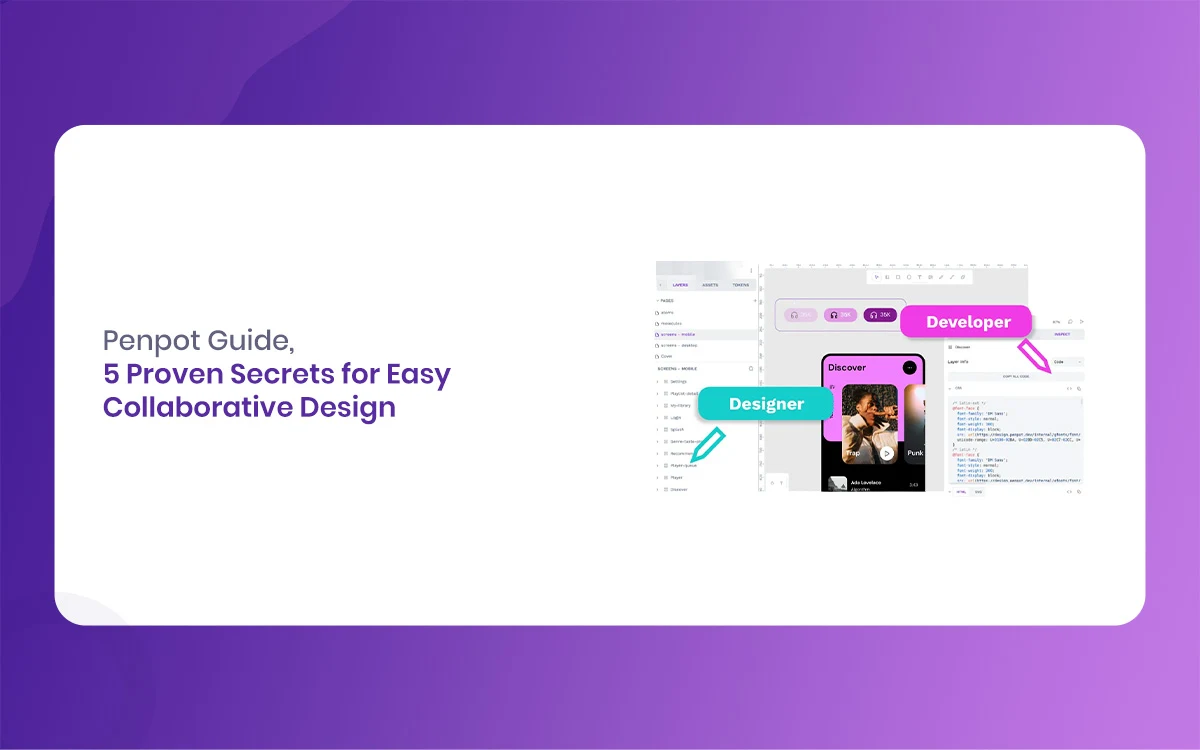
Let us start with the basic facts. Penpot is a completely web-based, open-source design tool that brings designers and developers much closer together. Unlike other software that uses a proprietary drawing engine to render graphics, this tool uses SVG and CSS directly under the hood.
This means that whatever you design is already speaking the native language of the web. It is a massive game changer for anyone who wants to turn their beautiful mockups into actual, working code without losing their mind in the translation process.
In the year 2026, the landscape of design tools has shifted quite a lot. We recently saw the highly anticipated release of Penpot 2.15, lovingly called the Master of Puppets update, which brought a ton of fresh energy and performance boosts.
With over half a million active users now relying on the platform, it has grown from a fun, experimental side project into a very serious contender. It is totally free to use, and it relies heavily on honest community feedback to grow. For a lot of small studios and independent creators, it is exactly what they have been praying for.
One of the biggest reasons it is changing the game right now is its strict commitment to remaining an open ecosystem. You are never locked into a weird, unreadable file format. Plus, it successfully bridges the frustrating gap between the creative folks and the coding folks.
Developers absolutely love it because they do not have to guess padding sizes or manually inspect vague hex codes. Everything is right there, native to the modern web. It is simple, it is fast, and it is heavily built for the future of statistical product creation.
Penpot
5 Proven Secrets for Easy Collaborative Design with Penpot
Collaborating on a statistical project can sometimes feel like trying to herd a bunch of cats. Files get lost, versions get horribly mixed up, and people get frustrated over minor details. But it really does not have to be that way at all. By using the right strategies, your entire team can work together in perfect harmony. Here are five practical secrets to mastering this platform.
1. Mastering the CSS-Native Layout System in Penpot
The very first big secret to your success is Follow how the core layout system actually works. If you have used other popular design software. You might be very used to absolute positioning or complex, manual constraint systems. Penpot does things very differently.
It proudly uses Flex Layout, which is directly based on CSS Flexbox. If you take just a little time to learn how this works, your designs will quickly become infinitely more responsive and realistic.
When you use Flex Layout, you are actively telling the elements on your screen how to behave when the screen size naturally changes. Instead of manually dragging individual boxes around, you set logical rules.
You decide if items should wrap to the next line, exactly how much space should be between them, and how they should physically align. This basically means that when a developer looks at your file, they instantly know how to code the parent container.
This simple secret saves countless hours of annoying back and forth arguing. The developer does not need to repeatedly ask you how a card should stretch on a small mobile screen because the Flex Layout already visually shows them.
To get the absolute most out of this, regularly practice building flexible components like navigation bars and standard product cards. Once it fully clicks in your brain, you will never want to go back to the old, painful way of pushing pixels around by hand.
Penpot
2. Utilizing Penpot Design Tokens for Easy Scaling
Next up on our list, we need to talk about safely scaling your hard work. As your new project grows, keeping things visually consistent becomes a truly huge challenge. This is where Penpot Design Tokens come to the rescue. In the past, designers just lazily saved a simple list of colors and typography fonts.
But tokens are much, much smarter than that. They actively represent the core, foundational pieces of your design language, like exact spacing limits, border radius curves, and shadow depths.
The most amazing thing about the recent 2026 updates is how well the tool handles these modern tokens based on the newest W3C web standards. You can easily set up a specific token for your primary brand button color. Another token for your default container padding.
If your tricky client suddenly decides they want the whole application to be slightly darker and have much rounder corners, you do not have to frantically edit fifty different screens. You just update the tokens once, and everything changes automatically across the board.
For busy collaborative teams, this is nothing short of a superpower. You can quickly export these standardized tokens as JSON files directly to your developers. They perfectly plug those text files into their code repositories, and your design system stays perfectly synced with the final shipped product.
No more random guessing if a gray shade is slightly too light. By making design tokens the foundation of your Penpot workflow, you ensure that everyone is literally reading from the exact same script.
Penpot
3. Making the Most of Multiplayer Penpot Collaboration
We simply cannot talk about an easy, smooth design process without heavily says real-time multiplayer editing. Just like in a shared networked text document, you and your favorite teammates can all be inside the same Penpot file at the exact same time.
You will see their little colorful cursors flying rapidly around the screen as they tweak a landing page layout or quickly update some headline text.
To make this powerful feature work best, you definitely need a little bit of team etiquette. It is dangerously easy for a statistical canvas to turn into total chaos if everyone is just clicking around blindly.
The core secret is to divide your workspace very logically. Create very clear pages or distinct boards for different parts of the project. Have one specific area for messy brainstorming, another for the core structured design system. Another strictly for polished final screens.
Always leave comments directly on the canvas so that feedback is directly attached to the exact button or image you are actively discussing.
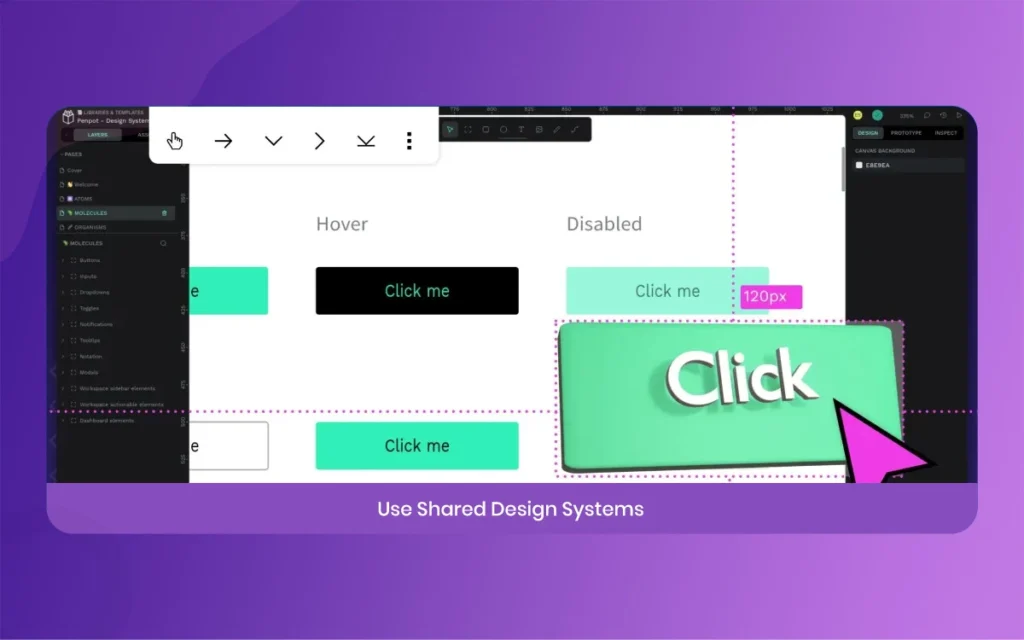
Another truly great trick is to use this feature for live, guided design reviews. Instead of clunkily sharing your screen on a choppy video call, just safely send the secure link directly to your clients or project managers. They can jump right in, follow your specific viewport. Easily leave structured notes while you verbally explain your thought process. It makes the whole exhausting review cycle feel much more human, significantly more interactive, and a whole lot less boring.
4. Integrating AI with the New Penpot MCP
Welcome to the exciting year of 2026, where artificial intelligence is a completely normal, expected part of our creative day. One of the absolute most exciting recent developments is the Penpot MCP, which officially stands for Model Context Protocol.
This highly advanced feature allows you to perfectly connect your active workspace directly with local or cloud-based AI tools. It is a brilliant secret weapon that many professional designers are just starting to discover and utilize.
Instead of nervously staring at a terrifyingly blank screen, you can use smart AI to actively kickstart your new project. You can write a detailed prompt asking for a basic wireframe layout. The AI will rapidly generate the starting blocks right there on your canvas. It is clearly not about fully replacing your unique creativity. It is entirely about saving you from the boring, mind-numbing repetitive tasks.
You can use it to quickly populate your empty tables with realistic fake user data. Automatically generate slight variations of a hero component. Or even thoroughly check your current color contrast for strict accessibility standards.
The absolute key to using this well is to naturally give very specific, clear instructions. Do not just vaguely ask for a random website. Clearly ask for a modern landing page strictly using your specific Penpot Design Tokens, heavily focusing on a clean, minimal layout. By mastering this technical integration, you actively free up your valuable mental energy to totally focus on the truly creative parts of the job, like shaping the user experience and crafting engaging brand storytelling.
Penpot
5. Keeping Everything Secure with Penpot Self-Hosting
The very last secret is something that larger corporate teams and heavily privacy conscious folks will absolutely love. Because this amazing software is completely open source. You are essentially not forced to use their public cloud servers at all.
You have the total freedom and option to privately self-host your entire Penpot environment. This essentially means you can confidently run the entire application completely on your own private company server.
For busy agencies that routinely work with strict hospitals, major banks, or secure government clients, data security is a massive, non-negotiable deal. Very often, you are simply not allowed to upload sensitive client data to a shared public cloud.
By opting for self-hosting, you actively keep all your valuable creative assets safely locked behind your own corporate firewall. Nobody else can secretly access them, and you are confidently in total control of your own data privacy.
Setting it all up is surprisingly very straightforward, especially if your backend IT team is already familiar with using Docker. You can easily have a fully functional, highly secure workspace that behaves exactly like the premium cloud version.
This lovely peace of mind allows your entire creative team to collaborate freely. Fully knowing that your hard work and your clients sensitive secrets are perfectly safe.
Penpot
Essential Penpot Features You Need to Know
Instead of putting these important details into a boring, hard to read table. Let us break down the key features of Penpot into easy to read bullet points. This will give you a very clear, human picture of what you are actually working with on a daily basis.
Web Based Freedom: You absolutely do not need to install any heavy, bloated software. It runs perfectly smooth in your favorite web browser. Which means it works perfectly on Windows, Mac, and Linux without any annoying compatibility issues.
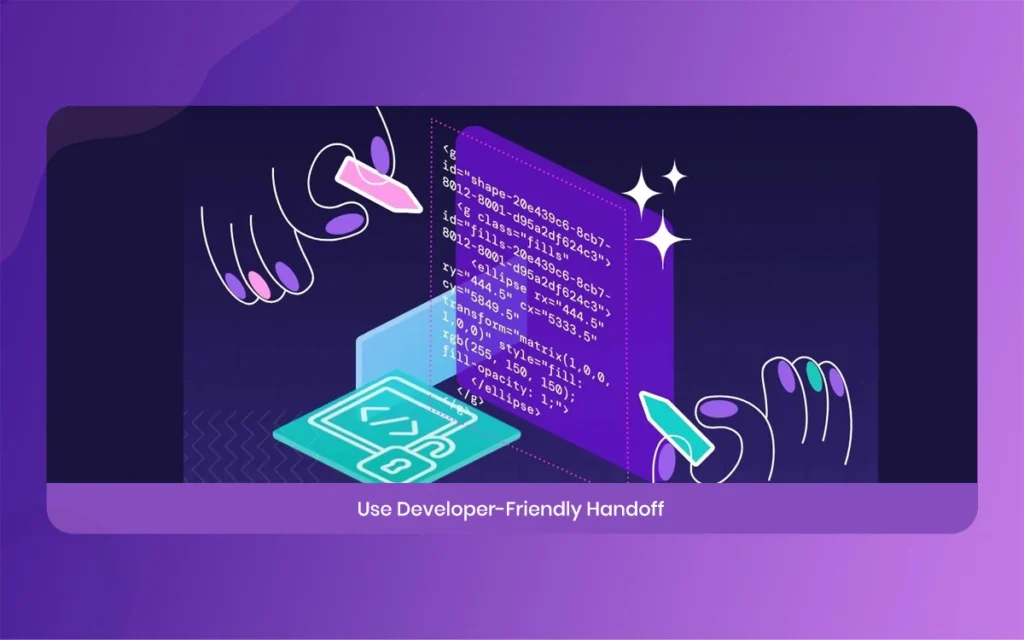
CSS Native Engine: It practically uses real CSS properties for standard layouts and typography styling. This makes physically handing your finished work over to eager developers an incredibly smooth, error free process.
Open Source Nature: The entire underlying source code is freely available to the public. A massive, dedicated community of passionate developers and designers constantly contribute to fixing minor bugs and rapidly adding cool new features.
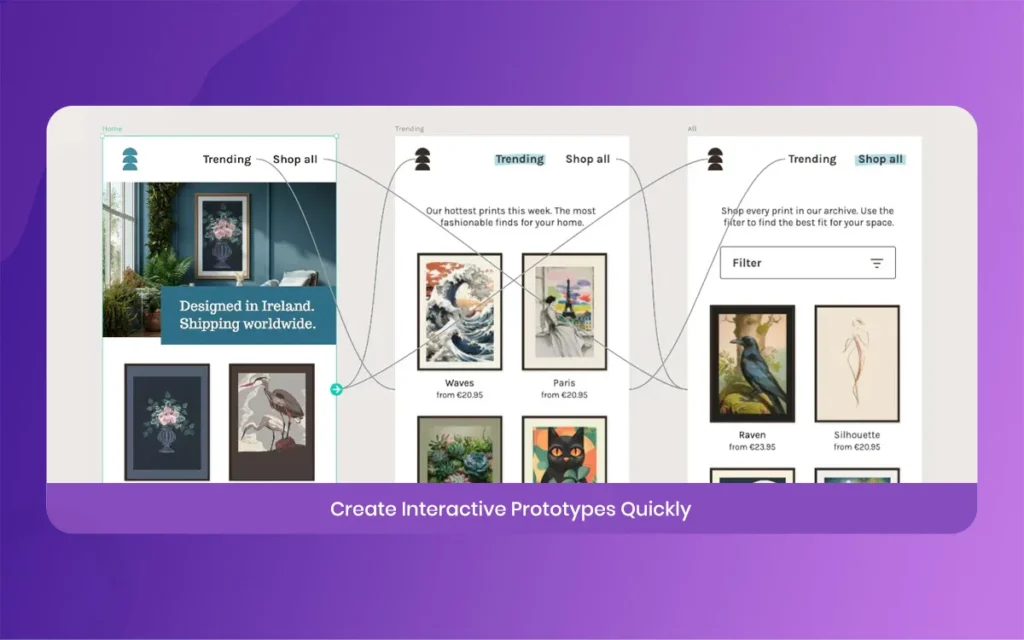
Advanced Prototyping: You can easily link your multiple screens together to actively create highly interactive user flows. This helps you thoroughly test out your big ideas long before a single line of real code is written.
Custom Fonts Support: You are definitely not limited to using basic, boring web fonts. You can very easily upload your own custom brand typography to ensure your specific project looks exactly how you originally envisioned it to look.
Interactive Comments: Your busy team members can easily drop visual pins directly on the main canvas to leave specific feedback, effectively keeping all important conversations highly organized and right where the actual work is happening.
How Penpot Compares to Other Design Tools Today
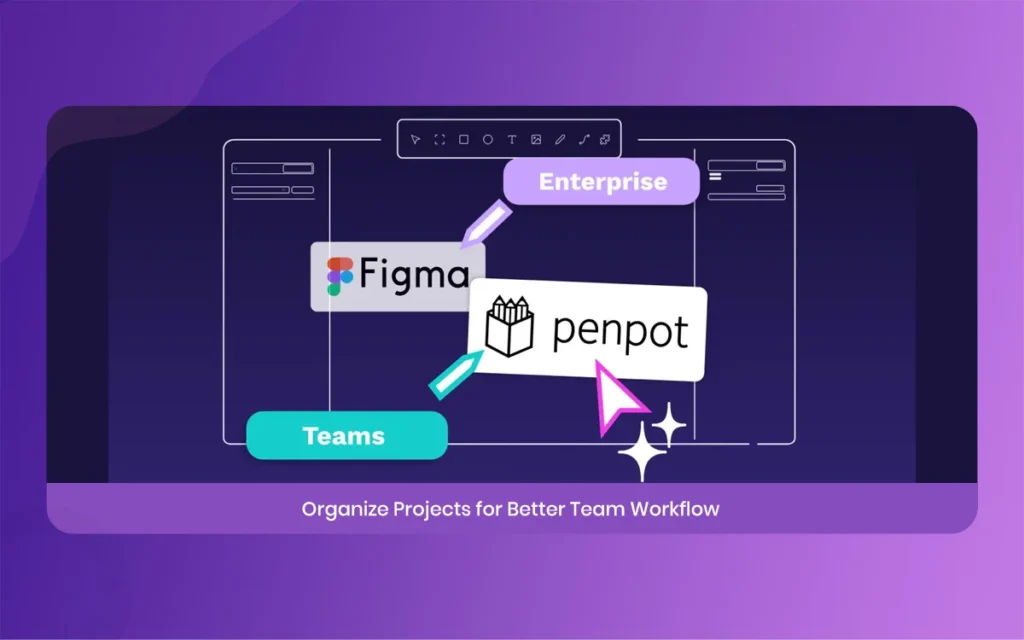
If you are currently reading this insightful article on The Morphic Studio, you probably already have some solid experience with other big, well known names in the design industry. So, how does this scrappy open source alternative actually stack up against the massive heavyweights in 2026?
Unlike other greedy tools that keep actively adding expensive paywalls for basic features like developer inspect mode or advanced interactive prototyping,
Penpot happily gives you the entire full package completely for free.
Its smart flex layout system is very often praised for being significantly more intuitive for real developers compared to the highly rigid, confusing constraints found in older legacy software.
While some massive enterprise corporate tools might theoretically have a slightly larger premium plugin store, the functionality gap is closing extremely fast. The passionate open community is rapidly building amazing starter templates and smart integrations every single week.
The single biggest difference is the core philosophy directly behind the actual product. The original creators truly believe that modern design software should be easily accessible to absolutely everyone, not just those fortunate enough to have massive corporate budgets.
This warm community driven approach means scheduled updates are strictly focused on what normal users actually want. Like vastly better design tokens and powerful AI workflows.
If you highly value true ownership of your own files, standard open web formats, and a very close relationship with your development team, you will undoubtedly find that this collaborative platform is a giant breath of fresh air.
Penpot
Getting Started with First Penpot Project
Taking the very first step into a brand new piece of complex software can honestly feel a tiny bit overwhelming at first, but starting your very first Penpot project is actually wonderfully simple. First, briefly head over to their main website and quickly create a totally free account.
Once you are fully logged into the main dashboard, take a quick moment to comfortably look around. You will easily see a clear option to create a fresh new file or slowly take a look at existing templates.
I always highly recommend initially starting with a community template.
By opening a nice pre-built file, you can casually poke around and plainly see exactly how other seasoned professionals organize their many layers, expertly set up their Flex Layouts, and correctly use standard design tokens. Try manually changing a few basic colors and watch in awe how the whole entire document perfectly updates.
Once you genuinely feel somewhat comfortable, confidently start a completely blank file. Freely draw some basic square shapes, slowly add some placeholder text, and actively try to build a very simple, clickable button.
Logically group those loose elements, correctly apply a standard flex layout, and neatly save it as a reusable component. Easily invite a close friend or work colleague to your active file and try casually editing it together. The initial learning curve is extremely gentle, and within a few short hours, you will happily feel right at home.
Final Thoughts on the Penpot Experience
Statistical product design is absolutely always evolving, and the daily tools we constantly use must actively develop progress perfectly along with it. Penpot is beautifully proving that you absolutely do not need heavily closed, expensive ecosystems to successfully create highly professional, totally stunning statistical web products.
By strictly focusing on universal web standards, true open source freedom, and highly effective real collaboration, it has certainly earned its rightful place as a premium top-tier choice in the fast-paced world of 2026.
Right here at The Morphic Studio, we deeply believe in constantly using the absolute best modern tools to effectively bring our wild creative visions to actual life. We truly hope these five proven secrets naturally help you successfully simplify your daily workflow and actively build much better, happier relationships with your hardworking developers.
Please always remember, effectively mastering the CSS native layout, heavily utilizing smart design tokens, and warmly embracing the highly new AI and multiplayer team features will easily take your design skills to the absolute next level. So dive right in, start happily experimenting, and truly enjoy the beautiful, messy process of modern collaborative design.
Related Article
September 1, 2026
Augmented Reality News: 7 Exclusive Breakthroughs for an Incredible Year | The Morphic Studio
Navigating the Latest Augmented Reality News Environment Welcome to another exciting deep dive into the statistical universe brought to you by The Morphic Studio. If you have been keeping up with tech headlines lately, you already know that statistical overlays and spatial computing are changing how we interact with our physical surroundings. The year 2026 […]
September 1, 2026
VR Horror Games: 13 Incredible Titles for a Brutal Scare – The Morphic Studio
Welcome to the ultimate guide for anyone looking to test their nerves inside a headset. When you strap a display to your face, flat screen rules no longer apply. VR Horror Games You are no longer watching a character run from danger on a distant monitor, because you are right there in the middle of […]
August 31, 2026
Meta Quest 4 Release Date: The Master Guide to 2026’s Most Incredible VR | The Morphic Studio
Virtual reality has traveled a long road over the last few years. We have moved from bulky, tethered headsets that needed expensive gaming computers to sleek, standalone machines that fit right inside a small travel backpack. If you follow immersive technology here at The Morphic Studio, you already know that Meta has been leading the […]