Maglr is a cloud-based platform that lets you create interactive visual publications without writing a single line of code. Whether you are building a statistical magazine, a sales presentation, or a scrollytelling page, Maglr gives you the tools to make it happen. And in 2026, it has gotten even better with major updates released in January and February, including scroll-triggered animations and a brand-new Maglr Academy.
The Morphic Studio shares the information about the 10 essential hacks that will help you get the most out of Maglr and create visual stories your audience will actually think of.
What Is Maglr and Why Does It Matter for Visual Storytelling?
Before we jump into the hacks, let’s quickly cover the basics. Maglr is a design and publishing platform built for marketers and designers who want to turn flat content into something energetic and engaging. It has over 150 customisable templates, a drag-and-drop editor, and a powerful Pro editor for more advanced work.
What makes Maglr stand out is that it does not require any technical expertise. You do not need to know CSS or JavaScript. The platform handles the heavy lifting so you can focus on the creative side of things.
With integrations for HubSpot, Google Analytics, and Zapier, plus built-in privacy-friendly analytics, Maglr is not just a design tool. It is a complete content publishing solution. That is why more and more teams are using it to replace boring PDFs and static landing pages.
10 Essential Maglr Hacks for Better Visual Storytelling
Hack 1: Use Maglr Scroll-Triggered Animations to Guide Your Reader
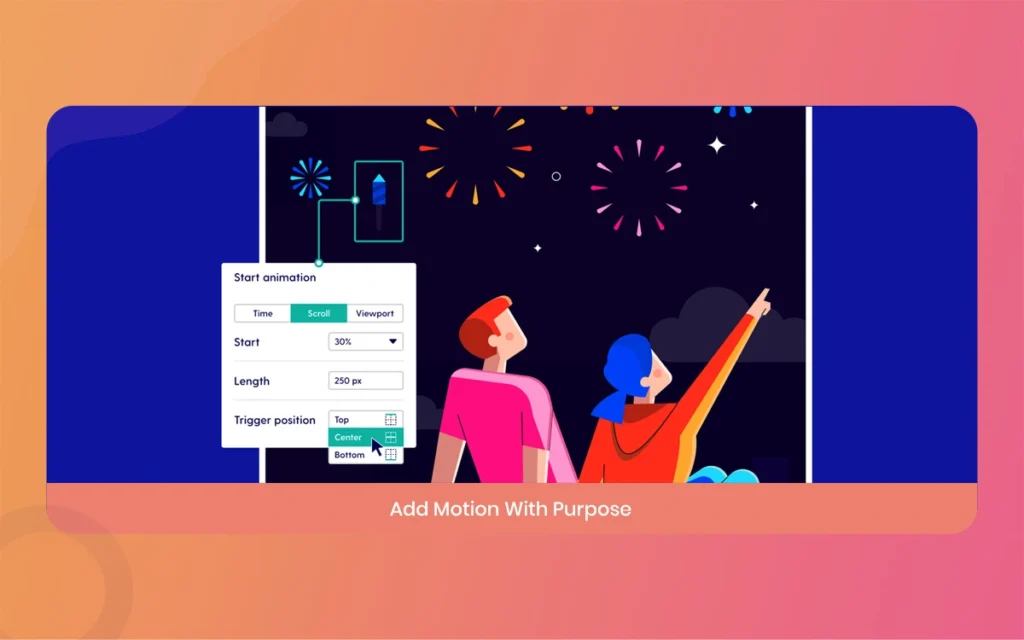
One of the biggest updates in January 2026 was the addition of scroll-triggered animations in the Pro editor. This is a total game changer for visual storytelling.
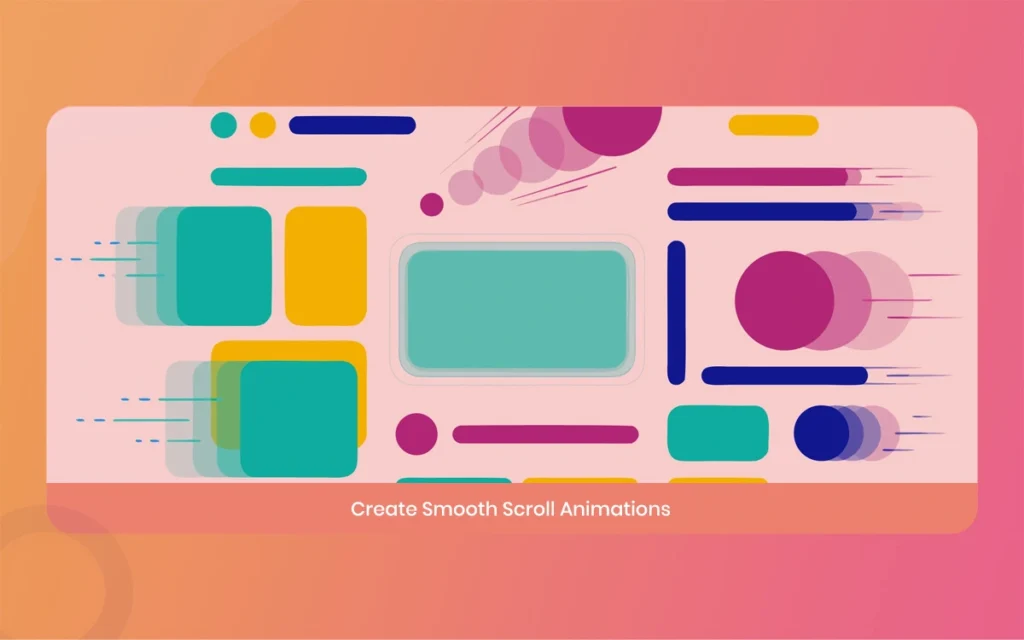
Instead of having all your content appear at once, you can now set elements to animate in as the reader scrolls down the page. You can control the timing, direction, and easing of each animation. The redesigned timeline also shows you how all your animations relate to each other, which makes it much easier to manage complex pages.
The hack here is simple. Do not animate everything. Pick two or three basic elements on each page and let them come to life as the user scrolls. This keeps things clean and makes the experience feel intentional rather than chaotic.
Set scroll distance as a percentage of the parent container for cleaner hierarchy.
Use the animation preview in the UI to check transitions before publishing.
Group related elements so child animations inherit their parent’s scroll distance automatically.
Maglr
Hack 2: Master Maglr’s Scrub-on-Scroll Effect for Cinematic Pages
Maglr has a feature called “scrub on scroll” that lets you animate frame sequences, Lottie files, counters, and gauges based on how far a user has scrolled. Think of the kind of product pages Apple makes, where scrolling feels like you are controlling a movie.
This effect works really well for product showcases, data stories, and brand campaigns. The trick is to use it sparingly. One or two scrub elements per page is usually enough. Overuse makes the experience feel heavy and slows down page performance.
Pair this with 3D model embeds for premium results. It requires a bit more time to set up, but the payoff in engagement is worth it.
Maglr
Hack 3: Build Scrollytelling Pages With Maglr’s Freeform Canvas
Scrollytelling is the art of using scroll-triggered visuals and text reveals to guide a reader through a narrative. Maglr’s Pro editor includes a freeform canvas that is perfect for this.
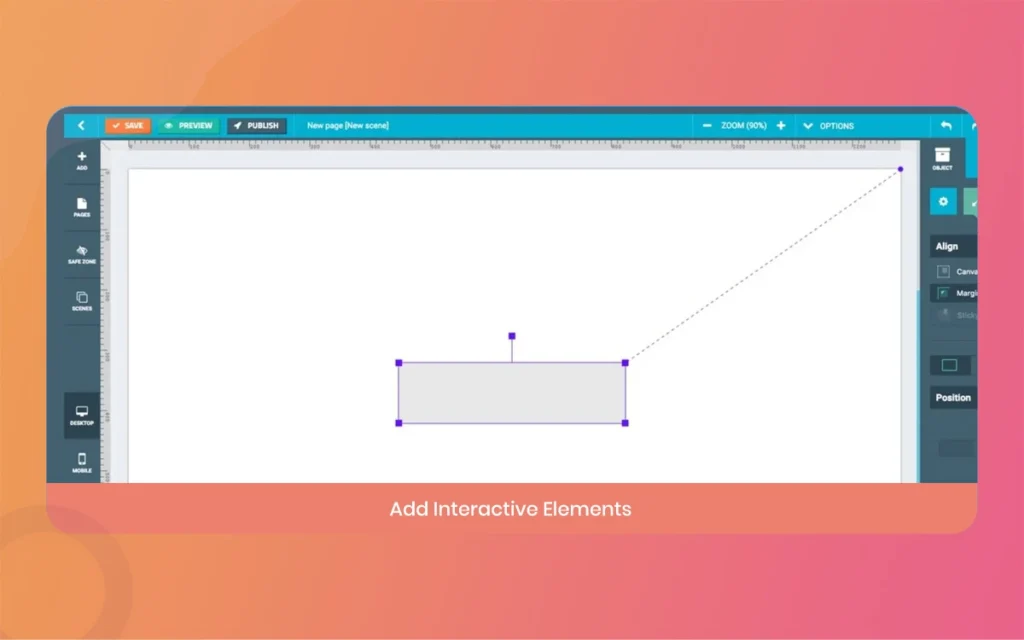
Rather than placing content in rigid boxes, the freeform canvas lets you layer elements freely. You can have text floating over a full-screen video, with statistics appearing at just the right moment as the reader scrolls.
Here are a few things to keep in mind when building scrollytelling pages in Maglr:
Keep your narrative simple. One core message per scroll section works better than packing in too much.
Use full-screen videos as backgrounds, either as MP4 uploads or linked from YouTube and Vimeo.
Add parallax scrolling to background images to create depth without overwhelming the layout.
Maglr
Hack 4: Use the Maglr Before/After Slider for Visual Comparisons
Added in December 2025, the before/after slider is one of the most useful components in Maglr’s library. It lets readers drag a handle to compare two versions of an image side by side. This is perfect for before/after case studies, design comparisons, or showing data changes over time.
The hack is to use this component to replace long written explanations. Instead of writing three paragraphs about how something changed, show it. Your reader will understand it instantly, and they will stay on the page longer because the interaction is satisfying.
Pair the slider with a short headline above and a single sentence below to give the visual some context without overloading it.
Maglr
Hack 5: Leverage Maglr Templates to Save Time Without Sacrificing Quality
Maglr has over 150 customisable templates for online magazines, landing pages, corporate presentations, and more. A lot of people skip these and start from scratch, thinking templates will make their work look generic. That is a mistake.
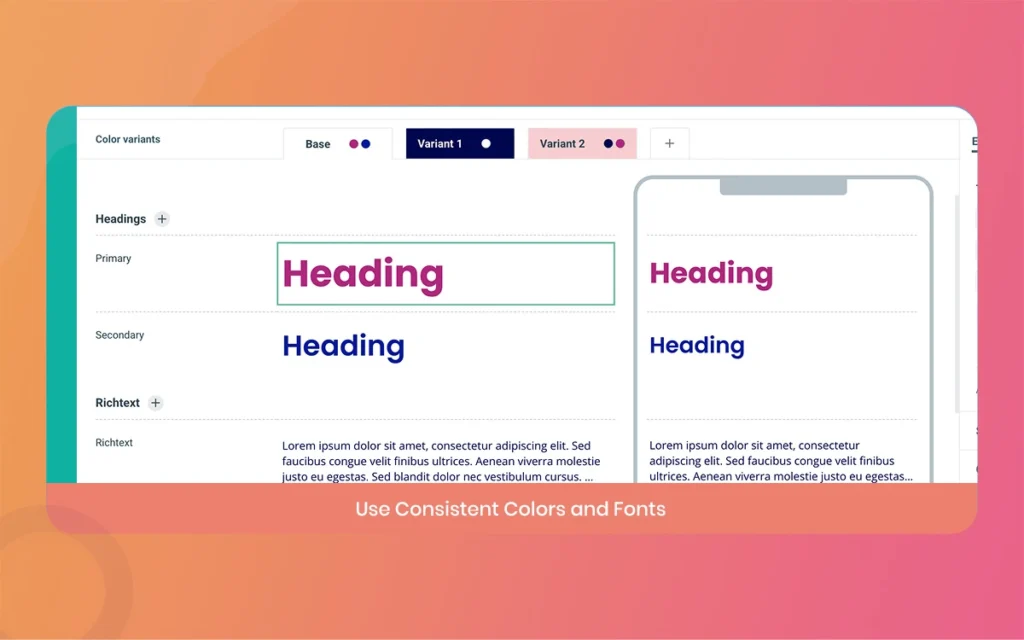
The smarter approach is to start with a template that is close to what you need, then customise the colours, fonts, and layout to match your brand. Maglr lets you define your organisation’s colour scheme and fonts once, and they are automatically applied across any template you choose.
Start with a template in the same content category as your project, for example, use a magazine template for editorial content.
Swap out the default images early. Images are the first thing readers notice.
Use the block editor to rearrange sections without losing the underlying template structure.
Maglr
Hack 6: Import From Figma to Speed Up Your Maglr Workflow
If your design team works in Figma, you are in luck. Maglr supports direct imports from Figma, which means you can design in Figma and bring your assets straight into the Pro editor without starting over.
This hack is particularly useful for teams where designers and editors work separately. The designer can set the visual stage in Figma, and the editor can complete the publication with content elements in Maglr’s editor mode. This kind of workflow reduces back-and-forth and keeps the final product looking polished.
A basic thing to think of is to clean up your Figma layers before importing. Messy layer names and hidden groups can create confusion in the Maglr editor. A few minutes of tidying in Figma saves a lot of time in Maglr.
Maglr
Hack 7: Use Maglr’s Diagram Component for Timelines and Org Charts
The diagram component, introduced at the end of 2025, lets you create timelines, org charts, and hierarchies directly inside Maglr. This is a feature that a lot of users have not explored yet, and it is genuinely very useful.
Instead of exporting a static image of your org chart or timeline from another tool, you can build it natively in Maglr. It stays editable, it looks consistent with the rest of your design, and it can be animated as part of the scroll experience.
The hack here is to use the diagram component for any process or structure that your reader needs to understand quickly. Visual representations of information are processed faster than text, so replacing a paragraph of explanation with a diagram is almost always the better choice.
Maglr
Hack 8: Take the Maglr Essential Course to Unlock Hidden Features
In February 2026, Maglr launched its new Academy, a centralised hub for all video courses. The standout offering is the Essential Course for Maglr Pro, which covers 12 compact video modules focusing on the platform’s most important features, possibilities, and productivity hacks.
A lot of Maglr users miss out on powerful features simply because they did not know they existed. The Essential Course covers things like style libraries, animation shortcuts, and performance best practices that can save you hours on complex projects.
This is probably the single most underrated thing you can do to improve your Maglr work. Even if you have been using the platform for a while, there are almost certainly features you have never tried. The course is free for Maglr users, so there is no reason to skip it.
Hack 9: Optimise Maglr Pages for Mobile Without Doubling Your Workload
One common complaint about Maglr is that desktop and mobile versions need to be managed separately. While this is true, there is a smarter way to handle it that reduces duplication.
The Pro editor automatically updates the mobile version when you make changes to the desktop layout. The mobile version then stays in sync without extra work on your part. Regardless of how, for pages with complex animations or freeform layouts, you will still need to do some manual adjustments for mobile.
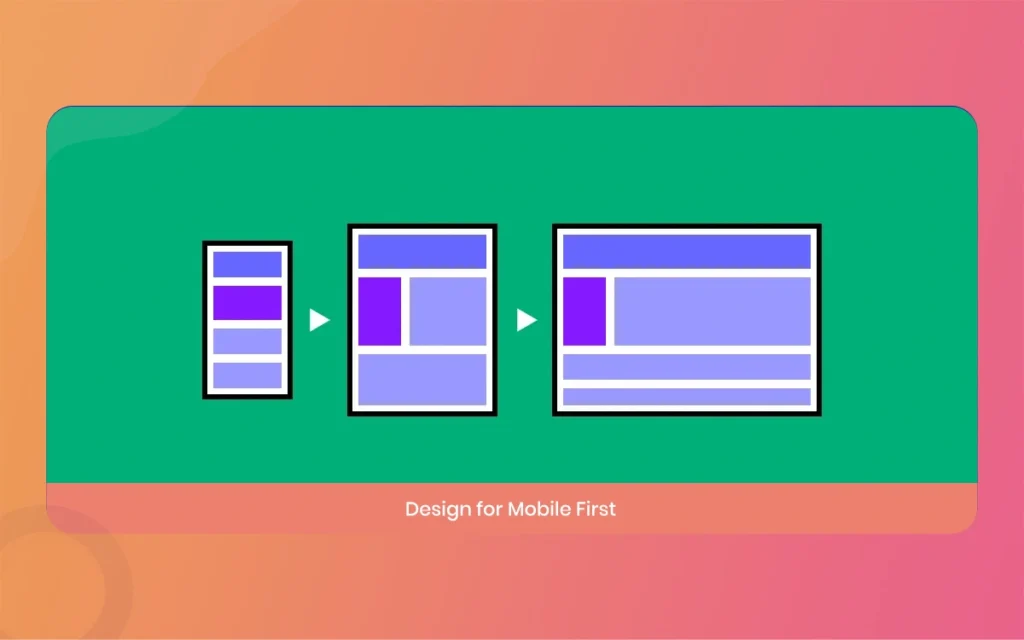
The best approach is to design with mobile in mind from the very beginning. Keep your font sizes generous, avoid tiny interactive elements, and test on a real device early in the process. Do not wait until the desktop version is completely finished before looking at the mobile version. Small adjustments along the way are much easier than rebuilding the layout at the end.
Maglr
Hack 10: Connect Maglr to HubSpot and Google Analytics for Real Performance Data
Creating beautiful content is only half the job. You also need to know how people are engaging with it. Maglr has built-in privacy-friendly analytics, which gives you a good baseline, but connecting it to HubSpot and Google Analytics takes your insights to another level.
With HubSpot connected, you can see how individual leads are interacting with your publications, which pages they are reading, where they drop off, and what content is actually driving conversions. With Google Analytics, you get a broader view of traffic sources and user behaviour.
The hack is to set up these integrations before you publish, not after. It takes about 10 minutes to connect, and having data from day one means you can start making informed decisions about your content strategy right away.
Maglr
Basic Maglr Features at a Glance (2026)
Here is a quick summary of the most important Maglr features and what they are best used for, so you can reference these when planning your next project:
Scroll-triggered animations (updated January 2026): Best for longread editorial pages and scrollytelling narratives where you want elements to appear as the reader moves down the page.
Scrub-on-scroll effect: Ideal for product showcases and brand campaigns that want a cinematic, Apple-style experience.
Freeform canvas: Perfect for complex layout designs where you need full creative freedom over element positioning.
Before/after slider (launched December 2025): Great for case studies, design comparisons, and showing transformation or progress.
Diagram component (launched December 2025): Most useful for timelines, org charts, process flows, and any structured visual information.
Figma import: Designed for teams where designers work in Figma and editors complete the publication in Maglr.
150+ templates: Best starting point for anyone new to the platform or working on a tight deadline.
HubSpot, Google Analytics, and Zapier integrations: Essential for any team that needs to measure content performance and tie it to broader marketing goals.
Maglr Academy (launched February 2026): The best resource for learning the platform quickly, especially the 12-module Essential Course for Maglr Pro.
Privacy-friendly built-in analytics: A solid baseline for understanding how readers interact with your publications, without needing a third-party tool.
Maglr
Final Thoughts on Getting the Most Out of Maglr
Maglr is one of those tools that rewards the people who take the time to really learn it. The basics are easy to pick up, but the deeper features, like scroll-triggered animations, the scrub-on-scroll effect, and the freeform canvas, are where the real magic happens.
The 10 hacks in this guide are not just tips for using the software. There are ways of thinking about visual storytelling that will make your content more effective, more engaging, and more memorable. Start with one or two and build from there. You do not need to use everything at once.
Maglr
If you are just getting started with Maglr, the best first step is to sign up for the Maglr Academy and complete the Essential Course. It is free, it is well-structured, and it will save you a lot of trial and error.
And if you are already an experienced Maglr user, go back and explore the features from the 2025 and 2026 updates. There is a good chance you are leaving some of the best tools on the table.
Related Article
September 1, 2026
Augmented Reality News: 7 Exclusive Breakthroughs for an Incredible Year | The Morphic Studio
Navigating the Latest Augmented Reality News Environment Welcome to another exciting deep dive into the statistical universe brought to you by The Morphic Studio. If you have been keeping up with tech headlines lately, you already know that statistical overlays and spatial computing are changing how we interact with our physical surroundings. The year 2026 […]
September 1, 2026
VR Horror Games: 13 Incredible Titles for a Brutal Scare – The Morphic Studio
Welcome to the ultimate guide for anyone looking to test their nerves inside a headset. When you strap a display to your face, flat screen rules no longer apply. VR Horror Games You are no longer watching a character run from danger on a distant monitor, because you are right there in the middle of […]
August 31, 2026
Meta Quest 4 Release Date: The Master Guide to 2026’s Most Incredible VR | The Morphic Studio
Virtual reality has traveled a long road over the last few years. We have moved from bulky, tethered headsets that needed expensive gaming computers to sleek, standalone machines that fit right inside a small travel backpack. If you follow immersive technology here at The Morphic Studio, you already know that Meta has been leading the […]