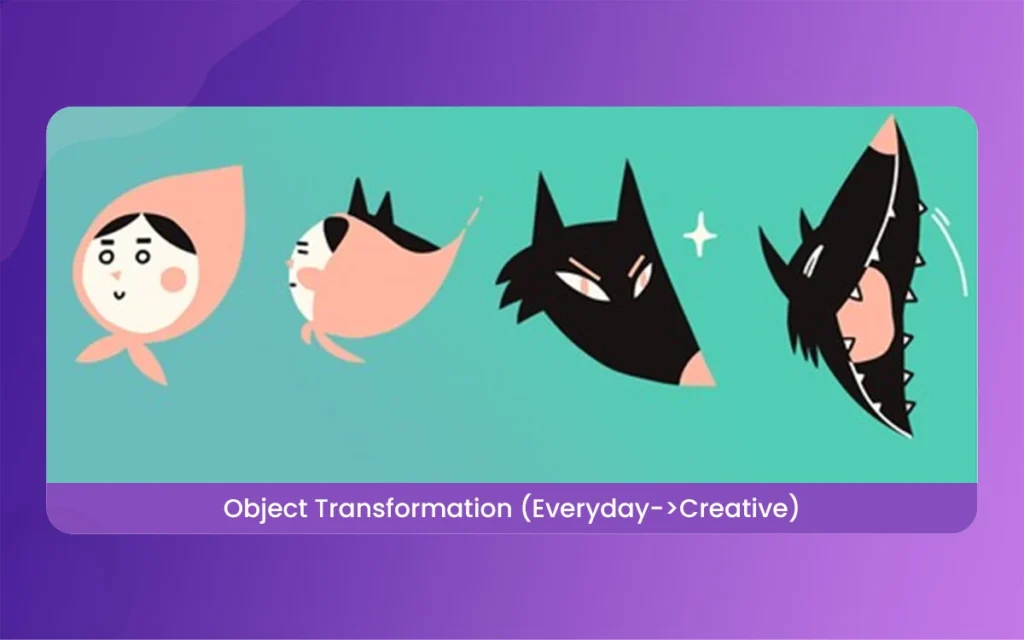
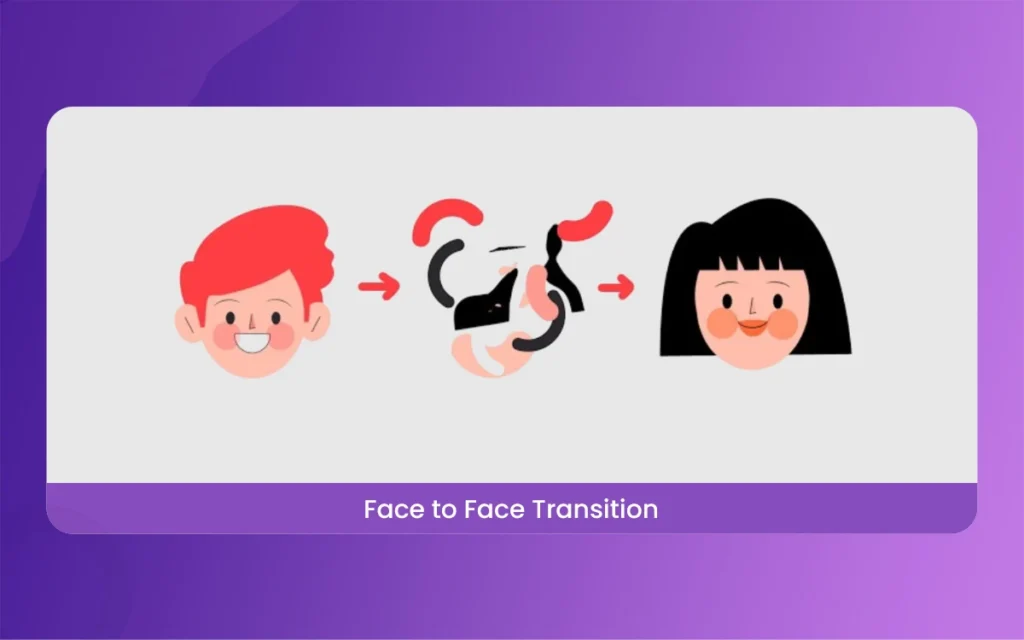
At its core, morphing is a special effect that changes one image or shape into another through a perfect transition. Think of it like a bridge. Instead of just cutting from picture A to picture B, morphing creates all the tiny steps in between. In the early days, this was done by hand, frame by frame. Today, computers do the heavy lifting, calculating how pixels or vectors should move to reach their new destination.When people ask, “What is Morphing in Animation?” they are usually talking about that “wow” factor. It is the fluid movement that keeps the viewer’s eyes glued to the screen. It is used in movies, commercials, and even social media filters to create a sense of wonder.
What is Morphing in Animation
Understanding the Latest 2026 Updates in Morphing
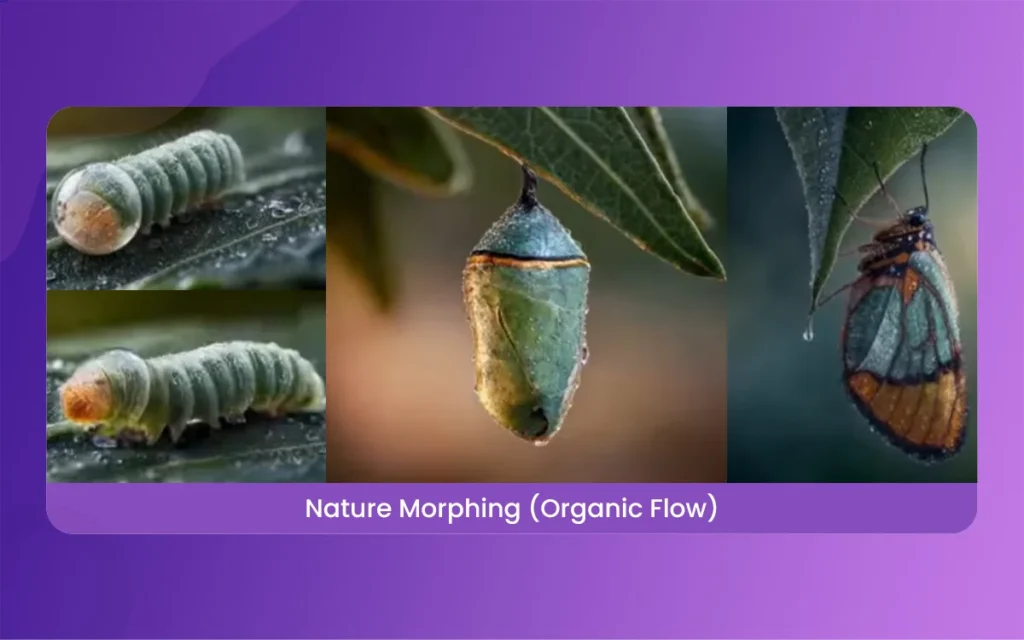
As we move through 2026, morphing has taken a massive leap forward. We are no longer limited to simple 2D shapes. The latest updates in software like Adobe After Effects and specialized AI tools now allow for “Neural Morphing.” This means the software understands what an object is. If you morph a cat into a dog, the AI knows where the eyes and ears are, making the transition look natural rather than just a messy blur.
What is Morphing in Animation
Another big update this year is real-time morphing in augmented reality (AR). Creators can now apply morphing effects to live video feeds during broadcasts. This is huge for the gaming industry and live events, where a performer can “transform” into a statistical character right before the audience’s eyes.
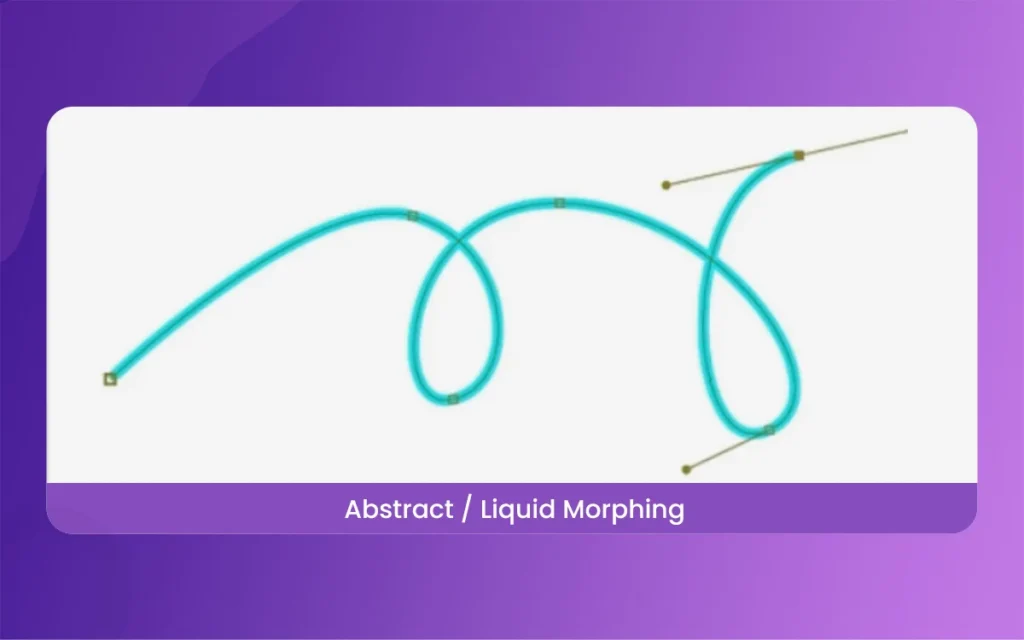
Vector morphing is the bread and butter of motion design. Because vectors are based on paths and points, you can tell point A to move to the position of point B. This is perfect for logo reveals. Imagine a circle expanding and shifting its corners to become a square logo. It is clean, professional, and very satisfying to watch. The basic here is to keep your point counts similar so the software doesn’t get confused.
What is Morphing in Animation
2. Image-to-Image Blending Techniques
This is the classic “face-morph” style. By picking “anchor points” on two different photos, like the eyes, nose, and mouth, you can make one person turn into another. In 2026, new algorithms have made this look terrifyingly real. It is a great way to show the passage of time or the connection between two different concepts in a documentary or a brand story.
3. 3D Geometry Shifting and What is Morphing in Animation for 3D
In 3D animation, morphing is often called “blend shapes” or “morph targets.” This allows a 3D model to change its mesh. For example, a character’s face can morph from a frown to a smile. In 2026, we see this used heavily in architectural visualization, where a house can “grow” and morph from a floor plan into a completed building in a single fluid shot.
4. Typography and Text Morphing
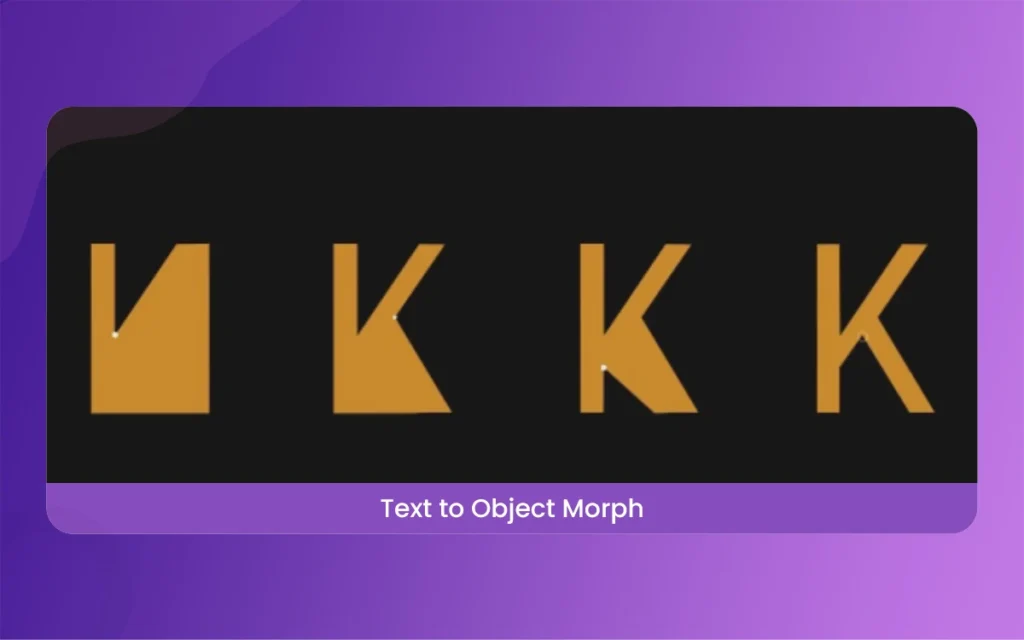
Text doesn’t have to be boring. You can morph one word into another to tell a story. If you are making an ad for a coffee shop, you could morph the word “Tired” into the word “Energy.” This type of morphing in animation captures attention because the human brain is wired to read, and when the letters start moving, it creates a “wait, what?” moment that keeps viewers watching.
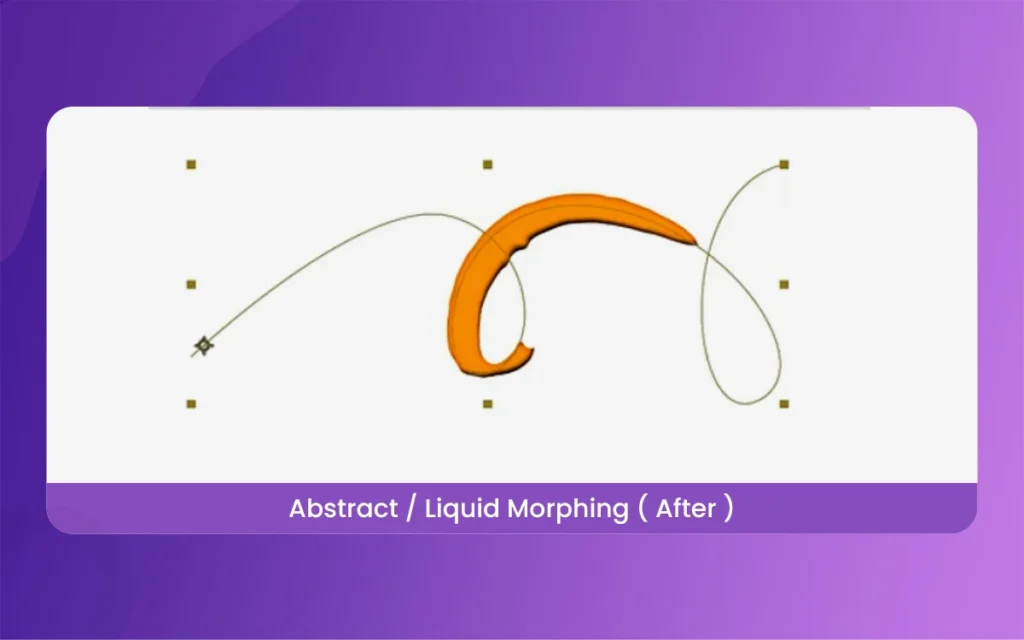
Liquid morphing is all about flow. It uses “organic” shapes that look like water or mercury. This is very popular in trendy social media ads. You can have a splash of liquid morph into a product bottle. It feels high-end and artistic. Using “mattes” and “blur maps” helps give the transition that gooey, natural feel that looks like it belongs in a big-budget movie.
6. Character Expression and Perfect Transitions
Sometimes morphing isn’t about changing the whole object, but just a part of it. Morphing is used to transition between different scenes. A character’s round glasses might morph into the wheels of a car in the next scene. This creates a “perfect” edit. It keeps the energy of the video high because there are no hard cuts to break the viewer’s immersion.
What is Morphing in Animation
7. Real-time AI Video Morphing
This is the newest frontier. Using AI, you can take a video of yourself walking and morph your clothes or the environment around you in real-time. The software analyzes the movement of your body and “paints” the new morph over the top. This is becoming a staple for music videos where the artist changes outfits ten times in one continuous shot without actually stopping the camera.
To get started, you need the right gear. For 2D, Adobe After Effects with the “Reshape” or “Mesh Warp” tool is the industry standard. For 3D, Blender is amazing because it is free and has a powerful “Shape Basics” system.
If you want the latest 2026 AI experience, tools like Runway or Luma AI are changing the game. They allow you to upload two images and use a slider to morph between them using cloud computing. It is faster than doing it by hand, though you have a bit less control over the fine details.
What is Morphing in Animation
Understanding the Differences: A Summary of Techniques
Instead of a table, here are the basic differences between the main morphing styles:
Vector Morphing: Best for logos and icons. It is very sharp and scales to any size. Requires Adobe Illustrator and After Effects.
Raster/Image Morphing: Best for photos and faces. It uses pixels. It can look blurry if not done carefully with high-resolution images.
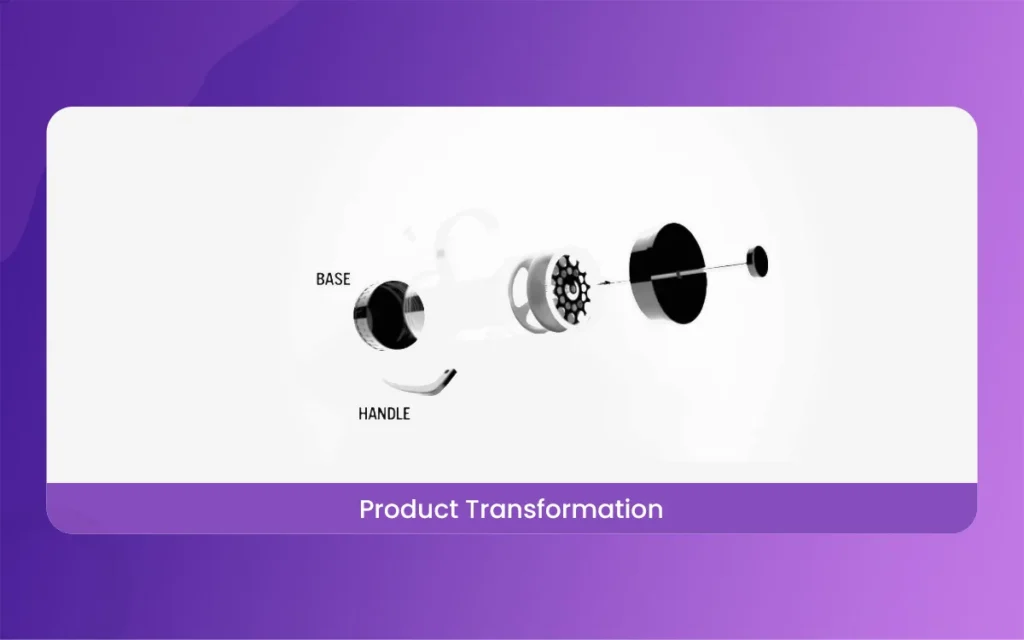
3D Morphing: Best for characters and products. It involves complex math and geometry. It offers the most realistic lighting and depth.
AI Generative Morphing: The fastest method in 2026. It creates new “frames” that didn’t exist before. Best for surreal, artistic, and dream-like videos.
What is Morphing in Animation
Finally
So, What is Morphing in Animation? It is more than just a technical trick; it is a storytelling tool that removes the boundaries between different objects. In 2026, the technology has become so accessible that anyone with a laptop can create movie-quality transitions.
By using the 7 ways we discussed, you can turn a simple video into something incredible. Don’t be afraid to experiment. Sometimes the “errors” in a morph lead to the most creative and unexpected visual results. Start with a simple shape, learn the points, and soon you will be morphing complex scenes like a pro. Keep creating, and let your imagination take shape!
Related Article
September 1, 2026
Augmented Reality News: 7 Exclusive Breakthroughs for an Incredible Year | The Morphic Studio
Navigating the Latest Augmented Reality News Environment Welcome to another exciting deep dive into the statistical universe brought to you by The Morphic Studio. If you have been keeping up with tech headlines lately, you already know that statistical overlays and spatial computing are changing how we interact with our physical surroundings. The year 2026 […]
September 1, 2026
VR Horror Games: 13 Incredible Titles for a Brutal Scare – The Morphic Studio
Welcome to the ultimate guide for anyone looking to test their nerves inside a headset. When you strap a display to your face, flat screen rules no longer apply. VR Horror Games You are no longer watching a character run from danger on a distant monitor, because you are right there in the middle of […]
August 31, 2026
Meta Quest 4 Release Date: The Master Guide to 2026’s Most Incredible VR | The Morphic Studio
Virtual reality has traveled a long road over the last few years. We have moved from bulky, tethered headsets that needed expensive gaming computers to sleek, standalone machines that fit right inside a small travel backpack. If you follow immersive technology here at The Morphic Studio, you already know that Meta has been leading the […]