Welcome to another exciting design ride with us at The Morphic Studio!AppScreens If you are an app developer or a creative designer, you already know that first impressions mean everything in the statistical world. When a potential user visits the Apple App Store or Google Play Store, they do not read long paragraphs of text first. Instead, they look directly at your app visuals.
This is exactly where your screenshot design can either make or break your download numbers. Today, I am going to walk you through a fantastic tool that is changing the game for all of us. Creating perfect store visuals used to take hours of hard work, but not anymore.
The Morphic Studio shares the information about the highly effective strategies to boost your app downloads. We will focus on a platform that takes the heavy lifting out of the process. Get ready to discover my favorite tips for creating stunning graphics with ease.
AppScreens
Why AppScreens is the Ultimate Tool in 2026
The world of app marketing moves incredibly fast, and keeping up with the latest trends is a must for any serious developer. After researching the latest 2026 updates on the internet, it is clear that creating manual graphics is a thing of the past.
The newest version of this platform has completely transformed how we approach store listings. In 2026, the tool introduced a massive update that combined artificial intelligence with automated publishing. This means you no longer have to guess what size your images should be. It automatically adjusts everything to meet the strict rules of both Apple and Google.
At The Morphic Studio, we always look for software that saves time while keeping quality high. This tool does exactly that by keeping your text, sizes, languages, and export settings in one single project.
You do not need to clone files or worry about losing your work when a new phone model is released. It is simply the best choice for anyone who wants professional results without paying thousands of dollars to a design agency.
The Magic of AppScreens AI Onboarding
One of the most exciting additions in the 2026 update is the new artificial intelligence onboarding system. If you ever sit in front of a blank screen and wonder what to type, this feature is going to be your best friend.
The AppScreens AI assistant helps you figure out the best captions and marketing text for your visuals. By simply typing in a few details about what your software does, the artificial intelligence generates catchy titles and subtitles. It even looks at your app metadata to ensure the suggestions match your core features perfectly. Humans make mistakes, like writer’s block or simple typos, but this smart assistant gives you a strong starting point.
It understands that you have less than a few seconds to grab a user’s attention. Therefore, it focuses on benefit driven words that make people want to click the download button immediately.
AppScreens
Secret 1, Master AppScreens Templates for Quick Success
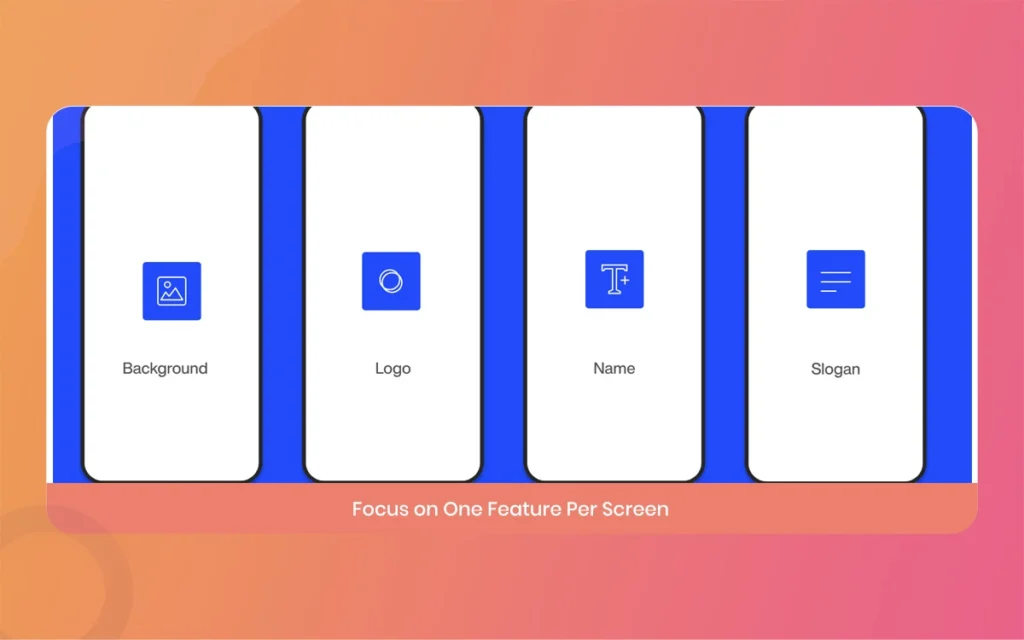
The first big secret to easy design is never starting from total scratch unless you absolutely have to. Staring at a blank canvas can eat up hours of your precious time. Thankfully, the platform comes loaded with over 139 professional templates inspired by the top ranking apps in the world. These templates are already optimized for maximum conversions.
Whether you are launching a fitness tracker, a mobile game, or a finance tool, there is a layout ready for you. To use these templates effectively, you just need to upload your raw screen captures. The software automatically places your images into the pre designed sections. This is a huge advantage because it ensures your visual story flows logically from the first image to the last.
Think of that the first two or three images are the most important, so pick a bold template for those initial views.
Customizing AppScreens Layouts for Your Brand
While templates are amazing for speed, you still want your final product to look unique to your brand. Customizing your chosen AppScreens layout is incredibly simple. Once you select a template, you can easily change the background colors to match your company logo. You can adjust the typography, select custom fonts, and play around with the spacing.
A great rule of thumb we follow at The Morphic Studio is to stick to a maximum of three text styles. You only really need a main title, a subtitle, and maybe a small caption. Using too many fonts or colors makes the image look messy and confuses the user.
By keeping your AppScreens design clean and focused, you guide the user’s eye exactly where you want it to go.
If you have ever tried to manually create graphics for every single device on the market, you know it is a total nightmare. Apple requires specific sizes for the 6.5 inch iPhone, the 6.7 inch iPhone, and the iPad. Google Play has its own set of rules for phones and tablets. This brings us to our second powerful secret, which is using the AppScreens responsive design engine.
In the 2026 update, this responsive engine became smarter than ever. You only have to design your layout once. After you are happy with how it looks, the software automatically scales and adjusts the sizes for every single device type.
It handles the aspect ratios and safe zones perfectly, ensuring your text never gets cut off by a phone notch or curved screen edge. This single feature will save you days of repetitive, boring work.
AppScreens
Secret 3, Use AppScreens Localization for Global Reach
Did you know that localizing your store page can increase your downloads by over 100 percent? People love using software in their native language. Our third secret is to fully utilize the AppScreens localization features to reach an international audience. The platform currently supports over 80 different languages. However, localization is not just about changing the words. It is also about adapting to different cultural expectations.
With this tool, you can manage all your different languages inside one organized project. If you want to change a background image for your Japanese audience while keeping a different image for your American audience, you can easily do that.
It keeps everything neat and tidy, preventing the chaos of having fifty different design files scattered across your computer desktop.
AppScreens
Translating Text with AppScreens Multi Language Tools
Handling translations used to require expensive third party services, but the AppScreens multi language tools make it incredibly easy today. You can translate your captions using their built in AI translator, integrate it directly with Google Translate, or paste in your own manual translations.
Let’s say you write a catchy English title like “Track Your Fitness.”
The tool can automatically convert that into Spanish, French, German, and dozens of other languages with just a few clicks. While the automatic translations are very good, I always recommend having a native speaker do a quick human check just to be safe.
Sometimes machines miss the local slang, and a tiny human touch can make your marketing message sound much more natural and friendly.
Secret 4, Perfecting AppScreens Device Frames
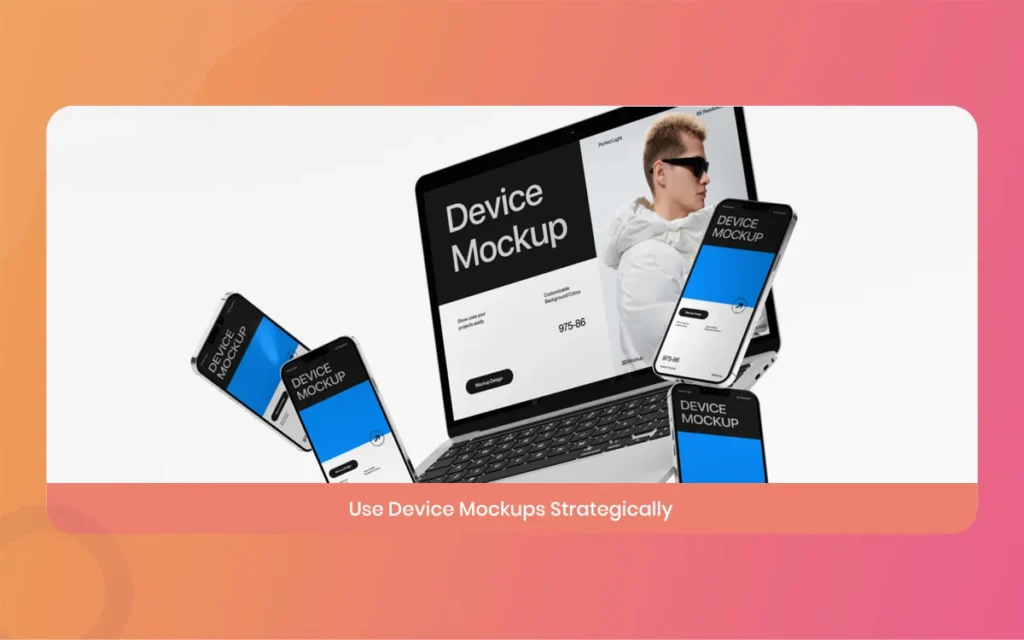
Nobody wants to see a flat, boring rectangle floating in the middle of a screen. Users want to imagine what your software will actually look like in their hands. This brings us to the fourth secret, which is choosing the perfect AppScreens device frames.
The tool provides a massive library of high quality device mockups. You can wrap your raw images inside the latest iPhone models, Android phones, tablets, smartwatches, and even smart TVs. For the 2026 update, they even included modern devices like the Vision Pro headset. You have the choice between realistic 3D frames or minimal flat frames. At The Morphic Studio, we usually recommend the minimal flat frames because they do not distract the user from your actual interface.
The frame should act as a subtle border that gives context, rather than stealing the spotlight from your amazing features.
AppScreens
Secret 5, Automating AppScreens Exports and Uploads
The final secret is all about crossing the finish line without losing your mind. After spending time perfecting your visuals, the last thing you want to do is manually download fifty images and upload them one by one to the store consoles.
The AppScreens one click publishing feature is an absolute lifesaver. This automation allows you to connect your project directly to App Store Connect and the Google Play Console. Once you hit the publish button, the software packages all your localized, perfectly sized images and sends them straight to the stores. It handles the complicated naming conventions and mapping for you.
If you ever update a feature in your app next month, you just change the one screenshot in your project and hit publish again. It is a perfect workflow that completely removes the headache of manual file management.
AppScreens
AppScreens Pricing and Features Overview
Instead of confusing you with a complicated grid, I have broken down the important data into simple, easy to read points. Here is everything you need to know about what you get and how much it costs in 2026.
Free Plan Availability: The software is free to start. You can create one project, use the AI mode, and export up to 5 images manually. This is great for a basic launch.
Starting Price: For those who need more power, the premium plans start at 25 dollars per month.
Template Library: Users gain access to over 139 professional, ready to use templates covering both portrait and environment orientations.
Device Support: The platform supports iPhones, iPads, Android phones, tablets, MacBooks, Apple Watch, and modern VR headsets.
Language Support: It offers localization for up to 80 different languages, complete with built in translation tools.
Automation Features: Premium users get responsive scaling, bulk generation, and direct one click uploading to the major app stores.
Final Thoughts on AppScreens for Your App Ride
Creating beautiful and effective store visuals does not have to be a painful, frustrating experience. By using these five powerful secrets, you can easily transform your raw screen captures into a high-converting marketing machine. We take a look at how the AppScreens artificial intelligence helps you write better captions, how templates speed up your workflow, and how the responsive engine perfectly sizes everything.
We also looked at reaching the world through AppScreens localization and saving hours with automated uploads.
Here at The Morphic Studio, we believe that you should spend your time building great software, not stressing over image dimensions. Whether you are a solo developer launching your first project or a big team pushing a major update, this tool provides a brilliant, stress-free solution.
Think of to keep your designs clean, focus on the benefits your software provides, and always prioritize clear, readable text. Give these strategies a try for your next big launch, and watch your download numbers grow faster than ever before!
Related Article
September 1, 2026
Augmented Reality News: 7 Exclusive Breakthroughs for an Incredible Year | The Morphic Studio
Navigating the Latest Augmented Reality News Environment Welcome to another exciting deep dive into the statistical universe brought to you by The Morphic Studio. If you have been keeping up with tech headlines lately, you already know that statistical overlays and spatial computing are changing how we interact with our physical surroundings. The year 2026 […]
September 1, 2026
VR Horror Games: 13 Incredible Titles for a Brutal Scare – The Morphic Studio
Welcome to the ultimate guide for anyone looking to test their nerves inside a headset. When you strap a display to your face, flat screen rules no longer apply. VR Horror Games You are no longer watching a character run from danger on a distant monitor, because you are right there in the middle of […]
August 31, 2026
Meta Quest 4 Release Date: The Master Guide to 2026’s Most Incredible VR | The Morphic Studio
Virtual reality has traveled a long road over the last few years. We have moved from bulky, tethered headsets that needed expensive gaming computers to sleek, standalone machines that fit right inside a small travel backpack. If you follow immersive technology here at The Morphic Studio, you already know that Meta has been leading the […]