Creating content that looks professional is not easy. Especially when you have a brand to protect and a team that needs to stay consistent.Bluepic Most designers know this struggle too well. You spend hours building the perfect graphic, only to see someone on the team change the font, move the logo, or use the wrong color.
Frustrating, right? That is exactly where Bluepic comes in. Bluepic is a web-based graphic template tool that helps teams create on-brand visuals quickly and without any design skills required.
Whether you are managing social media for a university, running a campaign, or organizing trade fairs, its makes content creation simple, safe, and consistent.
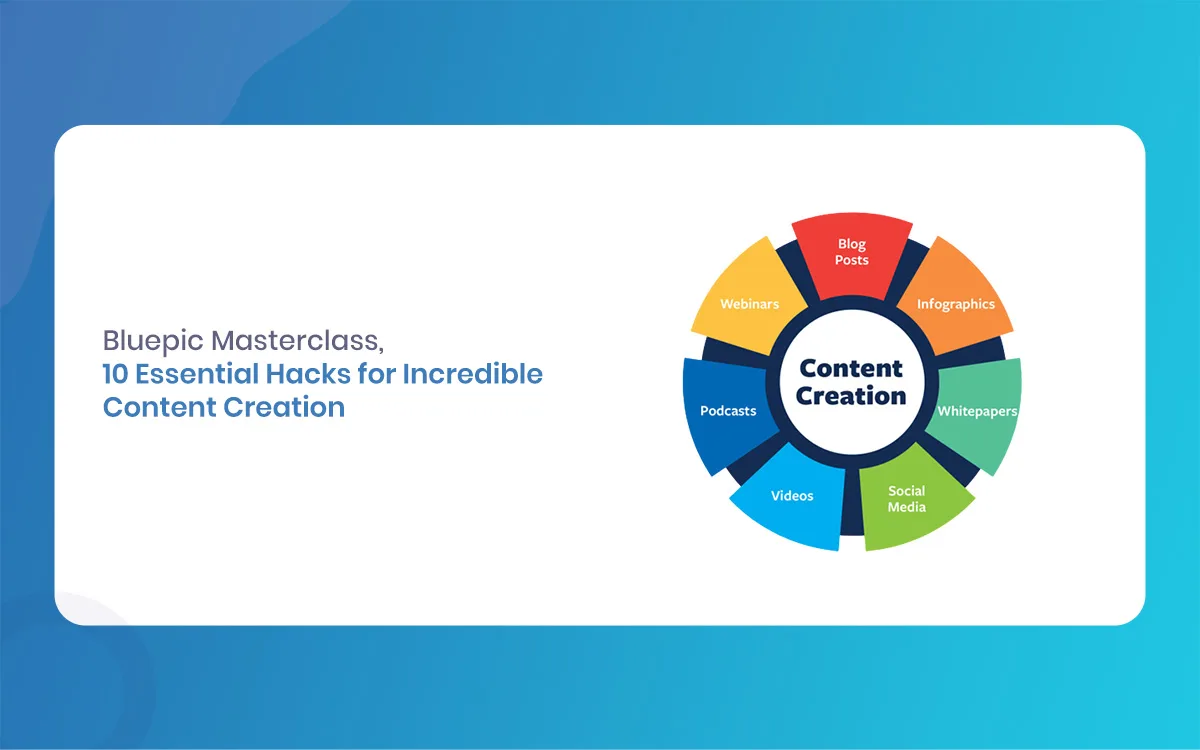
In this Bluepic masterclass, we will walk through 10 essential hacks that will change the way you create content forever.
Bluepic
What is Bluepic and Why Should You Care?
Before we get into the hacks, let us quickly understand what Bluepic actually is. it is a modern graphic design generator platform that turns your brand templates into foolproof design tools. It does not just let you create pretty graphics. It lets you control what parts of the design can be edited, and what parts must stay the same.
Bluepic
How Bluepic Stands Out in 2026
In 2026, Bluepic has continued to grow as a go-to tool for marketing teams, universities, event organizers, and franchise businesses. The platform now includes three major tools:
Bluepic Studio is for building responsive, brand-safe graphic templates from scratch.
Bluepic Social lets teams share templates and create content in a simple mobile-friendly app.
Bluepic Embed allows you to place design generators directly onto your website or app with ready-made code snippets.
Together, these three tools form a complete content creation ecosystem that is hard to beat.
Hack 1: Use Bluepic Studio to Build Locked Templates
Why Bluepic Template Locking is a Game Changer
One of the most powerful features inside Bluepic Studio is the ability to lock design elements. When you build a template, you can decide which parts are editable and which parts are fixed. This means your logo, brand colors, and fonts are always protected.
For example, if you are a marketing manager at a university, you can build a social media post template where students can only add their name and photo. They cannot change the background, remove the logo, or mess with the layout. This keeps everything on-brand, every single time.
Here is a quick way to think about it:
Lock colors, fonts, and logo positions.
Leave text fields, photo upload areas, and personalisation fields open.
Publish the template and share via a link.
This one hack alone can save your team hours of back-and-forth corrections each week.
Bluepic
Hack 2: Connect Input Fields for Faster Bluepic Content Creation
Smart Input Fields Make Bluepic Content Creation Effortless
It has a powerful form builder that connects input fields directly to your design. So instead of giving someone access to the full design canvas, you give them a simple form. They type in their name, upload a photo, pick a color, and the design updates automatically.
This is great for events, campaigns, and any situation where non-designers need to produce content fast. No Photoshop, no Canva skills needed.
Here is how to set it up smartly:
Add only the input fields that are truly necessary.
Use dropdown menus for options that must stay within brand guidelines.
Add a photo upload field for personalized visuals.
Preview the form from the user’s perspective before publishing.
You will be surprised how much faster your team, clients, and even external users can create content once you simplify the editing experience like this.
Hack 3: Share Bluepic Templates With a Single URL
URL Sharing is the Easiest Distribution Hack
One thing that makes Bluepic genuinely different is how it handles sharing. Instead of emailing design files, installing software, or setting up accounts for every user, you simply generate a shareable template URL.
Anyone with the link can open the template in their browser, fill in the fields, and download their personalised graphic in seconds. No login required on their end.
This is incredibly useful for:
Conference exhibitors who need personalised speaker cards.
Campaign supporters who want to share your message with their own face on it.
Retail branches that need locally relevant social media content.
The ability to share a single URL and have hundreds of people create on-brand content in minutes is one of the best Bluepic content creation hacks you will ever use.
Hack 4: Embed a Bluepic Design Generator on Your Website
Bluepic Embed Turns Your Website Into a Content Machine
With Bluepic Embed, you can paste a small code snippet onto any page of your website and instantly add a design generator widget. Your website visitors can create personalised graphics without ever leaving your site.
This is a brilliant hack for:
Event organisers who want attendees to create their own branded badge or social post.
Universities that want students to produce their own promotional content.
Non-profits running campaigns who want supporters to spread the word visually.
The steps are simple. Inside Studio, once your template is ready, go to the sharing options and select the embed code. Copy and paste it into your website’s HTML. Done. Your visitors now have access to a powerful design generator that is fully branded, fully controlled, and fully yours.
Bluepic
Hack 5: Use Bluepic Social for Team-Based Content Creation
Bluepic Social Keeps Your Whole Team range
If you manage a content team, Bluepic Social is the hack you did not know you needed. Instead of emailing templates around or storing files in shared drives, Bluepic Social gives your team access to a private gallery of approved templates.
Every team member can open the Bluepic Social app on their phone, pick a template from the gallery, personalise it, and download their design. No desktop required, no design skills needed.
Basic benefits of using Bluepi Social for your team:
All templates come pre-approved by the brand manager.
Team members cannot break the design.
Content creation happens in seconds, not hours.
Works on mobile, which is perfect for field teams and event staff.
This is teamwork and brand control running at the same time.
Bluepic
Hack 6: Use the Analytics Feature to Track Template Performance
Bluepic Analytics Help You Create Smarter Content
Many people overlook this, but Bluepic comes with analytics built right in. Once you publish a template widget, Bluepic tracks how it is being used. You can see how many people opened the template, how many downloads happened, and which widgets are the most popular.
This information helps you make better decisions about your content strategy. For example:
If one event template gets thousands of uses but another barely gets any, you know what kind of design works better.
You can spot which campaigns are generating the most community content.
You can remove outdated templates and replace them with fresh ones based on real usage data.
Using analytics is not glamorous, but it is one of the smartest hacks for growing your content output intelligently.
Hack 7: Integrate Bluepic With WordPress for Perfect Publishing
Bluepic’s WordPress Integration Makes Publishing Simple
It integrates with WordPress, which is great news if your website runs on this platform. You do not need to be a developer to set this up. The integration allows you to embed design generators directly into your WordPress pages or posts with minimal effort.
Here is what this means in practice:
Add a profile picture generator to your WordPress event page.
Let job applicants create personalised application graphics directly from your HR page.
Give students a design tool right inside your university’s WordPress site.
This integration is one of those Bluepic hacks that makes the whole ecosystem click. You combine the power of WordPress publishing with Bluepic’s brand-safe design generation, and everything just works together smoothly.
Bluepic
Hack 8: Build a Bluepic Template Gallery for Content Libraries
Bluepic Template Galleries Save Time for Busy Marketing Teams
Instead of managing templates one by one, Bluepic lets you group them into galleries. A gallery is basically a curated collection of approved templates that your team or community can browse and use.
For a marketing team, this is a huge time saver. Here is how to get the most from it:
Create separate galleries for different campaigns or departments.
Keep seasonal templates (holiday posts, back-to-school content) in their own gallery.
Archive old galleries instead of deleting them, so you can always look back.
Give external partners access to their own branded gallery.
Template galleries also help onboard new team members faster. Instead of explaining every template individually, you just send them the gallery link and they are ready to start creating in minutes.
Hack 9: Use the Free Design Generator Tools for Quick Wins
Bluepic’s Free Tools Are a Hidden Gem for Content Creators
One thing not many people talk about is that Bluepic offers a handful of free design generator tools with no subscription required. These include a free profile picture generator, a free event social media graphic generator, and a free custom design generator.
These free tools are perfect for:
Small businesses that are just getting started with branded content.
Event organisers who need a quick one-off graphic.
Marketers who want to test before committing to a paid plan.
Even if you are already a paid Bluepic user, these free tools can come in handy for quick projects when you do not want to build a full template. They are simple, fast, and completely free to use.
Bluepic
Hack 10: Use Bluepic for Franchise and Retail Content at Scale
Bluepic Content Creation at Scale for Franchise Businesses
If you run a franchise or manage multiple retail locations, content consistency is one of your biggest headaches. Every branch wants to post on social media, but you cannot have each one creating whatever they want. It solves this beautifully.
Here is how franchise and retail businesses use Bluepic to scale their content:
Create a master set of templates at the head office level.
Publish them via Bluepic Social to all branch managers.
Each branch can personalise the content with local details like city name, store address, or staff photos.
The core branding stays locked and untouched.
This way, you get locally relevant content across hundreds of locations without losing brand control. It is one of the most practical Bluepic content creation hacks for larger organisations.
Bluepic
Final Thoughts on Bluepic for Content Creation
Making the Most of Your Bluepic Ride
Bluepic is not just another design tool. It is a complete system for protecting your brand while empowering your team, your community, and even your website visitors to create content on their own. The 10 hacks we covered in this masterclass are just the beginning.
To recap the basic points:
Lock your design elements to protect brand identity.
Use input fields to simplify the editing experience.
Share templates with a single URL.
Embed design generators on your website.
Use Social for team-based content.
Track performance with analytics.
Integrate with WordPress for perfect publishing.
Organise templates into galleries.
Use the free tools for quick projects.
Scale content across franchise or retail branches.
Bluepic
Whether you are a small business owner, a university marketing manager, or a global brand, Bluepic gives you the tools to create incredible content without the chaos. Give it a try, and you will wonder how you ever managed without it.
Related Article
September 1, 2026
Augmented Reality News: 7 Exclusive Breakthroughs for an Incredible Year | The Morphic Studio
Navigating the Latest Augmented Reality News Environment Welcome to another exciting deep dive into the statistical universe brought to you by The Morphic Studio. If you have been keeping up with tech headlines lately, you already know that statistical overlays and spatial computing are changing how we interact with our physical surroundings. The year 2026 […]
September 1, 2026
VR Horror Games: 13 Incredible Titles for a Brutal Scare – The Morphic Studio
Welcome to the ultimate guide for anyone looking to test their nerves inside a headset. When you strap a display to your face, flat screen rules no longer apply. VR Horror Games You are no longer watching a character run from danger on a distant monitor, because you are right there in the middle of […]
August 31, 2026
Meta Quest 4 Release Date: The Master Guide to 2026’s Most Incredible VR | The Morphic Studio
Virtual reality has traveled a long road over the last few years. We have moved from bulky, tethered headsets that needed expensive gaming computers to sleek, standalone machines that fit right inside a small travel backpack. If you follow immersive technology here at The Morphic Studio, you already know that Meta has been leading the […]