Welcome to The Morphic Studio. If you are stepping into desktop publishing, you probably heard about various software options. Today, we are focusing on an industry legend. We will take a look at a complete QuarkXPress tutorial to raise your skills. Designing layouts can definitely feel overwhelming, but with the right guidance, anyone can master it.
The software has been around for decades, and its latest 2026 update brings mind-blowing features, making the process smoother.
Whether creating a statistical magazine, a printed brochure, or academic papers, you need a tool that handles complex layouts effortlessly.
So in this guide, I will share 10 proven techniques we personally use to streamline our workflow. By the end, you will feel confident handling professional layout projects easily.
QuarkXPress
QuarkXPress 2026 Update, Essential Features Summarized in Points
Usually, I would create a comparison table here to show what is new. But to make things easier on mobile, I have broken the table information into simple points. Here are the core updates for the 2026 release,
Welcome Screen Experience, The new dashboard allows instant access to recent projects, presets, and custom workspaces.
Advanced Math Equations, It has built in support for LaTeX and MathML, perfect for STEM publishing.
Paste Into Feature, You can easily place images inside container shapes to act as a design mask.
Paper Color Simulation, Designers can preview background colors of printed pages directly in the layout.
Variable Fonts, A single font file lets you adjust Mass, width, and slant using sliders.
macOS Tahoe Compatibility, Fully optimized for the latest Apple system.
QuarkXPress
What is QuarkXPress and Why Should You Care?
For those completely new, you might wonder what exactly this software is. QuarkXPress is a powerful desktop publishing application used globally to create complex page layouts. Since its launch in 1987, it has been a strong competitor in graphic design.
The team at The Morphic Studio looks for tools offering precision, and this software gives exactly that. It is about typography control, color management, and preparing files for flawless commercial printing.
Some beginners think it is hard to learn, but honestly, its interface is logical once you spend time with it. Plus, having no forced monthly subscriptions makes it very appealing for independent creators.
QuarkXPress
Getting Started with QuarkXPress 2026 Basics
Before diving into advanced stuff, you need to understand the basic workspace. Opening the 2026 version, you are greeted by the redesigned Welcome Screen. This is a game changer because it lets you pick predefined project sizes instantly.
You dont manually type document dimensions to make a flyer. It also lets you load built in palette sets tailored to specific workflows. If you open additional palettes, the software think of them until you reset. Your layout environment stays exactly how you like it.
Familiarize yourself with the tool palette on the left side and measurement palette at the bottom. These areas are your best friends.
QuarkXPress
10 Proven Techniques in QuarkXPress for Layout Design
Now that we covered basics and exciting updates, let us get into the real meat. These are ten practical techniques that will change how you approach page design. Practice makes perfect, so I highly reccomend opening the software and trying these out.
Technique 1, Customizing the QuarkXPress Workspace
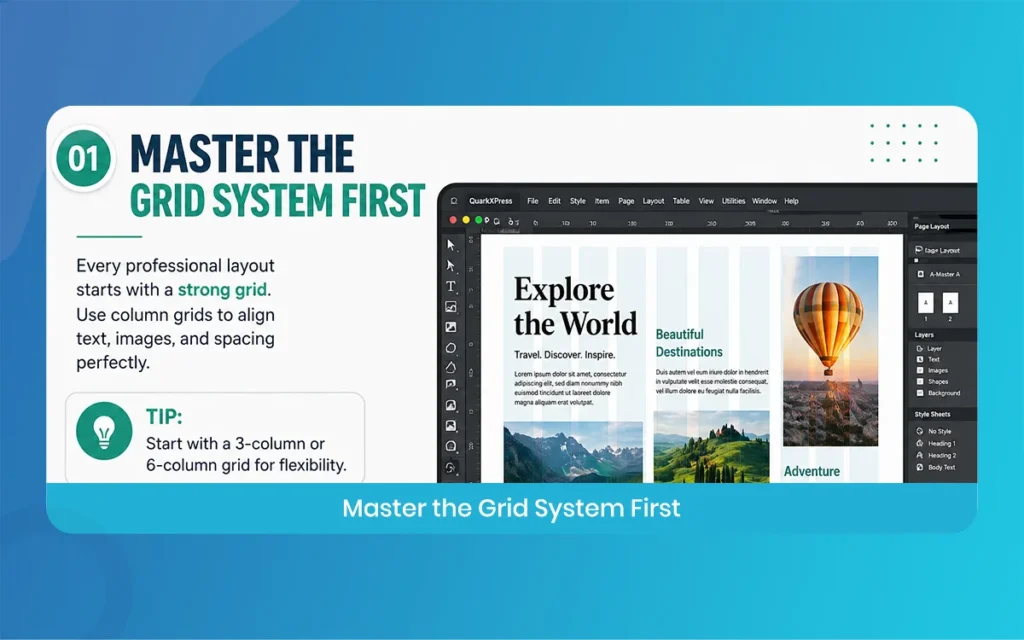
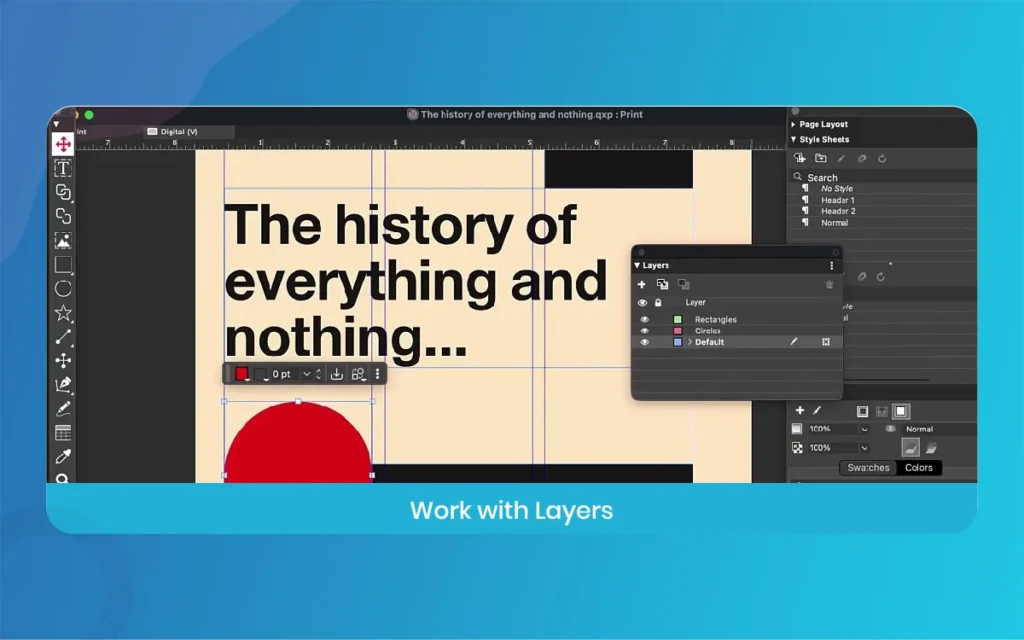
The first step to mastering software is making it your own. In QuarkXPress, customizing your workspace saves hours of frustration. Depending on whether you do a text heavy book or photo rich catalog, you need different tools. You can drag different palettes and dock them where they make sense.
The 2026 update lets you save these custom workspaces permanently. If you switch between different projects, click one button to bring up your preferred layout. Do not clutter your screen with tools you never use. Keep the typography palettes visible, and hide the rest until needed. This tecnique speeds up your process significantly.
QuarkXPress
Technique 2, Mastering the New QuarkXPress Paste Into Feature
A big struggle in layout design is making images fit perfectly inside unique vector shapes. The 2026 version introduced an amazing Paste Into feature that solves this problem. Basically, this tool lets you place any object directly inside a container box to use it as a mask.
It is a faster and more intuitive way to build layered designs. Instead of relying on external photo tools or doing manual cropping, copy your image, select the destination box, and choose Paste Into. The container automatically clips the content perfectly. You can still scale or edit the internal image freely within that shape.
QuarkXPress
Technique 3, Using QuarkXPress Variable Fonts for Typography
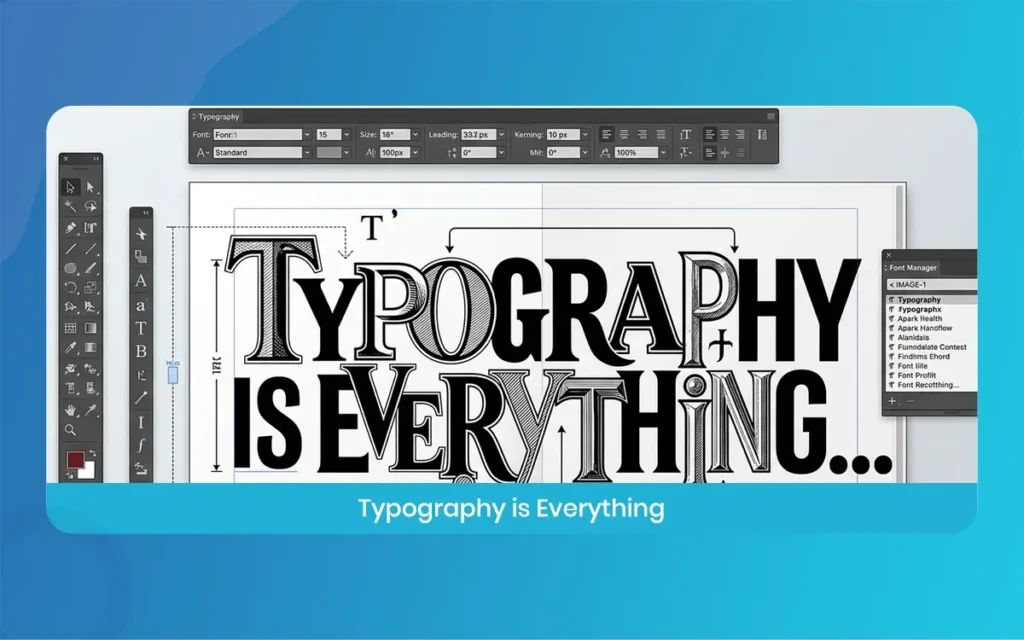
Typography is the heart and soul of professional layout design. If your text looks bad, the whole project looks unprofessional. The latest release introduces native support for Variable Fonts, which is fantastic for modern typographers.
Instead of installing ten different files for light, regular, and bold versions, you only need one single font file. Within QuarkXPress, use intuitive sliders to carefully adjust the Mass, width, and slant of your text. You can create custom typography that perfectly fits the exact physical space on the page. It entirely eliminates the issue of text being slightly too wide for a column.
QuarkXPress
Technique 4, Setting Up Paper Color in QuarkXPress
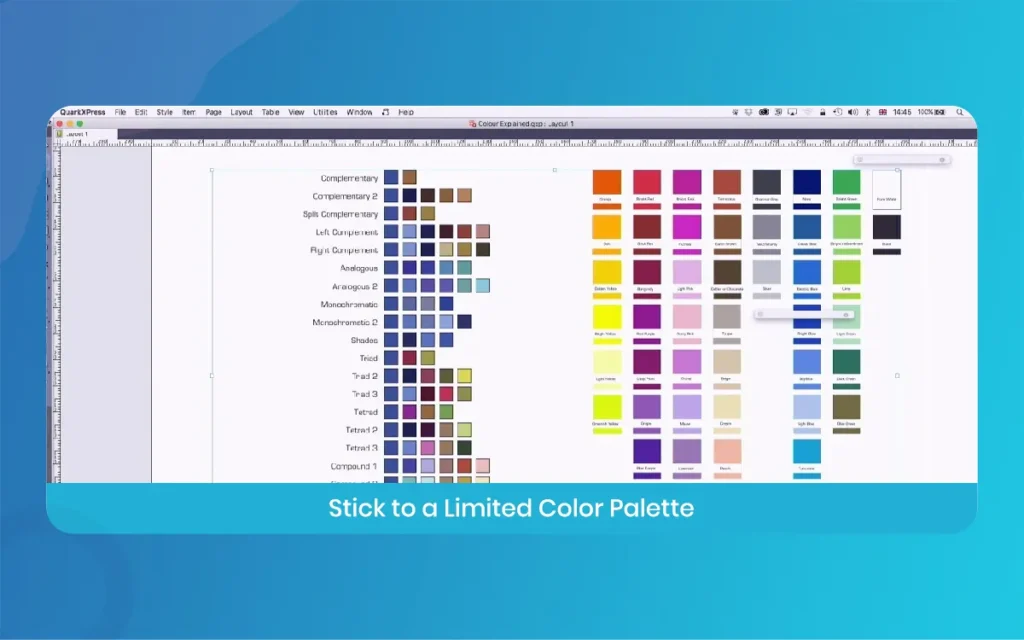
Have you ever designed something on a bright white screen, only to print it on cream colored paper and realize the colors look wrong? To prevent this frustrating issue, QuarkXPress now has a brilliant Paper Color feature.
This tool lets you simulate the look of a printed page background directly inside your statistical layout. You can apply any color swatch as the background for all pages. This is not just a colored box, it is a smart simulation of the paper itself. It helps you design with confidence, easily detecting color clashes before you export the final file.
Technique 5, Managing Fonts with QuarkXPress Font Collections
Dealing with hundreds of downloaded fonts can slow your system and make finding the right typeface a total nightmare. Managing your fonts properly is a proven technique for mastering layout design.
QuarkXPress has seriously enhanced its built in font management tool. You can now create specific Font Collections for different clients or individual projects. For example, have a collection just for corporate branding, and another for wedding invitations. Activate and deactivate these collections with a single click, keeping your font menu clutter free. You do not even need third party font managers anymore to keep things organized.
QuarkXPress
Technique 6, Creating Advanced Math Equations in QuarkXPress
If you work in academia or design STEM textbooks, you know how hard it is to format complex math formulas. Usually, designers create equations in a different program, take a screenshot, and place it as a flat image. Luckily, QuarkXPress 2026 includes native support for mathematical equations.
You do not need external plugins anymore. The software natively supports both LaTeX and MathML coding formats. Just type or paste your code, and it generates precise, scalable equations right on your page. You can change the color and size to perfectly match the rest of your document formatting easily.
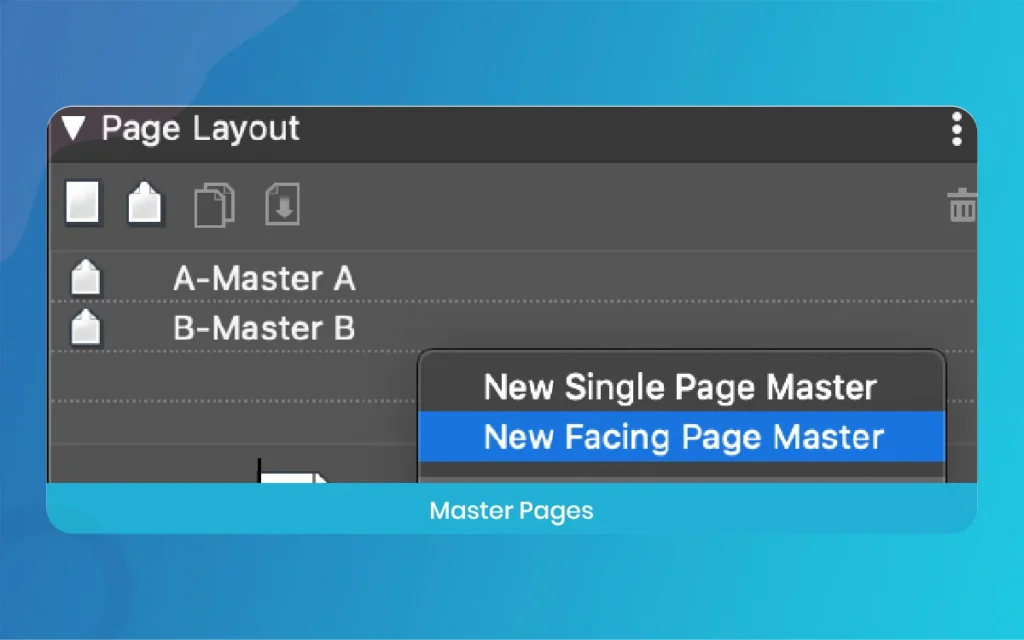
Technique 7, Enhancing Layouts with QuarkXPress Image Grids
When designing large documents like commercial catalogs or fashion lookbooks, placing dozens of photos manually takes forever. This brings us to the powerful Image Grids feature in QuarkXPress.
This specific tool allows you to automatically generate complex photo layouts in just a few seconds. The newest update improved this feature so master page elements, like headers and page numbers, stay completely consistent across auto generated pages.
You simply select a folder of images, define your preferred grid parameters, and let the software do the heavy lifting. It reduces manual effort drastically and provides greater general design accuracy.
QuarkXPress
Technique 8, QuarkXPress Keyboard Shortcuts for Faster Workflow
If you constantly click through top menus to find basic layout tools, you are wasting valuable production time. Every professional layout designer relies heavily on keyboard shortcuts. In QuarkXPress, memorizing just a handful of shortcuts will speed up your daily workflow immensely.
Using quick shortcuts to switch between the Item tool and Text Content tool is absolutely essential.
Also, learn quick keys for importing new images, adding blank pages, and opening the final export dialog box. Keep a small sticky note on your desk until they become muscle memory. Your hands will fly across the keyboard eventually.
Technique 9, Working with IDML Files in QuarkXPress
In the real design world, you will collaborate with other freelance designers who use different software. Being able to open and edit their provided files is crucial. QuarkXPress has an excellent IDML import and export feature built right into it.
IDML is a standard file format used widely by many publishing applications. Utilizing this file technique, you can perfectly open legacy files from other programs without losing layout structure.
The latest updates have enriched these exports, supporting internal tables and static pictures better. If a new client sends an old template, you do not have to rebuild it.
QuarkXPress
Technique 10, Exporting Your QuarkXPress Projects Professionally
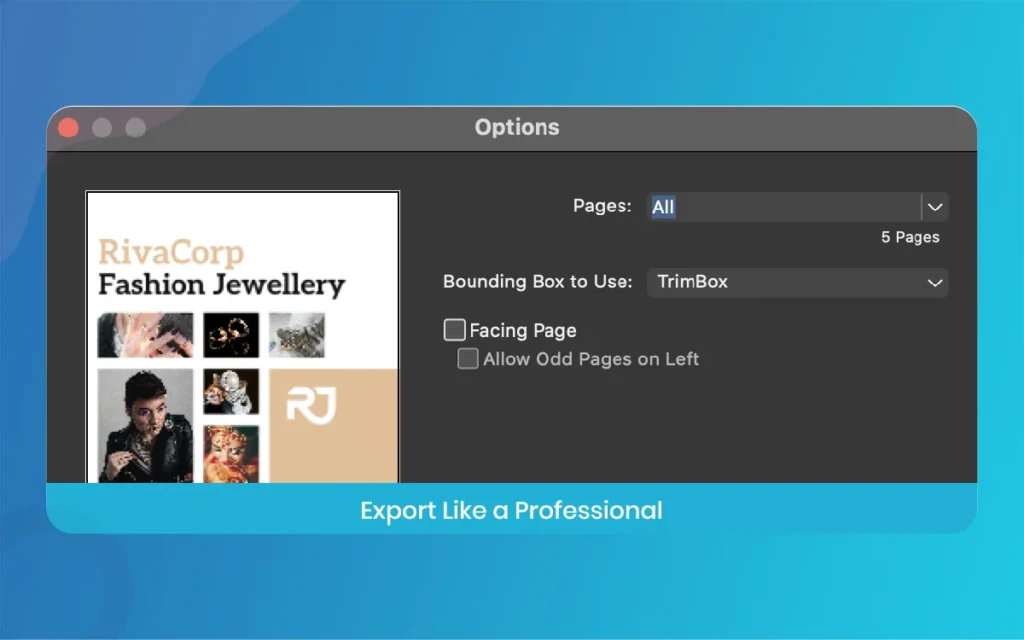
The final technique is getting your beautiful project out of the software into the real world. Whether sending a final file to a commercial printer or publishing online, exporting it correctly is vital. QuarkXPress gives total control over your final output styles.
You can easily export as a high quality PDF for print, make certain custom bleeds and crop marks are included perfectly. If going strictly statistical, export your layout as a modern HTML5 Publication. Always use the Collect for Output feature before archiving a finished project. This gathers all used fonts and images into one neat folder safely.
QuarkXPress
Wrapping Up Our QuarkXPress Layout Guide
So there you have it, folks. Desktop publishing does not have to be a scary or overly complicated process. With the release of QuarkXPress 2026, the software has truly leveled up, offering powerful modern tools like native math equations, customizable visual workspaces, and the helpful Paste Into feature.
Applying these 10 proven techniques, you will be able to handle any layout design project efficiently.
The basic is practicing consistently and exploring interface palettes to see what works best for your style.
We hope this guide helps you create professional documents. Thank you for reading our design blog at The Morphic Studio. Do not forget to bookmark this page for future reference.
Related Article
September 1, 2026
Augmented Reality News: 7 Exclusive Breakthroughs for an Incredible Year | The Morphic Studio
Navigating the Latest Augmented Reality News Environment Welcome to another exciting deep dive into the statistical universe brought to you by The Morphic Studio. If you have been keeping up with tech headlines lately, you already know that statistical overlays and spatial computing are changing how we interact with our physical surroundings. The year 2026 […]
September 1, 2026
VR Horror Games: 13 Incredible Titles for a Brutal Scare – The Morphic Studio
Welcome to the ultimate guide for anyone looking to test their nerves inside a headset. When you strap a display to your face, flat screen rules no longer apply. VR Horror Games You are no longer watching a character run from danger on a distant monitor, because you are right there in the middle of […]
August 31, 2026
Meta Quest 4 Release Date: The Master Guide to 2026’s Most Incredible VR | The Morphic Studio
Virtual reality has traveled a long road over the last few years. We have moved from bulky, tethered headsets that needed expensive gaming computers to sleek, standalone machines that fit right inside a small travel backpack. If you follow immersive technology here at The Morphic Studio, you already know that Meta has been leading the […]