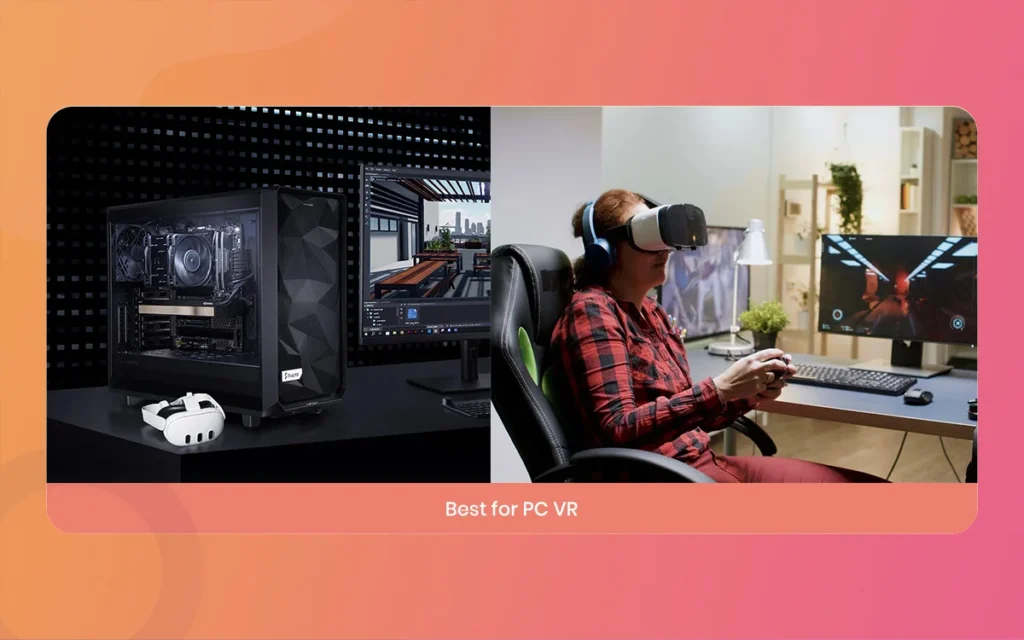
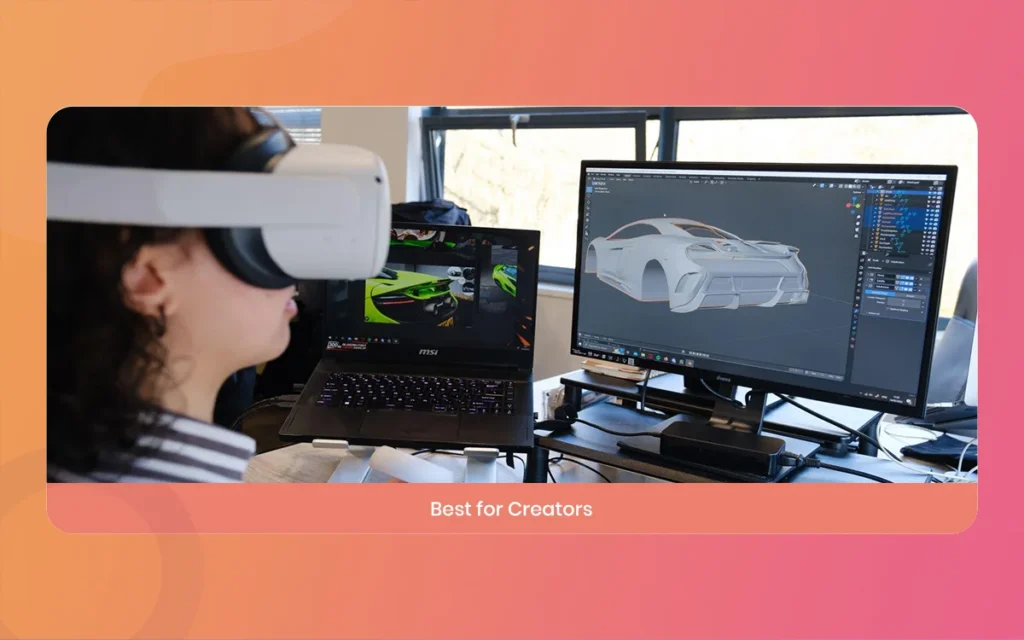
Finding the right VR headset for PC can feel overwhelming with all the technical jargon around refresh rates, foveated rendering, pancake lenses, and display panels. Whether you love high-speed racing simulators, flight simulators, room-scale exploration, or creative 3D design on PC, having proper hardware makes all the difference.
Complete Guide: 9 Incredible VR Headset for PC Picks
Introduction to VR Headset for PC Gaming and Immersion
Virtual reality on personal computers offers superior graphical fidelity, uncompressed streaming, and massive modding communities that mobile standalone devices cannot match on their own. Driving a supercar around the Nürburgring in Assetto Corsa, flying through thunderstorms in Microsoft Flight Simulator, or walking through the haunting hallways of Half-Life: Alyx requires a dependable VR headset for PC that delivers crisp visuals, zero-latency motion tracking, and long-session comfort.
Selecting the right device means balancing resolution, field of view (FOV), tracking methods (inside-out cameras versus outside-in base stations), and connection types. Below are the 9 best options currently available, broken down by their performance, ergonomics, and overall value.
VR Headset for PC
9 Best VR Headset for PC Options Reviewed
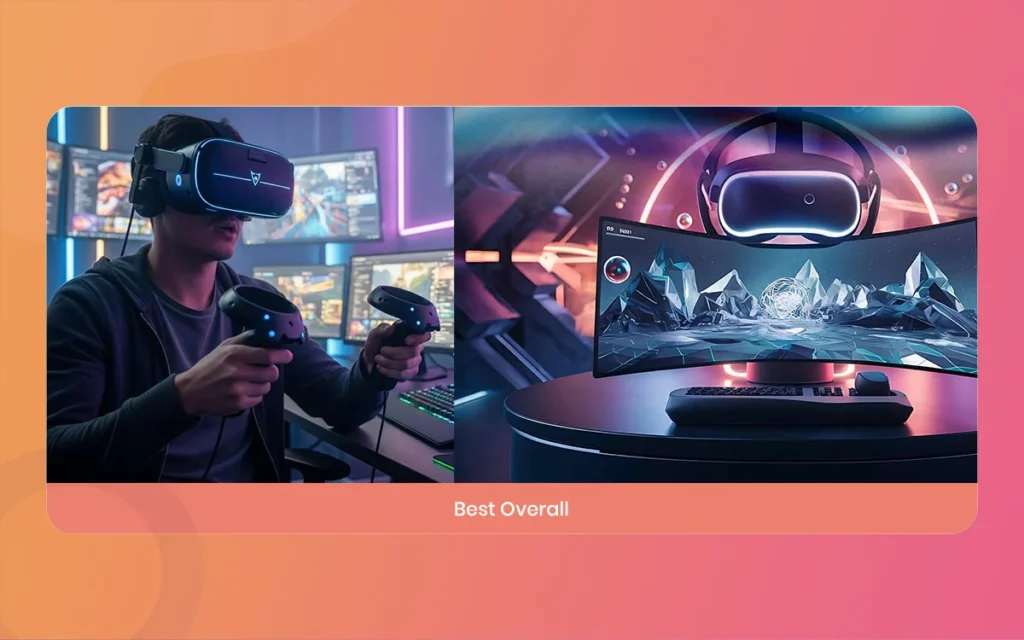
1. Meta Quest 3, The Best Overall VR Headset for PC
The Meta Quest 3 strikes the best balance between cost, visual clarity, and flexibility. It features pancake lenses that eliminate the blurry sweet-spot issues common on older Fresnel lenses, paired with sharp 2064 x 2208 per-eye panels. You can link it to your gaming rig using a direct high-speed USB-C cable (Meta Quest Link) or stream wireless PC VR via Air Link, Virtual Desktop, or Steam Link over Wi-Fi 6E. Its inside-out tracking cameras remove the need for external wall sensors, making setup quick and clutter-free.
Cons: Default fabric strap needs an aftermarket upgrade for long sessions, battery drains while streaming wirelessly.
VR Headset for PC
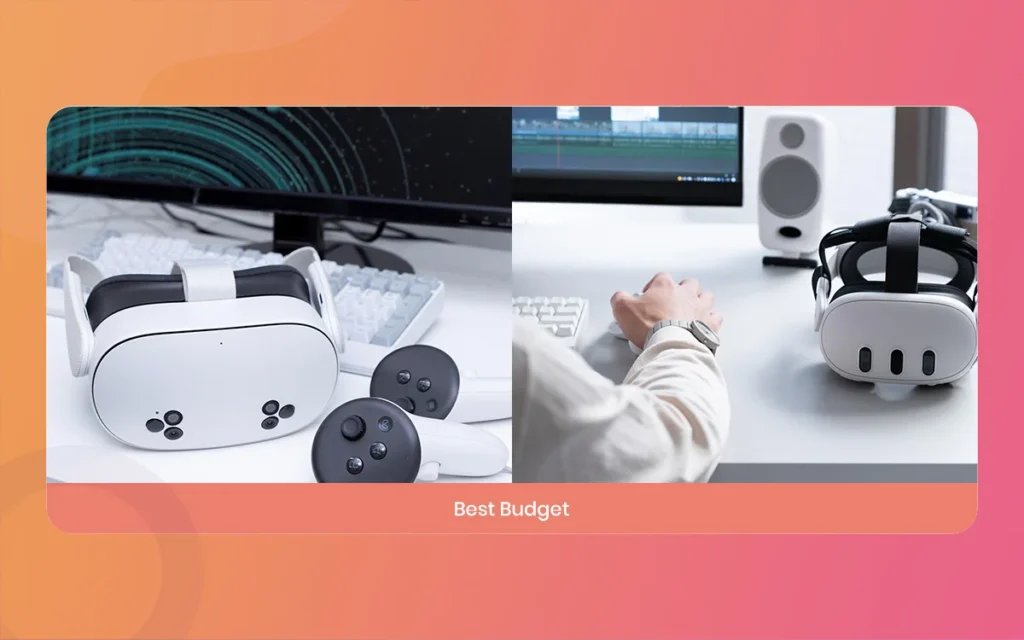
2. Meta Quest 3S, Best Budget-Friendly VR Headset for PC
For budget-conscious gamers wanting PC VR capabilities without paying premium prices, the Meta Quest 3S delivers great value. It uses the same high-speed processor as the standard Quest 3 and supports full PC tethering through wired Link and wireless Steam Link, but it saves on manufacturing costs by utilizing the 1832 x 1920 Fresnel optical stack. It handles heavy PC VR titles perfectly while keeping your wallet happy.
Pros: Lowest entry price for modern PC VR, reliable inside-out tracking, broad game compatibility.
Cons: Narrower sweet spot due to Fresnel lenses, lower resolution compared to standard Quest 3.
VR Headset for PC
3. PlayStation VR2 (with PC Adapter), Best OLED Display for PC VR
Sony made waves by releasing the official PC adapter for the PSVR2, turning its console headset into a top-tier PC monitor display. The standout feature here is its dual 2000 x 2040 OLED displays, delivering true ink-black contrast levels and rich colors that LCD panels cannot produce. While certain console-exclusive features like eye-tracking and specialized adaptive triggers require third-party community drivers on Windows, raw visual performance in dark horror games and night races makes this an outstanding tethered display.
Pros: OLED panel with true blacks, light and comfortable halo strap design, native uncompressed DisplayPort connection.
Cons: Fresnel lenses cause slight glare/god rays in high-contrast scenes, official PC adapter required.
VR Headset for PC
4. Pimax Crystal Light, Best High-Resolution VR Headset for PC Simulators
The Pimax Crystal Light is made or changeded for PC gamers who prioritize maximum visual clarity above all else. Boasting a massive 2880 x 2880 resolution per eye with glass aspheric lenses and QLED local dimming, it virtually eliminates the screen-door effect. Small gauges in cockpit flight simulators and distant road apexes in sim racing games look razor sharp. By removing the onboard mobile batteries and focusing entirely on a direct tethered PC connection, Pimax made this headset lighter and more accessible than previous flagship models.
Pros: Unmatched visual fidelity and text clarity, local dimming backlight, fixed glass lenses.
Cons: Requires a high-end graphics card (RTX 4070 or higher recommended), bulkier physical shell than minimalist headsets.
VR Headset for PC
5. Bigscreen Further on than, Most Comfortable Ultra-LightMass VR Headset for PC
Weighing a mere 127 grams, the Bigscreen Further on than is an engineering marvel in the PC VR space. Instead of using universal one-size-fits-all cushions, each unit is custom-milled to the buyer’s 3D facial scan and fixed inter-pupillary distance (IPD). It packs dual 2560 x 2560 Micro-OLED displays with pancake lenses into a shell the size of ski goggles. For marathon gaming or social sessions in VRChat, no other device matches its zero-fatigue comfort.
Pros: FeatherMass form factor, custom made or changeded facial interface, vibrant Micro-OLED colors.
Cons: Requires SteamVR Lighthouse base stations and controllers (sold separately), non-shareable due to custom face mold.
VR Headset for PC
6. Pico 4 Ultra, Best Wireless VR Headset for PC Multitasking
The Pico 4 Ultra is a well-balanced headset featuring 2160 x 2160 per-eye resolution, pancake lenses, and support for high-bandwidth Wi-Fi 7 wireless streaming. Its balanced counterMass design, placing the battery at the rear of the strap, provides superior out-of-the-box ergonomics compared to front-heavy alternatives. Using Pico Connect software on PC, it delivers ultra-low latency desktop mirroring and smooth wireless SteamVR gameplay.
Pros: Balanced Mass distribution out of the box, Wi-Fi 7 wireless support, crisp edge-to-edge pancake clarity.
Cons: Smaller native standalone storefront compared to competitors, availability varies by region.
VR Headset for PC
7. Valve Index, Best Tracking and Audio VR Headset for PC
While its 1440 x 1600 per-eye resolution is lower than newer headsets, the Valve Index remains a benchmark for overall hardware ergonomics, audio quality, and tracking precision. The off-ear BMR speakers deliver spatial acoustics without touching your ears, and the knuckle controllers feature full per-finger capacitive tracking. When paired with SteamVR base stations, it provides millimeter-accurate tracking across complex room spaces.
Pros: High refresh rate up to 144Hz, industry-leading integrated off-ear audio, precise finger-tracking controllers.
Cons: Requires base stations mounted to walls, lower display resolution by modern standards.
VR Headset for PC
8. HTC Vive Pro 2, High-End Workhorse VR Headset for PC Addict
The HTC Vive Pro 2 provides a crisp 2448 x 2448 per-eye resolution alongside an expansive 120-degree horizontal field of view. Built for high-end gaming and industrial enterprise applications, it pairs with SteamVR Lighthouse tracking ecosystems and supports HTC Vive wireless desktop adapters. If you want high resolution combined with full body tracking puck ecosystems for dance or motion capture, this headset remains a reliable PC companion.
Pros: Broad 120-degree FOV, high display resolution, robust compatibility with Vive tracking pucks.
Cons: Runs warm during long sessions, microphone quality is average for the price tier.
VR Headset for PC
9. Somnium VR1, Best Modular Open-Source VR Headset for PC Power Users
Built in the European Union for commercial and power-user markets, the Somnium VR1 offers native PC VR tethering without proprietary software walls. It features dual 2880 x 2880 QD-MiniLED panels, customized high-transmittance lenses, and hardware modularity, allowing users to configure eye tracking, hand tracking, and high-resolution pass-through cameras. It is built specifically for addict who refuse display compression and want direct control over hardware capabilities.
Meta Quest 3: Dual LCD (Pancake Lenses), 2064 x 2208 per eye, 120Hz refresh rate, USB-C Link Cable or Wi-Fi 6E Wireless. Best overall pick for wireless and wired flexibility.
Meta Quest 3S: Single Fast-Switch LCD (Fresnel Lenses), 1832 x 1920 per eye, 120Hz refresh rate, USB-C / Wi-Fi 6E. Most affordable entry-level pick.
Sony PlayStation VR2: OLED / HDR (Fresnel Lenses), 2000 x 2040 per eye, 120Hz refresh rate, DisplayPort 1.4 via PC Adapter. Best deep blacks and color reproduction.
Pimax Crystal Light: Dual QLED with Local Dimming (Glass Aspheric Lenses), 2880 x 2880 per eye, 120Hz refresh rate, DisplayPort. Best pixel density for flight and racing sims.
Bigscreen Further on than: Micro-OLED (Pancake Lenses), 2560 x 2560 per eye, 90Hz refresh rate, DisplayPort. Ultra-compact custom form factor weighing only 127 grams.
Pico 4 Ultra: Dual LCD (Pancake Lenses), 2160 x 2160 per eye, 90Hz refresh rate, Wi-Fi 7 / USB-C. Top pick for wireless connectivity and spatial productivity.
Valve Index: Dual LCD (Fresnel Lenses), 1440 x 1600 per eye, 144Hz refresh rate, DisplayPort. Best built-in near-field off-ear speakers and finger tracking.
HTC Vive Pro 2: Dual LCD, 2448 x 2448 per eye, 120Hz refresh rate, DisplayPort. Broad 120-degree horizontal field of view.
Somnium VR1: Dual QD-MiniLED, 2880 x 2880 per eye, 120Hz refresh rate, Native PCVR DisplayPort. Top choice for direct hardware customization and pass-through developers.
VR Headset for PC
How to Choose the Right VR Headset for PC Setup
Before making your final choice, evaluate these basic factors to make sure your headset matches your computer and playstyle:
PC Hardware Requirements: Driving high-resolution VR headsets like the Pimax Crystal Light or HTC Vive Pro 2 requires a beefy GPU, such as an NVIDIA RTX 4070 Ti, 4080, or 4090. If you are running mid-tier hardware like an RTX 3060 or 4060, the Meta Quest 3S or Meta Quest 3 are much easier to tune with variable resolution scalers.
Display and Lens Technology: Pancake lenses provide edge-to-edge clarity without making you adjust the headset position constantly. OLED displays deliver deep, realistic dark scenes, making them ideal for horror games and nighttime racing simulators.
Tracking System: Inside-out tracking (cameras on the headset) lets you jump into games instantly without wall hardware. Base-station tracking (SteamVR Lighthouse) requires dedicated room sensors, but it offers flawless controller tracking behind your back and supports full-body trackers.
Wired vs. Wireless Play: Tethered DisplayPort connections provide uncompressed video quality with absolute zero latency. Wireless headsets offer complete 360-degree freedom, but they require a dedicated Wi-Fi 6 or Wi-Fi 6E router connected directly to your PC via Ethernet for optimal streaming.
Final Verdict on Choosing a VR Headset for PC
Every gamer has unique priorities when diving into virtual reality. For most players, the Meta Quest 3 remains the undisputed king of flexibility, offering wireless freedom and crisp pancake optics at an accessible price. If budget is your primary concern, the Meta Quest 3S delivers entry-level PC VR performance without major compromises.
For dedicated flight and racing simulator addict, the ultra-sharp Pimax Crystal Light delivers clarity where you can read every single dial and instrument on your dashboard. Meanwhile, if you value long-session comfort above everything else, the made or changed-made Bigscreen Further on than is unmatched in its lightMass design. Match your budget, play space, and favorite game genres to find your ideal virtual setup.
Augmented Reality News: 7 Exclusive Breakthroughs for an Incredible Year | The Morphic Studio
Navigating the Latest Augmented Reality News Environment Welcome to another exciting deep dive into the statistical universe brought to you by The Morphic Studio. If you have been keeping up with tech headlines lately, you already know that statistical overlays and spatial computing are changing how we interact with our physical surroundings. The year 2026 […]
September 1, 2026
VR Horror Games: 13 Incredible Titles for a Brutal Scare – The Morphic Studio
Welcome to the ultimate guide for anyone looking to test their nerves inside a headset. When you strap a display to your face, flat screen rules no longer apply. VR Horror Games You are no longer watching a character run from danger on a distant monitor, because you are right there in the middle of […]
August 31, 2026
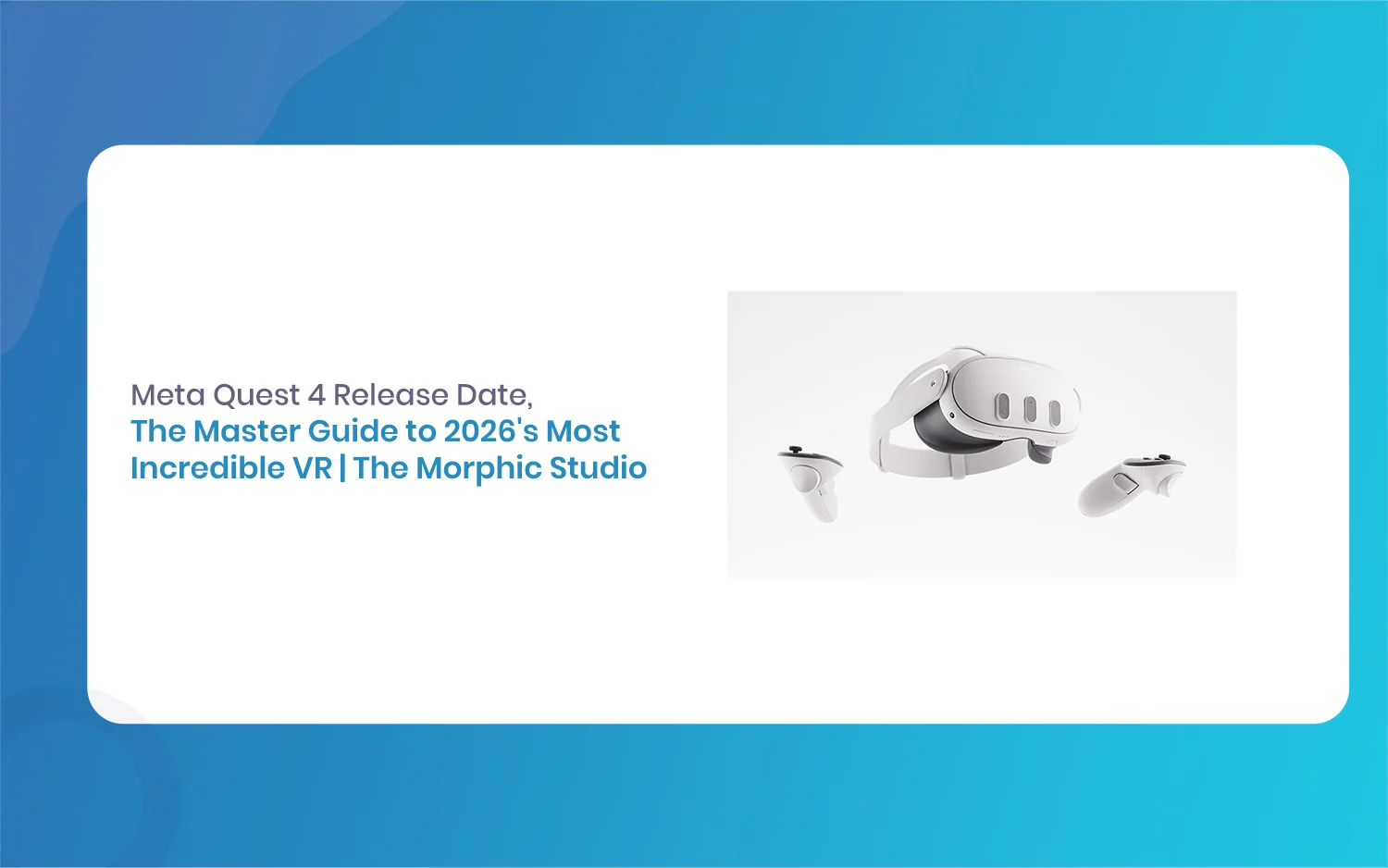
Meta Quest 4 Release Date: The Master Guide to 2026’s Most Incredible VR | The Morphic Studio
Virtual reality has traveled a long road over the last few years. We have moved from bulky, tethered headsets that needed expensive gaming computers to sleek, standalone machines that fit right inside a small travel backpack. If you follow immersive technology here at The Morphic Studio, you already know that Meta has been leading the […]