Educational content on YouTube has become increasingly popular, with Animation Educational Videos leading the charge in engaging viewers while delivering valuable knowledge. This information help you with the essential steps and best practices for creating compelling Animation Educational Videos content that resounds with your target audience.
Follow Your Audience: The Foundation of Success
Demographic Inquiry
Before diving into content creation, it’s crucial to understand who will be watching your videos. Different age groups have varying:
Attention spans
Learning preferences
Visual style preferences
Content complexity requirements
Learning Style Considerations
Your audience may prefer:
Visual learning through diagrams and illustrations
Auditory learning through clear explanations
Sequential learning through step-by-step processes
Holistic learning through big-picture concepts
Strategic Planning: Setting Clear Objectives
Defining Educational Goals
Every successful Animation Educational Videos starts with clear objectives:
Primary learning outcomes
Knowledge retention targets
Behavioral changes or skills development
Engagement metrics
Content Structuring
Break down complex topics into digestible segments:
Introduction (hook and context)
Main concepts (3-5 basic points)
Practical applications
Immediate and call to action
The Production Process: From Concept to Creation
Pre-Production Excellence
Script Development
Write conversational yet informative content
Include storytelling elements
Use analogies and metaphors
Incorporate humor appropriately
Keep timing tight (aim for 5-10 minutes)
Storyboarding
Create detailed visual outlines
Plan transitions
Design character movements
Map content flow
Animation Tools and Techniques
Below is a complete comparison of popular animation tools:
Tool Name
Best For
Price Range
Learning Curve
Basic Features
Create Studio
Beginners
$37-97/month
Low
Templates, Character Library
Canva
Quick Projects
Free-$12.99/month
Very Low
Drag-and-Drop, Templates
Adobe Animate
Professional
$20.99/month
High
Advanced Animation, Custom Art
Vyond
Business
$49-159/month
Medium
Professional Templates, Characters
Blender
3D Animation
Free
Very High
Full 3D Capability, Custom Effects
Visual Design Elements
Color Psychology
Use color wheels for harmony
Maintain consistent palettes
Consider cultural implications
Ensure accessibility
Character Design
Create relatable characters
Use consistent style guides
Include various representation
Design for your target audience
Audio Production: The Often Overlooked Element
Voiceover Excellence
Maintain clear pronunciation
Vary tone and pace
Match energy to content
Use professional equipment
Sound Design
Include appropriate background music
Add subtle sound effects
Balance audio magnitudes
Ensure clean audio quality
Post-Production: Refining Your Content
Editing Best Practices
Maintain consistent pacing
Add visual emphasis
Include clear transitions
Optimize timing
Quality Control
Multiple review passes
Technical checks
Content accuracy verification
Audience feedback integration
YouTube Optimization Strategies
SEO Fundamentals
Research relevant basicwords
Optimize titles and descriptions
Create compelling thumbnails
Use appropriate tags
Engagement Optimization
Add end screens
Include cards
Create playlists
Design engaging thumbnails
Performance Inquiry and Improvement
Basic Metrics to Track
Watch time
Audience retention
Click-through rate
Engagement rates
Continuous Improvement
Analyze viewer feedback
Study analytics data
A/B test different approaches
Update content regularly
Successful Channel Examples and Inquiry
Case Studies
Ted-Ed
Strength: Storytelling
Visual style: Varied and artistic
Average video length: 5-7 minutes
Kurzgesagt
Strength: Complex topics simplified
Visual style: Consistent and distinctive
Average video length: 8-12 minutes
Crash Course
Strength: Complete coverage
Visual style: Energetic and engaging
Average video length: 10-15 minutes
Best Practices for Long-Term Success
Content Calendar Management
Plan content series
Maintain regular uploads
Create themed content
Build content libraries
Community Building
Respond to comments
Create community posts
Host Q&A sessions
Encourage discussion
As Per The Morphic Studio
Creating engaging Animation Educational Videos for YouTube requires a careful balance of educational content, entertainment value, and technical execution. Success comes from Follow your audience, maintaining high production standards, and consistently delivering value through your content.
Think of that the most successful educational channels didn’t achieve their status overnight. It takes time, dedication, and continuous improvement to build a following and create truly impactful educational content. Start with these fundamentals, experiment with different approaches, and always keep your audience’s needs at the forefront of your content creation process.
By following this complete guide and maintaining a commitment to quality and engagement, you’ll be well-equipped to create Animation Educational Videos content that not only teaches but also entertains and inspires your YouTube audience.
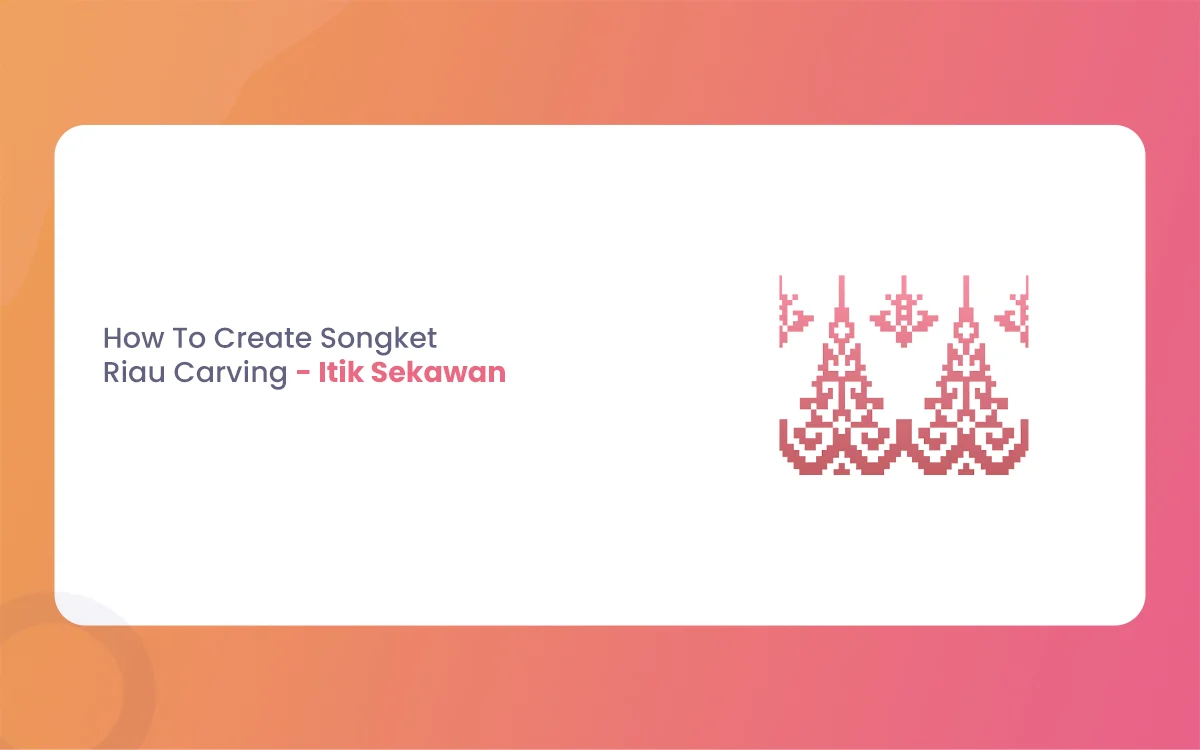
The Riau archipelago, often hailed as the cradle of Malay Society, is a land where art is never just decorative. It is a language. From the intricate threads of Songket Riau to the rhythmic strokes of wood carving (ukiran kayu), every curve and notch tells a story of faith, social harmony, and nature. Among the […]
March 9, 2026
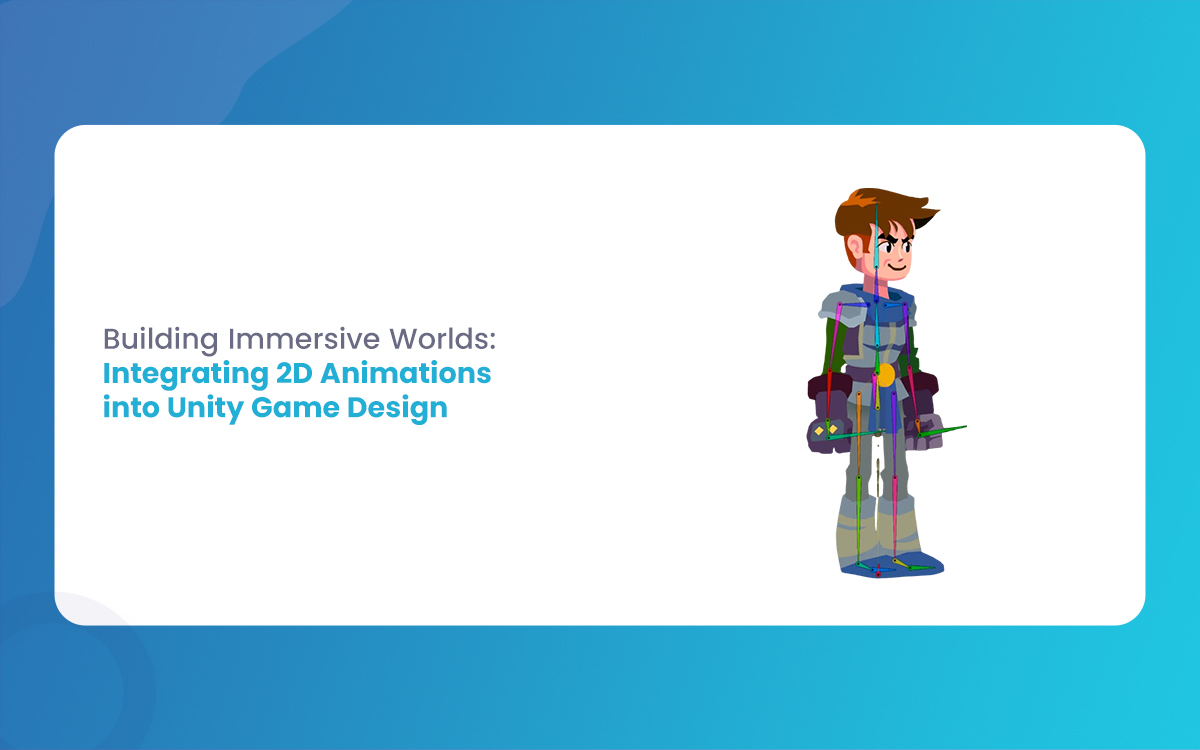
Building Immersive Worlds: Integrating 2D Animations into Unity Game Design
In the modern gaming environment, the distinction between “2D” and “3D” has blurred into a spectrum of stylistic choices rather than a hierarchy of quality. While 3D graphics often chase the horizon of photorealism, 2D animation remains the heart of expressive, artistic, and tactile game design. From the hand-drawn elegance of Cuphead to the pixel-perfect […]
March 6, 2026
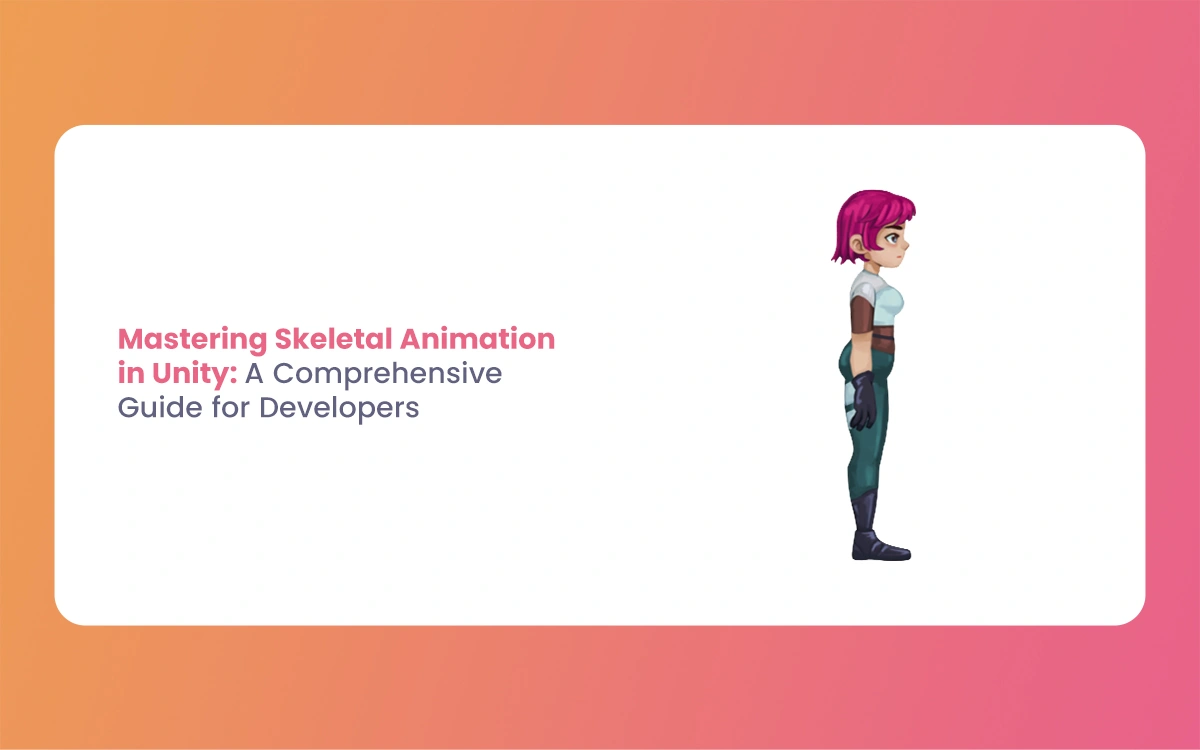
Mastering Skeletal Animation in Unity: A Complete Guide for Developers
Imagine breathing life into a lifeless 3D model, watching it stride confidently across your game world or execute a flawless combat combo. That’s the magic of Skeletal Animation in Unity, a powerhouse system that powers everything from indie platformers to AAA blockbusters. At its heart, skeletal animation grips rigs and Unity’s Mecanim framework to deform […]