In today’s ruthless creative environment, a well-crafted Graphic Design Portfolio Examples serves as your visual resume and professional identity. Whether you’re just starting your ride or are an established designer, your Portfolio is often the first point of contact between you and potential clients or Engage. The Morphic Studio share you the information about how you can create an impactful portfolio that showcases your talents and helps you stand out in the industry.
Follow the Purpose of Your Portfolio
Your portfolio is more than just a collection of pretty pictures—it’s a strategic tool that should:
Demonstrate your technical skills and creative approach
Show your problem-solving abilities
Says your unique design style
Prove your value to potential clients or engage
Tell your professional story
Essential Components of a Strong Portfolio
1. Professional Introduction
Your introduction sets the tone for your entire portfolio. Include:
A compelling bio that highlights your design philosophy
Your professional background and experience
Educational qualifications and relevant certifications
A professional headshot that reflects your personality
Your design specialties and areas of expertise
2. Curated Work Samples
The heart of your portfolio lies in your selected works. Consider these guidelines:
For Beginners:
Include 8-10 of your strongest pieces
Showcase student projects, internship work, and personal projects
Demonstrate fundamental design principles through your work
Include mock projects for dream clients or brands
For Professionals:
Feature 12-15 various projects
Says work from different industries
Show evolution of skills over time
Include high-profile client work (with permission)
3. Detailed Project Information
For each portfolio piece, include:
Project objectives and challenges
Your role and contributions
Tools and technologies used
Timeline and process
Results and impact
Client testimonials (if available)
Portfolio Presentation Formats
Format
Best For
Pros
Cons
Personal Website
Professionals
Complete control, professional appearance, SEO benefits
Ensure your portfolio meets these technical requirements:
Fast loading times
Mobile responsiveness
Easy navigation
Accessible design
Regular updates
Graphic Design Portfolio Examples By The Morphic Studio
Portfolio Development Process
Step#1: Planning
Define your target audience
Set clear objectives
Choose appropriate platforms
Gather all necessary materials
Step 2: Content Creation
Write compelling project descriptions
Prepare high-quality images
Create case studies
Gather testimonials
Step#3: Design and Layout
Develop a consistent visual style
Create clear navigation
Optimize for different devices
Test user experience
Step 4: Launch and Maintenance
Conduct quality assurance
Get feedback from peers
Monitor analytics
Update regularly
Best Practices for Different Experience Levels
For Beginners
Focus Areas:
Fundamental design principles
Typography skills
Color theory application
Basic layout design
Software proficiency
Portfolio Tips:
Include process work to show Follow
Demonstrate versatility through various project types
Show potential through conceptual projects
Include relevant coursework or training projects
For Professionals
Focus Areas:
Complex problem-solving
Industry specialization
Client connection management
Project leadership
Innovation in design
Portfolio Tips:
Showcase industry expertise
Include metrics and results
Says leadership roles
Demonstrate consistent style
Feature high-profile projects
Common Portfolio Mistakes to Avoid
Overcrowding
Including too many pieces
Cluttered layouts
Excessive text
Poor Organization
Unclear navigation
Inconsistent formatting
Random project order
Insufficient Context
Missing project descriptions
Lack of process documentation
No clear results or impact
Technical Issues
Slow loading times
Broken links
Poor image quality
Measuring Portfolio Success
Track these metrics to evaluate your portfolio’s effectiveness:
Visitor engage time
Inquiry rate
Project conversion rate
Client feedback
Industry recognition
Future-Proofing Your Portfolio
Stay relevant by:
Regularly updating content
Following industry trends
Learning new tools and techniques
Expanding your skill set
Building your network
Finally
Creating an effective Graphic Design Portfolio Examples is an ongoing process that requires careful planning, regular updates, and attention to detail. Whether you’re a beginner or a professional, your portfolio should develop progress with your career, showcasing not just your best work but also your growth as a designer. Think of that your portfolio is often your first impression on potential clients or engage, so invest the time and effort to make it exceptional.
By following this complete guide and continuously refining your approach, you can create a portfolio that effectively communicates your skills, experience, and unique value proposition to your target audience. Keep in mind that the most successful portfolios are those that not only display beautiful work but also tell compelling stories about the designer’s process, problem-solving abilities, and professional ride.
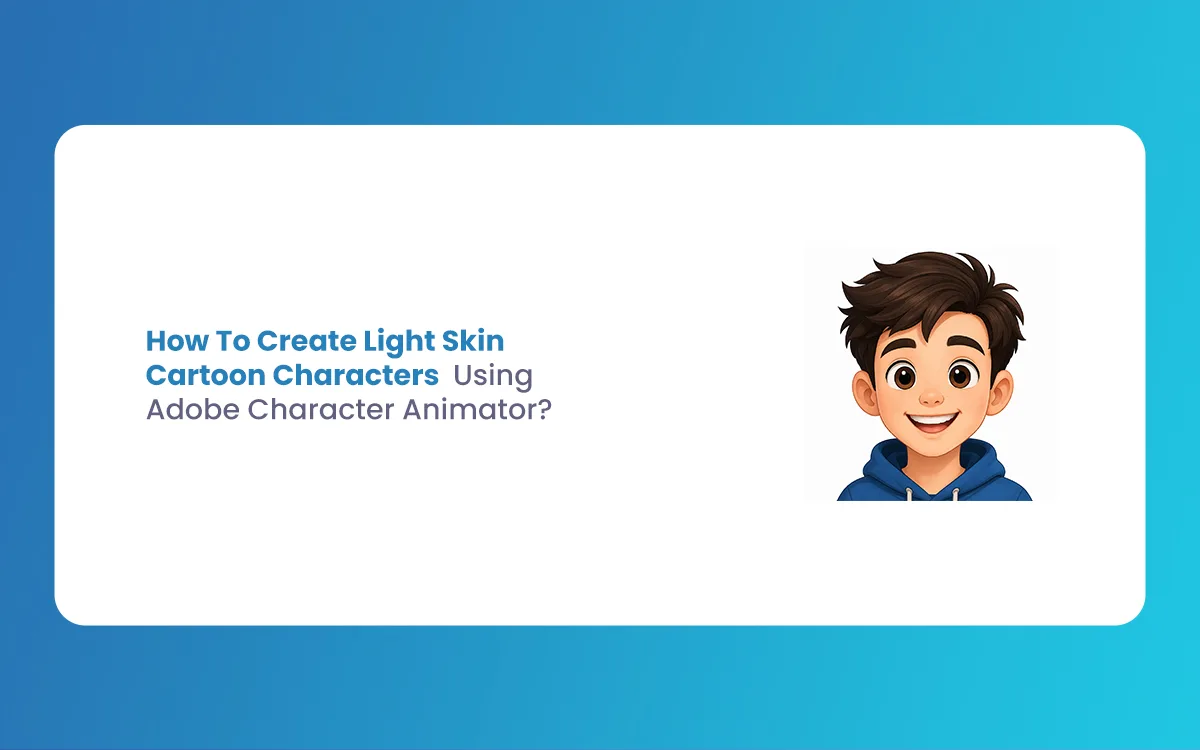
How To Create Light Skin Cartoon Characters Using Adobe Character Animator? (Education Guide)
Welcome to the world of statistical animation! If you have ever wanted to bring your own drawings to life, you are in the right place. Today, we are going to look at how to design and animate Light Skin Cartoon Characters using the powerhouse software, Adobe Character Animator. With the latest 2026 updates, Adobe has […]
April 6, 2026
How To Create Cartoon Characters with Big Foreheads Using Adobe Character Animator? (Education Guide)
Welcome to The Morphic Studio! If you are looking to dive into the world of statistical animation, you have come to the right place. Today, we are exploring a specific design trend that has taken the animation world by storm: Cartoon Characters with Big Foreheads. While it might sound like a funny niche, large foreheads […]
April 3, 2026
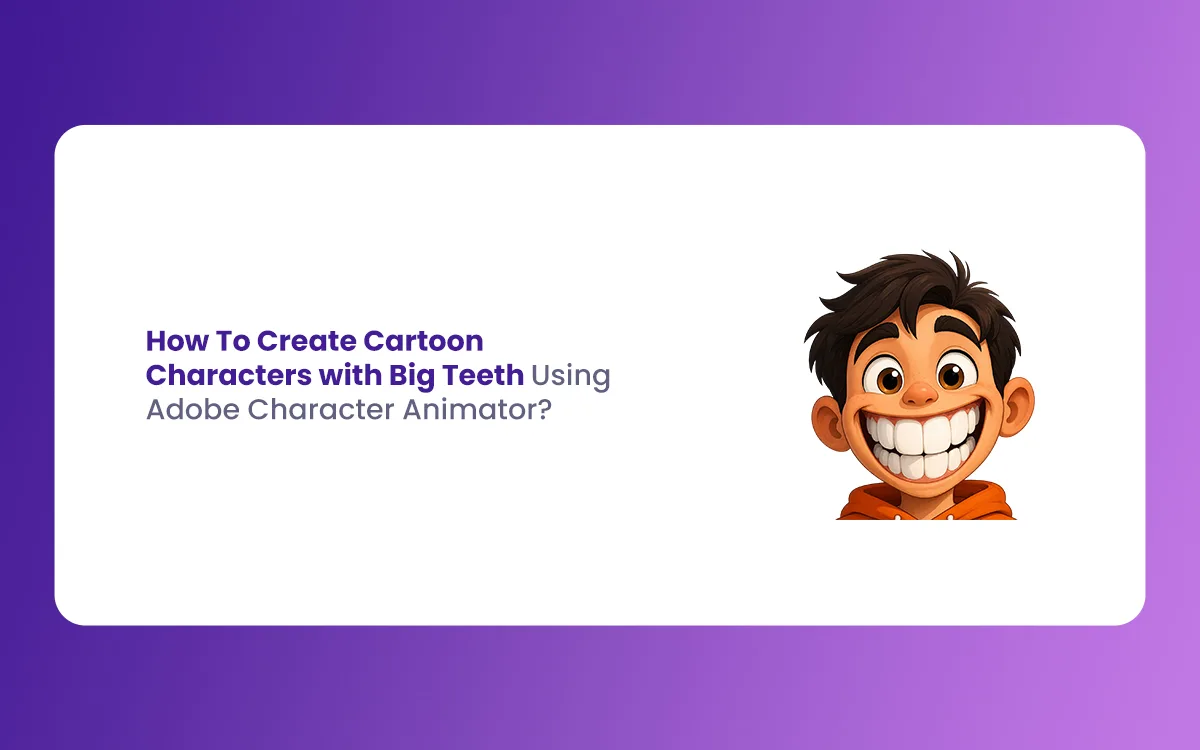
How To Create Cartoon Characters with Big Teeth Using Adobe Character Animator? (Education Guide)
Creating a memorable character often comes down to one standout feature. Think about the most famous toons in history. Many of them share a common trait, and that is a massive, goofy, or sharp set of chompers. When you set out to design Cartoon Characters with Big Teeth, you are not just drawing a mouth, […]