The night sky has always Dazzled artists and dreamers alike with its infinite depths and celestial wonders. Digital painting offers a unique opportunity to capture the ethereal beauty of the World Moon Stars Mystical, transforming a blank canvas into a mystical environment that transports viewers to another realm. Whether you’re a budding digital artist or an experienced creator looking to enhance your celestial painting skills, The Morphic Studio shares the intricate process of creating a mesmerizing moonlit scene that seems to pulse with magical energy.
Essential Tools and Preparation
Software and Hardware Advice
Tool Category
Advice Options
Basic Features
Digital Painting Software
Procreate, Adobe Photoshop, Corel Painter
Layer support, advanced brushes, blending modes
Drawing Tablet
Wacom Intuos, iPad Pro with Apple Pencil
Pressure sensitivity, precise control
Brush Types
Textured round brushes, splatter brushes
Create realistic moon textures and star effects
Color Palette Considerations
Before diving into the painting process, carefully select a color palette that evokes mystery and depth. Dark blues, deep blacks, and subtle grays will form the foundation of your nocturnal masterpiece, while whites and light grays will bring your celestial elements to life.
Step-by-Step Digitally Paint World Moon Stars Mystical Technique
1. Establishing the Canvas: Creating the Night Sky
Transitioning from a blank screen to a captivating night scene begins with your background. Importantly, choose a dark canvas—deep blue or rich black—that will serve as the perfect backdrop for your lunar and stellar elements. This foundational choice immediately sets the mystical tone of your artwork.
Basic Background Techniques:
Create a subtle gradient from darker to slightly lighter shades
Use soft brush strokes to blend colors perfectly
Experiment with multiple layers to achieve depth and complexity
2. Painting the Moon: A Celestial Centerpiece
The Digitally Paint World Moon Mystical serves as the focal point of your mystical environment. Carefully craft this element to ensure it radiates an otherworldly glow and intricate texture.
Moon Creation Process:
Start with a perfect circular shape using a round brush
Select a base color of pure white or light gray
Add depth through strategic shading and texture
Utilize wet-on-wet blending techniques for smooth transitions
Incorporate subtle crater-like textures using varied gray tones
3. Populating the Sky: Star Creation Techniques
Digitally Paint World Stars Mystical transforms a simple night scene into a magical environment. Multiple techniques can help you achieve a natural, enchanting stellar display.
Star Generation Methods:
Splatter Technique
Load a stiff-bristled brush with thinned white paint
Flick the brush to create random star splatters
Test on scrap canvas to perfect your technique
Precision Star Placement
Use fine-tipped brushes or paint pens
Create deliberate star clusters
Experiment with slight smudging for a soft, glowing effect
4. Advanced Atmospheric Enhancement
To raise your painting from good to extraordinary, focus on atmospheric details that suggest mystery and depth.
Mystical Embellishments:
Add wispy, translucent clouds around the moon
Create subtle swirling patterns
Introduce gentle light halos
Experiment with soft glitter or luminescent effects
Digitally Paint World Moon Stars Mystical By The Morphic Studio
5. Final Refinement and Detailing
The difference between a good Digitally Paint World Moon Stars Mystical and a great one lies in Careful refinement. Spend time adjusting:
Contrast between moon and background
Star brightness and distribution
General color harmony
Subtle luminescent effects
Technical Tips for Optimal Results
Work on multiple layers to maintain flexibility
Use low-opacity brushes for smooth blending
Save progress frequently
Experiment with blend modes
Consider using reference images for inspiration
Finally
Creating a Digitally Paint World Moon Stars Mystical is a ride of artistic exploration. By carefully layering techniques, following your tools, and allowing your creativity to guide you, you can transform a simple digital canvas into a breathtaking nocturnal environment that captures the imagination.
Think of it: every artist’s path is unique. These guidelines provide a framework, but your style and creative intuition will, ultimately, define your masterpiece. Hold the process, experiment boldly, and let the mystical night sky inspire your digital art.
VR Headset 2026: The Ultimate Guide to 10 Amazing Models – The Morphic Studio
Virtual reality has taken giant steps forward over the past few years, and 2026 marks the most exciting year yet for spatial computing, wireless immersion, and crystal-clear optics. We have moved well past the days of heavy, bulky boxes strapped to our faces with tangled cords dragging across the floor. Today, modern hardware brings razor-sharp […]
August 27, 2026
Steam Frame: 10 Proven Steps to an Amazing Workflow | The Morphic Studio
Working in 3D design, Steam Frame animation, and providing statistical media requires tools that keep up with fast creative thoughts. For years, creators had to pick between bulky tethered headsets with great visuals or lightMass standalone units that lacked desktop rendering horsepower. The latest hardware landscape changes this dynamic completely. With the arrival of modern […]
August 24, 2026
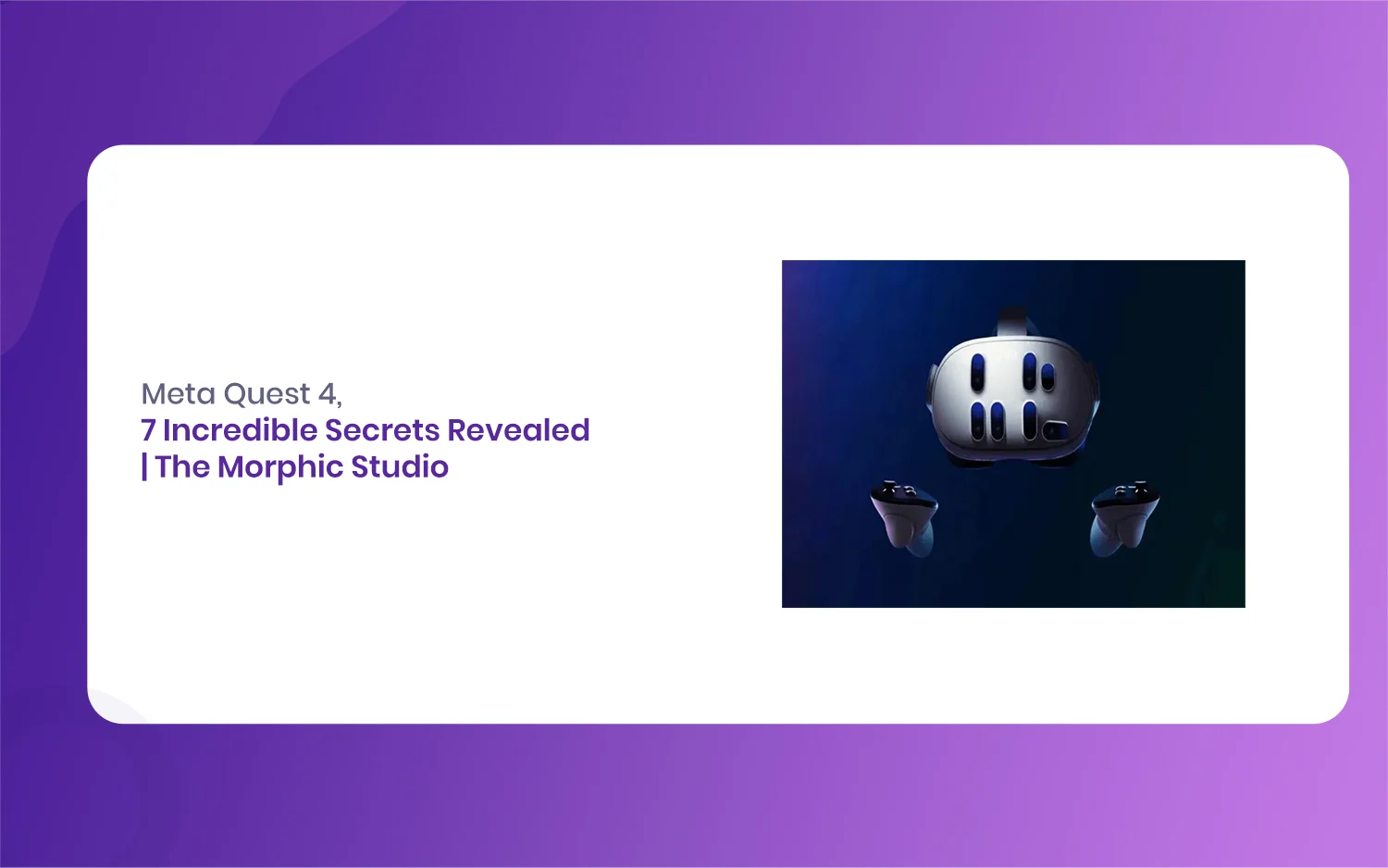
Meta Quest 4: 7 Incredible Secrets Revealed | The Morphic Studio
Virtual reality is moving faster than ever, and everyone in the tech community is talking about what Mark Zuckerberg’s team is cooking up next. If you follow VR news on The Morphic Studio, you know how much the Quest 3 changed standalone gaming and mixed reality when it arrived. But now, all eyes are turned […]