Have you ever felt like your brand looks like a bit of a mess across different platforms? One day, your logo is blue, the next it is slightly purple because someone used the wrong file. We have all been there. If you want to fix this without losing your mind, you need to learn how to use Marq.
In this guide, I am going to show you exactly how to master this tool. Whether you are a solo creator or part of a massive team, these steps will make your design life a whole lot easier.
What is Marq and Why Does It Matter in 2026?
Before we jump into the “how-to,” let’s talk about what Marq actually is. Formerly known as Lucidpress, it has evolved into a powerhouse for brand management. In the latest 2026 updates, they have added some really cool AI features that actually help you stay “on brand” instead of just making random art.
The big reason people love it is the “lockable templates.” This means the lead designer can set the rules, and everyone else can swap out text or photos without accidentally changing the brand font to Comic Sans.
It saves time, and honestly, it saves a lot of headaches.
Marq
Step 1: Setting Up Your Brand Assets in Marq
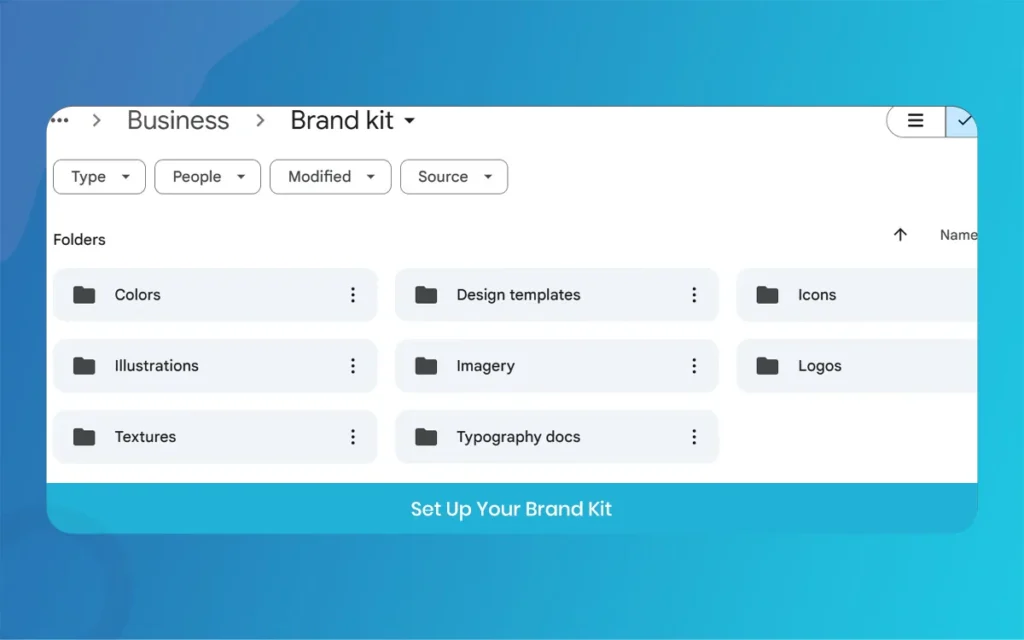
The first thing you have to do is build your foundation. You can’t build a house without bricks, right? In Marq, this is called the Brand Kit. You need to upload your logos, your specific brand colors, and your fonts.
In the 2026 update, the “Smart Asset” feature now automatically suggests color palettes based on your uploaded logo. It’s pretty smart, actually. Make sure you upload high-resolution files. If you use a blurry logo, your designs will look “cheap,” and nobody wants that. Once these are in the system, they will be available for every single project you start.
Marq
Step 2: Exploring the Marq Template Library
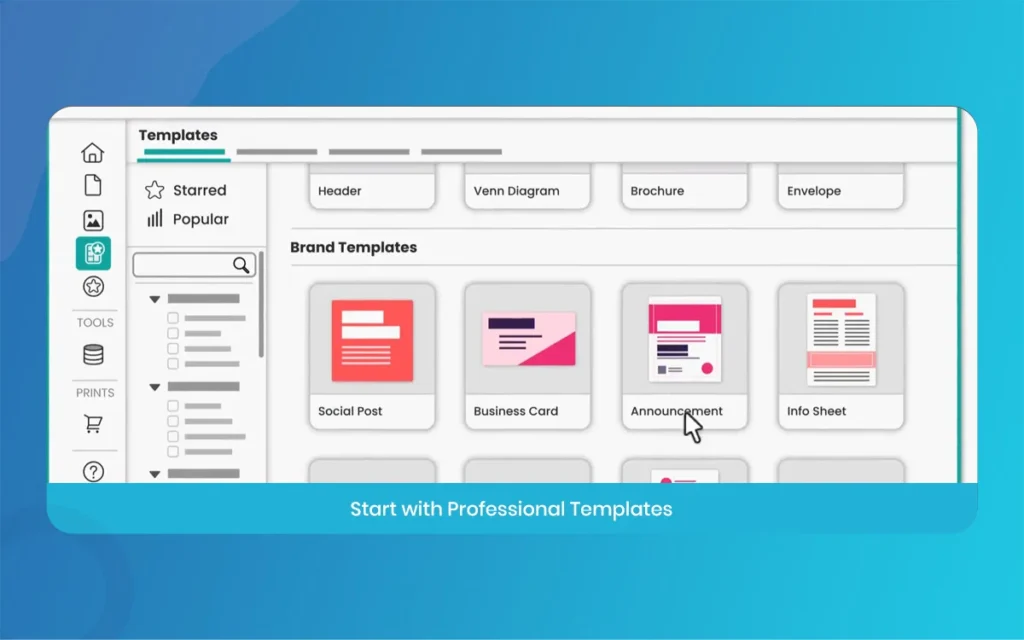
One of the best things about Marq is that you don’t have to start with a blank white screen. Blank screens are scary. Instead, head over to the template library. They have thousands of layouts for flyers, social media posts, and even business proposals.
For 2026, they have added “Energetic Templates” that resize themselves. So, if you find a design you like for an Instagram post, you can click a button and it turns into a poster layout instantly. It’s a huge time saver. Just pick a template that feels close to the “vibe” you want for your brand.
Step 3: Using the Drag-and-Drop Editor in Marq
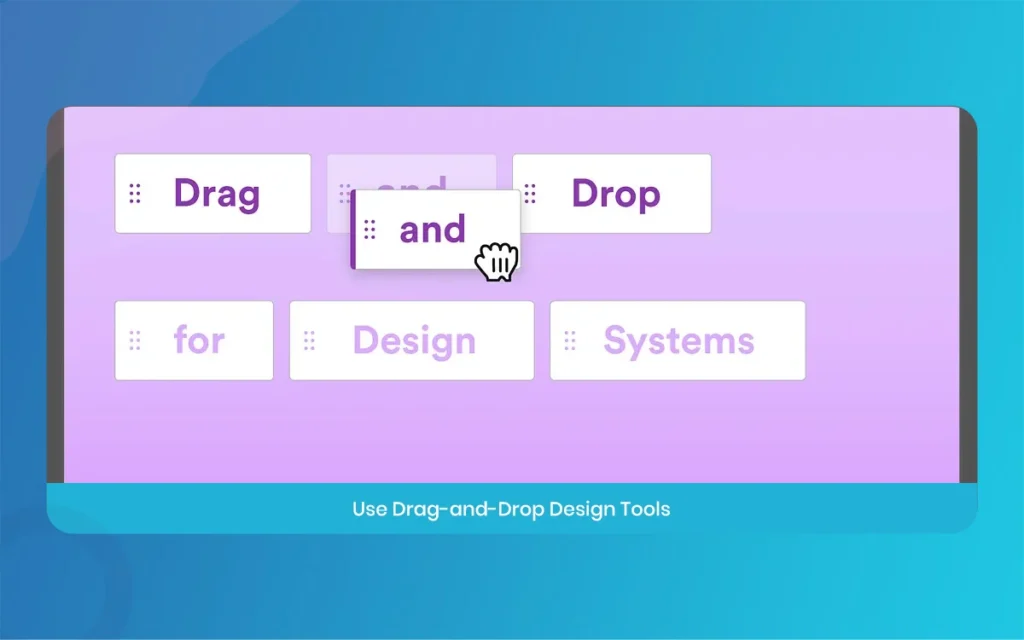
Now comes the fun part. The Marq editor is super easy to use. You just grab an element, like a text box or an image, and slide it where you want it to go. It feels very natural, almost like moving pieces of paper on a desk.
If you want to change a photo, you just click it and select a new one from your brand library or their stock photo collection. One thing I noticed in the new version is that the rangement guides are much “snappier” now. They help you keep everything centered so your design doesn’t look lopsided.
Marq
Step 4: Customizing with the Marq AI Assistant
This is the big 2026 update. The Marq AI assistant is now built directly into the sidebar. If you are struggling to write a catchy headline, you can ask the AI to give you five options based on your brand voice.
But it’s not just for writing. You can ask the AI to “Apply Brand Style” to a template you just opened. It will automatically swap out the template’s default colors and fonts with your specific brand assets. It takes a process that used to take ten minutes and does it in about three seconds. It’s kind of like magic, but for marketing.
Step 5: Locking Elements for Brand Consistency
If you are working with a team, this step is the most important one in this Marq tutorial. don’t want your sales team changing the logo color to neon green just because they feel like it.
You can click on any element, like your logo or the header text, and click the “Lock” icon. You can choose to lock the position, the style, or the content entirely. This ensures that no matter who edits the file later, the core brand identity stays exactly how you designed it. This “Brand Governance” is why big companies use this tool.
Marq
Step 6: Collaborating in Real-Time with Marq
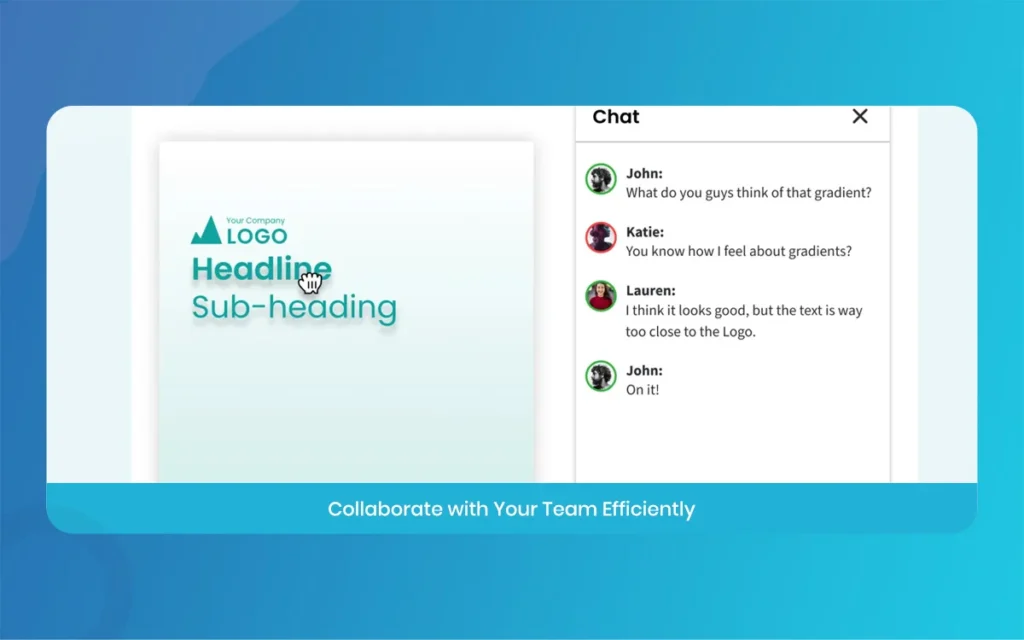
Design is rarely a solo sport. In Marq, you can invite your teammates to the document. In the 2026 version, the collaboration is much faster. You can see their cursors moving around the screen in real-time.
You can leave comments on specific parts of the design. For example, you might say, “Hey, can we make this photo a bit larger?” or “Is this the right price for the sale?” This prevents that annoying back-and-forth email chain where everyone gets confused about which version is the final one.
Marq
Step 7: Checking for Errors with the Marq Quality Tool
Before you hit “Export,” you need to run a quick check. Marq has a built-in “Brand Checker” that scans your document. It looks for things like “Off-brand colors” or “Low-resolution images.”
In 2026, it even checks for spelling errors in multiple languages. It’s always embarassing to print 500 flyers only to realize you spelled the word “Saturday” wrong. This tool catches those tiny human errors before they become expensive mistakes. Take two minutes to look at the report it generates, it’s worth it.
Marq
Step 8: Exporting and Sharing Your Marq Designs
The final step is getting your design out into the world. Marq gives you a lot of options here. You can download it as a high-quality PDF for printing, or a PNG for your website.
A cool feature in the 2026 update is the “Direct to Social” button. You can link your brand’s social media accounts and publish your design directly from the editor. No need to download it to your phone and then upload it to Instagram. It’s all integrated. You can also create a “Statistical Publication” which is like a flippable online magazine that looks really professional on a screen.
Marq
Key Features and Benefits of Marq in 2026
Instead of a table, here is a breakdown of what makes this tool essential for your brand strategy:
Brand Kit Centralization: You can store all your logos, colors, and fonts in one spot. This means no more searching through old folders to find the “final_final_logo_v2.png” file.
Advanced Locking Mechanism: This is the “secret sauce” of the tool. It allows you to give people creative freedom without letting them break the brand rules.
AI-Powered Design Automation: The 2026 AI doesn’t just “generate art,” it helps you apply your specific brand rules to any layout instantly.
Multi-Channel Distribution: Whether you need a print-ready file or a web-ready social post, the export options cover every possible need.
Real-Time Team Feedback: The commenting and live-editing features make it easy to get approvals from managers without leaving the platform.
Data Automation: You can link your designs to data sources like Google Sheets. If you change a price in the sheet, it automatically updates on your flyers.
Marq
Final Thoughts on Using Marq for Your Business
By now, you should see that creating stunning designs doesn’t have to be a nightmare. Using Marq allows you to act like a pro designer even if you don’t have a degree in art. It’s all about working smarter, not harder.
The 2026 updates have really pushed the platform forward, especially with the AI assistant and the better team tools.
If you follow these 8 steps, your brand will look consistent, professional, and honestly, just better than the competition. Don’t be afraid to jump in and start clicking around.
The best way to learn is to just start making something. Good luck with your designs at The Morphic Studio!
Marq
Related Article
September 1, 2026
Augmented Reality News: 7 Exclusive Breakthroughs for an Incredible Year | The Morphic Studio
Navigating the Latest Augmented Reality News Environment Welcome to another exciting deep dive into the statistical universe brought to you by The Morphic Studio. If you have been keeping up with tech headlines lately, you already know that statistical overlays and spatial computing are changing how we interact with our physical surroundings. The year 2026 […]
September 1, 2026
VR Horror Games: 13 Incredible Titles for a Brutal Scare – The Morphic Studio
Welcome to the ultimate guide for anyone looking to test their nerves inside a headset. When you strap a display to your face, flat screen rules no longer apply. VR Horror Games You are no longer watching a character run from danger on a distant monitor, because you are right there in the middle of […]
August 31, 2026
Meta Quest 4 Release Date: The Master Guide to 2026’s Most Incredible VR | The Morphic Studio
Virtual reality has traveled a long road over the last few years. We have moved from bulky, tethered headsets that needed expensive gaming computers to sleek, standalone machines that fit right inside a small travel backpack. If you follow immersive technology here at The Morphic Studio, you already know that Meta has been leading the […]