Wedding videos are cherished memories that capture one of life’s most significant moments. However, making sure these precious memories are accessible to everyone, including individuals who are deaf or hard of hearing, is crucial. The Morphic Studio shares the process of adding SDH Subtitles (Subtitles for the Deaf and Hard of Hearing) subtitles to your wedding videos, making sure that every emotional nuance and significant sound is captured and understood.
Follow SDH Subtitles
What Are SDH Subtitles?
SDH Subtitles are specialized text overlays designed to provide a complete audio experience for viewers with hearing impairments. Unlike standard subtitles, SDH Subtitles go further on than mere dialogue translation, offering a rich, contextual narrative that includes:
Spoken dialogue
Sound effect descriptions
Musical cues
Speaker identification
Emotional context
SDH Subtitles vs. Closed Captions: Basic Differences
To help you understand the distinctions, let’s take a look at a comparative inquiry:
Feature
SDH Subtitles
Closed Captions
Primary Audience
Deaf and Hard of Hearing
Viewers needing dialogue assistance
Sound Descriptions
Complete (e.g., [soft music], [crowd cheering])
Limited or absent
Visual Formatting
Distinct styling, often with color coding
Standard text formatting
Viewer Control
Generally permanent
Can be turned on/off
Context Provision
High (emotional and environmental cues)
Dialogue-focused
Preparing for SDH Subtitle Creation
Essential Considerations
Before diving into the Subtitle creation process, consider these preparatory steps:
Audio Review: Carefully listen to your wedding video and note all significant sounds, dialogues, and emotional moments.
Transcription: Create a detailed transcript including dialogue and sound descriptions.
Technical Preparation: Ensure you have a reliable video editing tool or Networked platform.
Step-by-Step Guide to Adding SDH Subtitles
1. Selecting the Right Tool
When choosing a subtitle creation platform, consider these top recommendations:
VEED.IO: Offers auto-generation and extensive customization
Typito: Provides perfect subtitle integration and manual editing
FlexClip: User-friendly with strong and healthy editing capabilities
2. Video Upload Process
Uploading Your Wedding Video
Drag and drop your video file into the chosen platform
Ensure video quality is maintained during upload
Check file compatibility with the editing tool
3. Subtitle Generation Methods
Automatic Generation
Utilize AI-powered speech recognition tools
Review and edit auto-generated subtitles for accuracy
Verify emotional and contextual nuances
Manual Input
Manually type subtitles for precise control
Upload prepared SRT files if available
Synchronize text with precise video timestamps
4. Subtitle Customization Techniques
Visual Styling
Select reader-friendly fonts
Choose contrasting colors for readability
Adjust font size and positioning
Ensure subtitles don’t obstruct important video elements
Content Enrichment
Include sound descriptions in square brackets
Identify speakers when multiple conversations occur
Capture emotional tones and background sounds
5. Exporting Your Enhanced Video
Final Review Checklist
Verify subtitle accuracy
Check timing and synchronization
Confirm general visual appeal
Test video on multiple devices
Advanced SDH Subtitle Tips
Enhancing Accessibility
Use Clear, Readable Fonts: Sans-serif fonts like Arial or Helvetica work best.
Color Coding: Differentiate speakers using distinct colors.
Timing Precision: Synchronize subtitles exactly with audio cues.
Complete Descriptions: Go further on than dialogue to capture environmental sounds.
Common Challenges and Solutions
Troubleshooting SDH Subtitle Creation
Inaccurate Auto-Generation: Always manually review and edit
Performance Issues: Use light mass, efficient editing tools
Formatting Problems: Test exports on multiple platforms
Finally
Adding SDH Subtitles to wedding videos is more than a technical task—it’s an act of inclusivity. By providing complete, contextual subtitles, you ensure that every viewer can experience the emotional richness of these precious moments.
Think of excellent SDH subtitles to transform a simple video into an immersive, accessible storytelling experience that everyone can enjoy, regardless of hearing ability.
Final advice
Prioritize clarity and context
Invest time in precise subtitle creation
Choose tools that support complete SDH subtitle features
How To Create A Pink Ghost Vector Art, Icons, and Graphics for Beginner
If you want to add a soft, trendy vibe to your portfolio, create a whimsical Pink Ghost for branding, sticker sets, or NFT art. This guide shows you every step, from sketching the base shape to exporting finished icons. You don’t need advanced skills or expensive tools; free apps like Inkscape or popular ones like […]
March 12, 2026
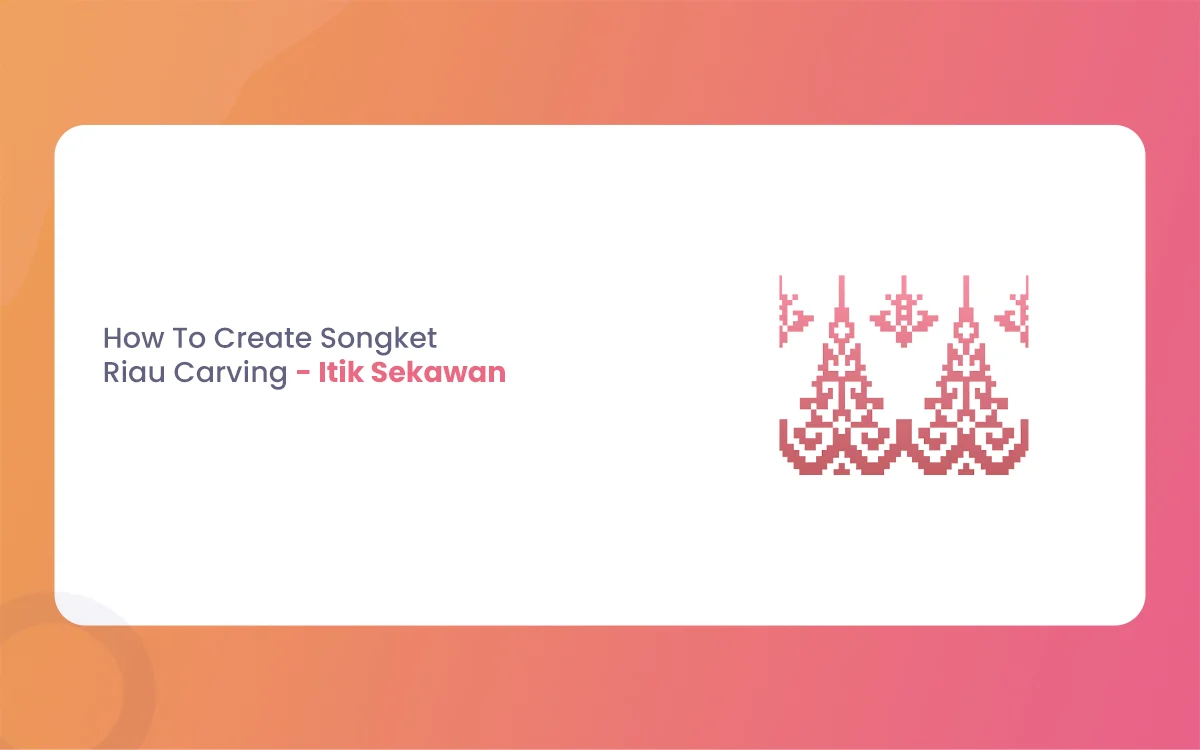
How To Create Songket Riau Carving – Itik Sekawan
The Riau archipelago, often hailed as the cradle of Malay Society, is a land where art is never just decorative. It is a language. From the intricate threads of Songket Riau to the rhythmic strokes of wood carving (ukiran kayu), every curve and notch tells a story of faith, social harmony, and nature. Among the […]
March 9, 2026
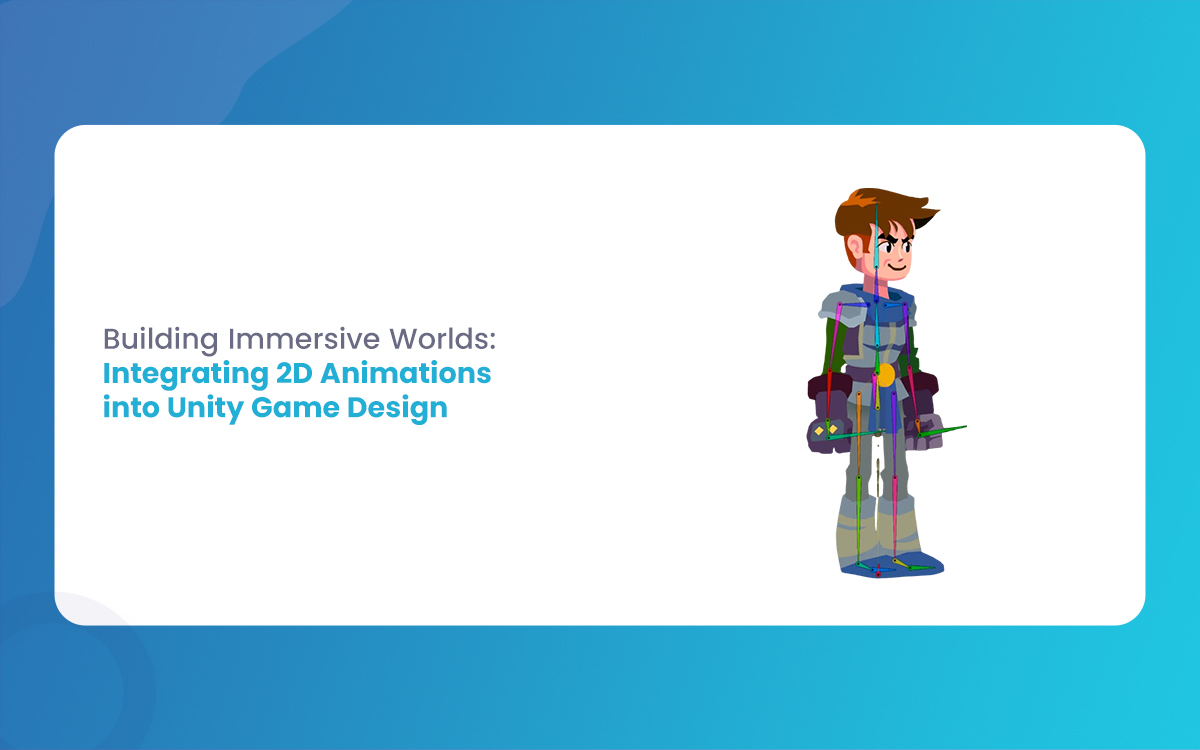
Building Immersive Worlds: Integrating 2D Animations into Unity Game Design
In the modern gaming environment, the distinction between “2D” and “3D” has blurred into a spectrum of stylistic choices rather than a hierarchy of quality. While 3D graphics often chase the horizon of photorealism, 2D animation remains the heart of expressive, artistic, and tactile game design. From the hand-drawn elegance of Cuphead to the pixel-perfect […]