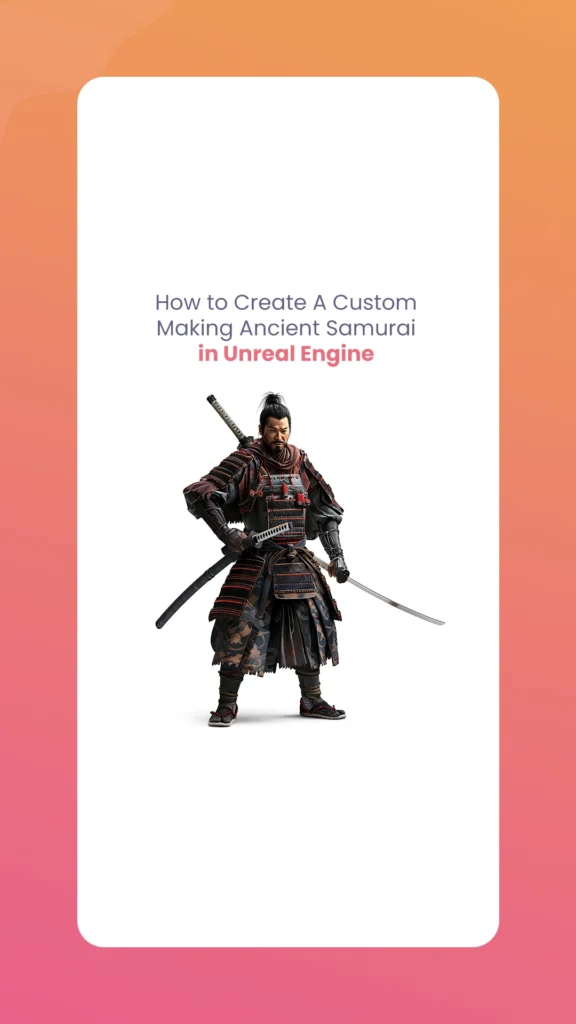
Developing a customizable ancient Ancient Samurai in Unreal Engine involves several interconnected components, from skeletal setups to animation integration and optimization techniques. The Morphic Studio shares information about the entire process, providing the technical foundation needed to create an authentic, modular samurai character ready for your game or project.
Follow the Foundation: Skeleton and Modular Setup
Choosing the Right Skeleton
The backbone of your samurai character begins with selecting the appropriate skeleton. Your options include:
UE4 Skeleton: Offers excellent backward compatibility with existing animation packs and assets
UE5 Skeleton: Provides access to advanced features including MetaHuman compatibility and improved physics
Regardless of which skeleton you choose, consistency is paramount. All character components—from armor pieces to weapons—must share the same skeletal structure to ensure proper animation alignment and compatibility.
Developing Modular Mesh Components
Modularity is basic to creating a customizable samurai. In your 3D modeling software:
Create separate skeletal meshes for each swappable component:
Helmets (kabuto)
Face masks (menpō)
Body armor (dō)
Gauntlets (kote)
Weapons (katana, wakizashi, naginata)
Rig each component to the base skeleton, ensuring proper weight painting and joint influence
Market assets like Samurai 07 demonstrate effective implementation of this approach, featuring a single modular character with 21,189-100,000 vertices depending on configuration.
Blueprint Component Architecture
The technical implementation in Unreal Engine requires a specific Blueprint setup:
cpp
// Add multiple Skeletal Mesh components to your character Blueprint
This ensures all components animate in unison while maintaining the flexibility to swap individual parts.
Animation Integration for Authentic Samurai Movement
Animation Blueprint Architecture
Develop a state machine within your Animation Blueprint to handle the various states your samurai will transition between:
Idle state: Standing poses, breathing animations
Movement states: Walking, running, strafing
Combat states: Guard positions, attacks, parries
The ARPG Samurai tutorial mentioned in the source material effectively demonstrates using blend spaces to create smooth transitions based on movement speed and direction.
Implementing Root Motion
For historically accurate samurai movement—especially for complex techniques like iaijutsu (quick-draw techniques) or complex kata sequences—root motion animation is essential:
Create or acquire root motion animations (the Samurai 07 asset includes 503 root-motion animations)
Enable root motion in your Animation Blueprint
Configure your Character Movement Component to respect root motion from animations
Animation Montages and Notifies
To create responsive combat mechanics:
Develop animation montages for attack combinations, special moves, and weapon transitions
Implement animation notifies at basic points to trigger:
Sound effects (blade drawing, armor shifting)
Visual effects (dust clouds, blade trails)
Game logic events (damage application, state changes)
A sample notify implementation for a sword-drawing animation:
cpp
void ASamuraiCharacter::AnimNotify_DrawSword()
{
// Toggle visibility between sheathed and drawn sword meshes
{case ESamuraiPartType::Helmet: HeadComponent->SetSkeletalMesh(NewMesh); break; case ESamuraiPartType::Armor: ArmorComponent->SetSkeletalMesh(NewMesh); break; // Additional cases for other components}}
Material Customization System
For deeper visual customization:
Create master materials with parameters for colors, patterns, and weathering
Generate material instances that can be energetically modified at runtime
Implement clan symbols and heraldry as texture parameters
Based on the Samurai 07 asset example, aim for approximately 12 material instances with 25+ pattern variations to provide substantial customization options.
To maintain performance with multiple samurai characters:
Create multiple LOD models for each component, reducing vertex counts at distance:
LOD0: Full detail (21,189 vertices for base model)
LOD1: ~50% reduction
LOD2: ~75% reduction
Configure LOD transition distances in Unreal Engine:
cpp
// Example LOD setup in constructor
BodyComponent->SetLODSettings({
{400.0f, 1.0f, true}, // LOD0 to LOD1 at 400 units
{800.0f, 1.0f, true} // LOD1 to LOD2 at 800 units
});
Texture Atlasing and Sharing
Optimize texture memory usage by:
Creating shared texture atlases for common materials (metal, fabric, leather)
Using texture parameter collections to maintain consistent weathering and aging across all components
Implementing material instancing to reduce draw calls
Suggested Assets and Tools
Asset/Tool
Purpose
Basic Features
Price Range
Samurai 07 Marketplace Pack
Complete character base
500+ animations, UE5 rig, modular parts
$150-250
ARPG Samurai Animations
Combat system foundation
Blend spaces, state machines
$75-120
Historical Reference Pack
Authenticity guide
Period-accurate patterns and designs
$30-50
Blender/Unreal Live Link
Animation refinement
Real-time animation preview
Free
Material Master System
Texture optimization
Shared parameters, efficient instances
$40-60
Implementation Workflow Example
Week 1: Base skeleton setup and modular component planning
Week 2: Create or acquire core meshes and establish material hierarchy
Week 3: Implement animation blueprint and basic state machine
Week 4: Develop customization system and user interface
Week 5: Combat mechanics and weapon interaction
Week 6: Performance optimization and testing
Ancient Samurai in Unreal Engine By The Morphic Studio
Finally
Creating a customizable Ancient Samurai in Unreal Engine represents a balanced challenge of historical authenticity, technical implementation, and performance optimization. By following the modular approach outlined in this guide, you can develop a highly flexible character system that allows for extensive customization while maintaining animation fidelity and performance.
The combination of a solid skeletal foundation, a well-implemented animation system, and an efficient material hierarchy will enable you to create samurai characters that not only look impressive but perform well in-game. Whether developing a historical action game, a narrative experience or simply exploring feudal Japanese warrior aesthetics, these techniques provide the technical framework needed for success.
Remember that while marketplace assets can accelerate development, Following the underlying systems is crucial for extending functionality and troubleshooting issues as your project evolves.
How To Create A Pink Ghost Vector Art, Icons, and Graphics for Beginner
If you want to add a soft, trendy vibe to your portfolio, create a whimsical Pink Ghost for branding, sticker sets, or NFT art. This guide shows you every step, from sketching the base shape to exporting finished icons. You don’t need advanced skills or expensive tools; free apps like Inkscape or popular ones like […]
March 12, 2026
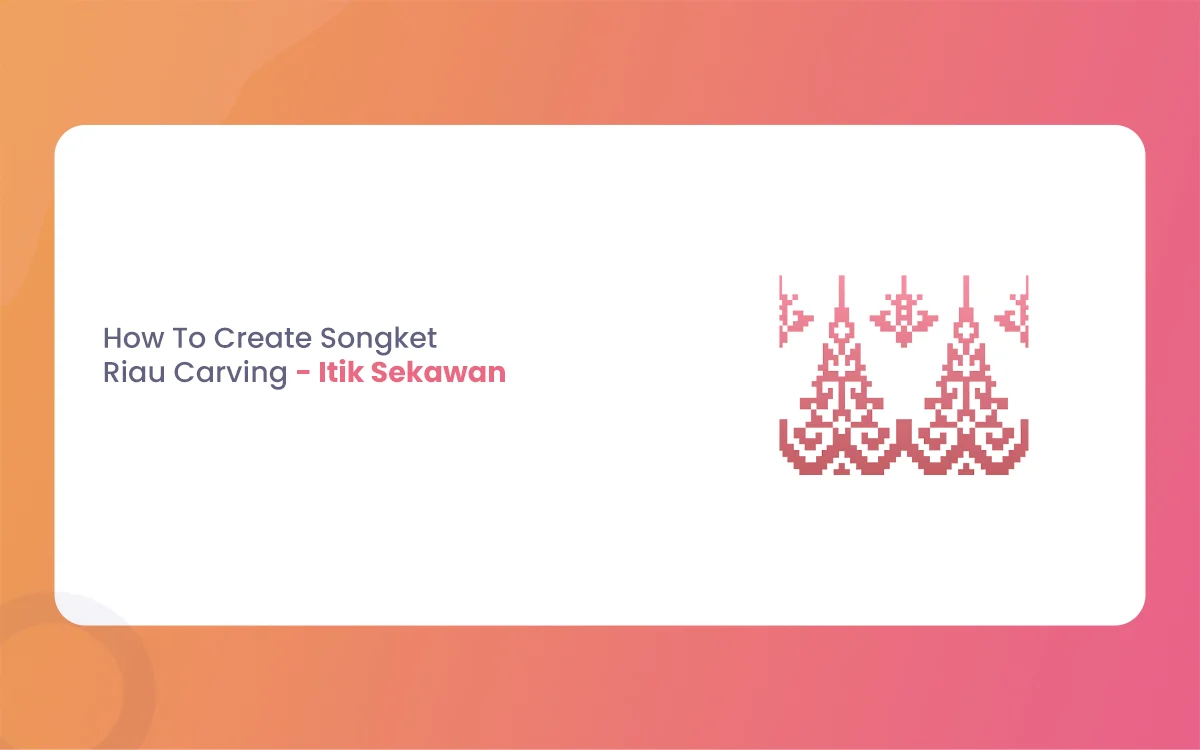
How To Create Songket Riau Carving – Itik Sekawan
The Riau archipelago, often hailed as the cradle of Malay Society, is a land where art is never just decorative. It is a language. From the intricate threads of Songket Riau to the rhythmic strokes of wood carving (ukiran kayu), every curve and notch tells a story of faith, social harmony, and nature. Among the […]
March 9, 2026
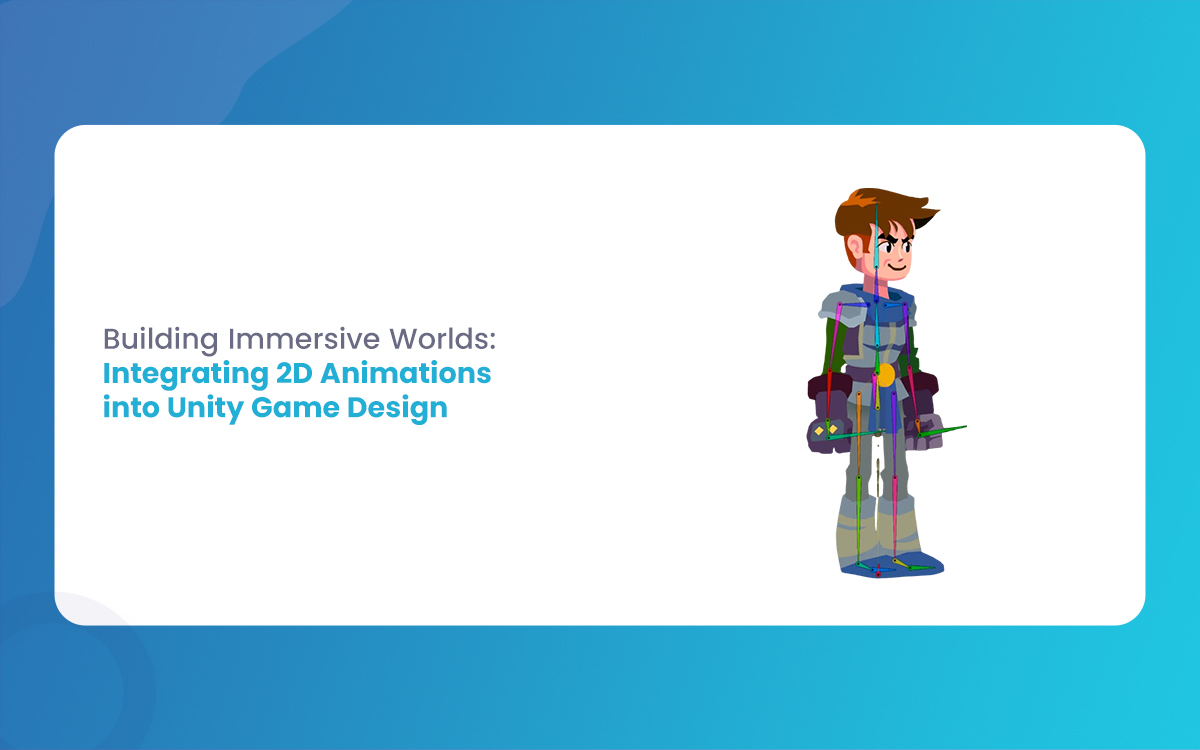
Building Immersive Worlds: Integrating 2D Animations into Unity Game Design
In the modern gaming environment, the distinction between “2D” and “3D” has blurred into a spectrum of stylistic choices rather than a hierarchy of quality. While 3D graphics often chase the horizon of photorealism, 2D animation remains the heart of expressive, artistic, and tactile game design. From the hand-drawn elegance of Cuphead to the pixel-perfect […]