In the fast-increasing world of 2D game development and animation, Unity 2D Tools stands out as a powerhouse for creators who demand precision and creativity. Gone are the days of clunky frame-by-frame sprite swaps or rigid timelines that stifle narrative flow. Enter advanced keyframing in Unity’s 2D ecosystem a game-changer that lets you sculpt fluid character movements, expressive poses, and cinematic sequences with surgical control. Whether you’re rigging a pink-haired protagonist for an indie RPG or layering subtle emotional beats in a visual novel, these tools transform static sprites into living stories.
At its core, Unity’s Animation window, paired with the 2D Animation package and Timeline, unpicks skeletal rigging, bone deformations, and multi-layered sequences. This isn’t just about making things move; it’s about syncing motion to narrative rhythm, revealing character depth through a flinch or a lingering glance. For statistical content creators like those at The Morphic Studio, where 3D-to-2D pipelines blend perfectly, mastering these techniques means hybrid VFX that attracts and dazzles audiences. Let’s dive into the setup, techniques, and storytelling magic that make it all possible.
Core Keyframing Setup: Building Your Rigged Foundation
Getting started with advanced keyframing in Unity requires a solid rigged sprite think of it as the skeleton beneath your character’s skin. Unity’s 2D tools shine here, turning flat images into deformable masterpieces.
Installing and Preparing the 2D Animation Package
First, fire up the Package Manager (Window > Package Manager) and search for “2D Animation.” Install it to gain access to skeletal rigging, sprite skinning, and bone tools. This package is your gateway to professional-grade 2D animation without leaving Unity’s editor.
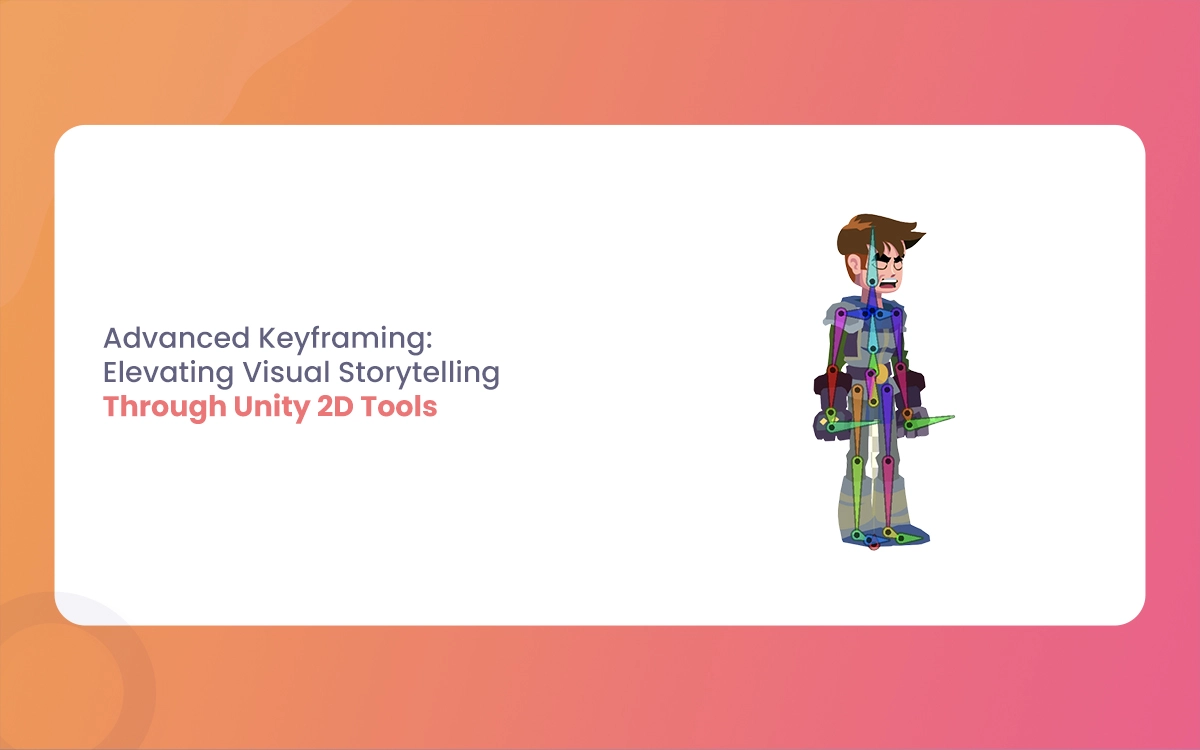
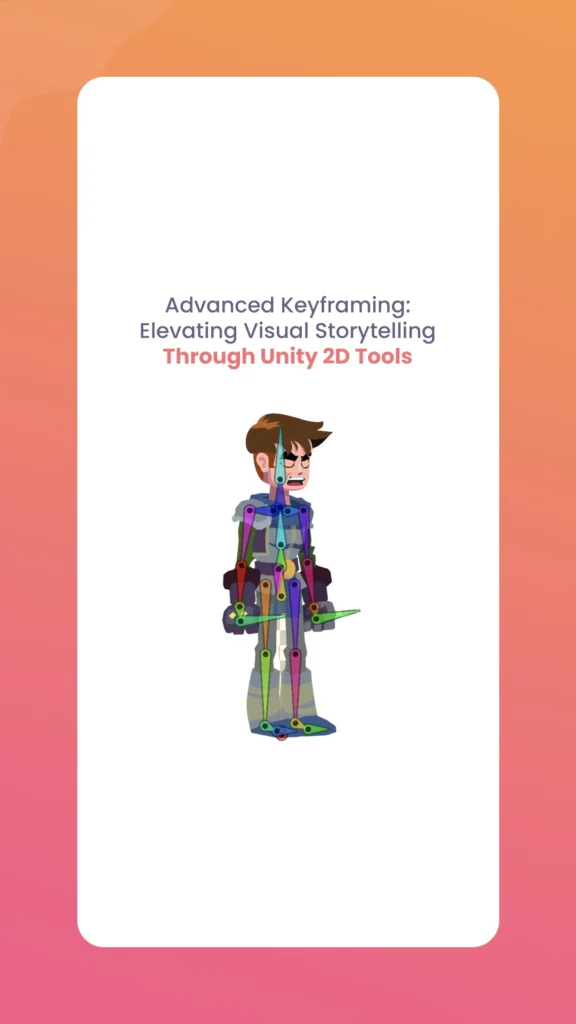
Import your sprite say, a energetic pink-haired character designed in Photoshop or Illustrator. Slice it into limbs, torso, and head for optimal deformation. Right-click the sprite in the Project window, select “Create > 2D > Sprite Skin,” then add bones via the Sprite Editor (Sprite Editor > Skinning Editor). Drag to create a hierarchy: root bone at the pelvis, branching to spine, arms, legs, and even facial features for hint expressions. Outline weights ensure smooth deformations paint higher influence on areas like joints to avoid unnatural stretching.
Attach a Sprite Renderer and Sprite Skin component to a new GameObject. Your rig is ready: bones deform the sprite mesh in real-time as you pose them in the Scene view.
Creating Your First Animation Clip
Open the Animation window (Window > Animation > Animation) and select your rigged GameObject. Hit “Create” to generate a new Animation Clip asset. Enable recording (red button) to capture keyframes automatically.
Start simple: Scrub the timeline slider to frame 0, pose the root bone forward for a walk cycle’s contact pose, and Unity records Transform properties like Position, Rotation, and Scale. Advance to frame 10, twist the torso for passing position boom, another keyframe. Right-click properties in the Inspector to add manual keyframes for precision.
Pro tip: Focus on extremes first (e.g., highest stretch, deepest squash), then fill in-betweens. Scrub back and forth; Unity interpolates curves, but you’ll refine them later. Bake this into a clip named “IdleLoop” or “WalkCycle” for reuse.
This setup alone raises basic sprite swaps to bone-driven fluidity, perfect for your animation tutorials or game prototypes.
Advanced Techniques: Mastering Curves, Layers, and Polish
Once your basics hum, advanced keyframing unleashes cinematic control. Unity’s curve editor, roving keyframes, and Timeline integration let you orchestrate complex motions that feel hand-crafted.
Harnessing the Curve Editor for Perfect Arcs
Dive into the Animation window’s Curves tab. Here, every property becomes a editable graph Position.Y might arc smoothly for a jump, while Rotation snaps sharply for a punch.
Introduce roving keyframes: Select a keyframe on an irregular timeline, enable “Roving” in the curve menu, and Unity redistributes speed evenly, ideal for walks where footfalls vary. Set tangents to “Constant” for sprite swaps via Sprite Resolver swap idle to attack poses without ghostly interpolation.
Tweak Bézier handles for custom easing: Drag left for ease-in (accelerating start), right for ease-out (decelerating end). Visualize arcs in the Scene view’s Ghost trail (enable via gizmos) to mimic traditional pencil tests scrub and watch trails overlap naturally, make certain lifelike secondary motions like hair sway.
Timeline for Sequenced Storytelling
For multi-part sequences, switch to Timeline (Window > Sequencing > Timeline). Create a new playable, bind your GameObject tracks, and layer properties: Keyframe scale on arms for emphasis, rotation on the head for a glance.
Stack tracks for depth add a Camera track for dynamic pans, Particle System for sparks during impacts, or Audio for synced footsteps. Group into Activable tracks for on/off triggers, like activating a glow effect mid-emotion.
Refine with activation falloffs and blending: Overlap clips for perfect transitions, or use Signal emitters to trigger Animator states. Export as Playables for runtime flexibility.
Comparison Table: Keyframing Tools at a Glance
To help you choose the right tool for your project, here’s a failure of Unity’s keyframing features:
Feature
Best For
Key Strengths
Limitations
Workflow Integration
Animation Window
Single-clip character poses
Auto-recording, bone posing, curve tweaks
Less ideal for long sequences
Sprite Skin, Animator Controller
Curve Editor
Motion polish (easing, arcs)
Bézier/roving keyframes, tangent control
Steep learning for complex graphs
Ties into all 2D packages
Timeline
Cinematic sequences, multi-layer
Object bindings, signals, activations
Heavier on performance for long cuts
Playables, Cinemachine, Particles
Sprite Resolver
Frame-by-frame swaps
No interpolation glitches, LOD support
Limited deformation
2D PSD Importer, Addressables
This table streamlines decision-making use Animation for loops, Timeline for cutscenes.
Storytelling Applications: From Subtle Flinches to Epic Blends
Keyframing isn’t technical drudgery; it’s narrative fuel. Layer these tools to mirror emotions, respond to players, and integrate your 3D expertise.
Emotional Hint Through Layered Motions
Imagine your pink-haired hero in a tense standoff: Keyframe a subtle shoulder flinch at frame 5 (ease-in rotation on collarbone bone), layer a particle puff for sweat at frame 7, and UI fade-in for a dialogue bubble. Scrub to pencil-test does the overlap sell vulnerability? Tweak curves for anticipation build-up.
For peaks, blend skeletal with rigidbody physics: Keyframe a leap, let physics handle tumble for realism. UI animations sync via Timeline bindings scale health bars with character stagger.
Unity 2D Tools
Runtime Blending with Animator State Machines
Export to Animator Controller for games. Layer clips in states (Idle → Run → Jump), use parameters like Speed or Health to blend (1D Blend Tree). Advanced: 2D Blend Trees mix poses by direction vector, creating omnidirectional fluidity.
Player-responsive? Hook events low health triggers a “Flinch” override layer, blending 20% over base animation. For The Morphic Studio’s workflows, export Blender rigs (FBX with bones) directly into Unity retain 3D poses, skin to 2D sprites, and keyframe hybrid VFX like glowing auras or motion-trail particles.
Hybrid 3D-to-2D Pipelines for VFX Pros
Grip your Blender mastery: Rig in Blender, bake animations, import to Unity’s 2D PSD Importer for sprite sheets. Keyframe deformations with 3D camera exports via Cinemachine Timeline. Add Shader Graph for toon shading or distortion effects keyframe material params for emotional shifts (e.g., desaturate during despair).
This pipeline shines in fan-made visual novels or anime-style games: Pose in 3D for complex foreshortening, flatten to 2D for performance, keyframe in Unity for interactivity.
Optimization Tips for Production Workflows
Scale for pro use: Use Addressables for clip loading, LOD Groups for distant simplifications. Benchmark with Unity Profiler aim under 16ms/frame for 60FPS. Compress clips via Animation Compression settings.
For teams, version clips in Plastic SCM, automate baking with Python Editor scripts (e.g., batch-generate walk variants).
Finally
Advanced keyframing in Unity 2D Tools isn’t just animation it’s the heartbeat of visual storytelling. From rigging your first bone to blending runtime layers that react to players, these features empower creators to craft hints that echo: a flinch betraying fear, a flourish amplifying triumph. At The Morphic Studio, integrating this with Blender exports unpicks hybrid worlds where 3D precision meets 2D charm.
Experiment today—rig that pink-haired character, layer a Timeline sequence, and watch your narrative breathe. The result? Games and animations that don’t just play; they connect. Dive in, iterate, and raise your craft.
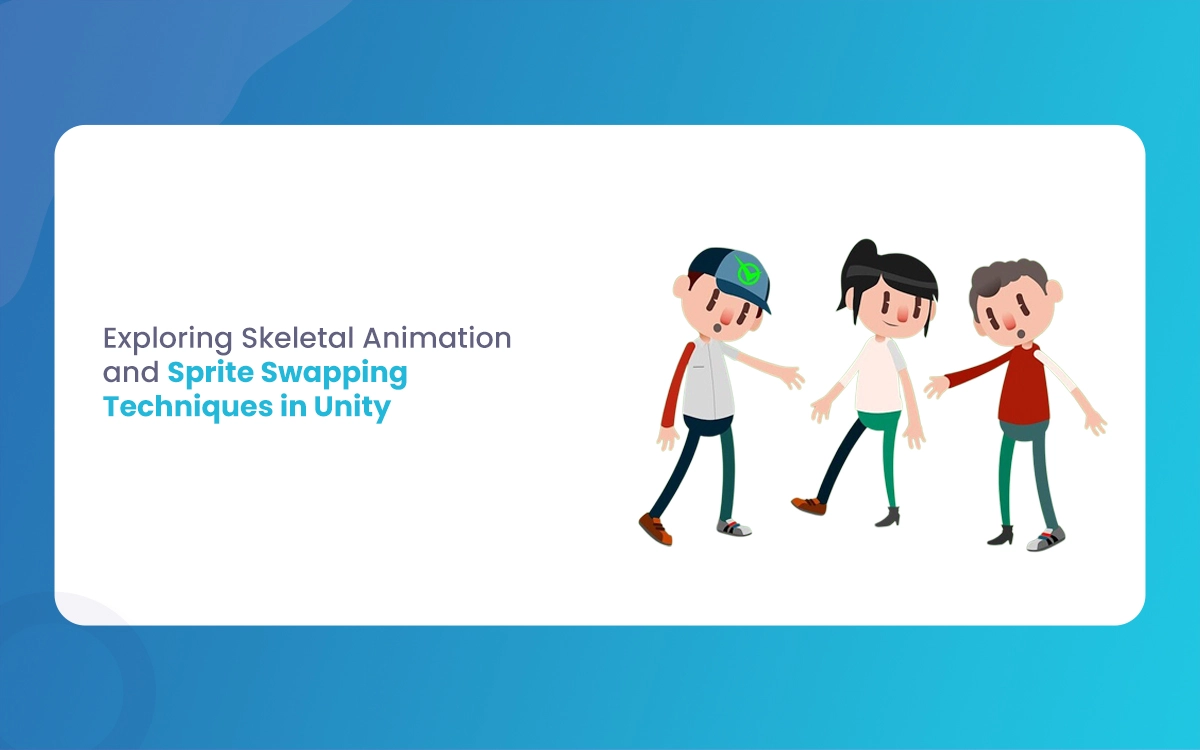
Exploring Skeletal Animation and Sprite Swapping Techniques in Unity
Imagine breathing life into a pixelated warrior who swaps armor mid-battle without skipping a frame, or a customizable avatar that fluidly dances between outfits while its limbs twist realistically. In Unity’s 2D ecosystem, skeletal animation and sprite swapping make this magic happen,efficiently, scalably, and without the headaches of frame-by-frame drudgery. As a 3D animator dipping […]
February 25, 2026
Porsche T shirt: How To Set A New Standad For Business Ads Just Like Porsche
Porsche doesn’t just sell cars; it sells dreams wrapped in sleek metal and fabric. Imagine a simple T shirt, not some generic cotton rag, but a cultural artifact that screams exclusivity, thrill, and unshakeable confidence. Porsche T shirt has turned everyday apparel into an aspirational icon through advertising that’s as sharp as a 911 Turbo’s […]
February 25, 2026
How To Design A Unique Christmas Wallpaper iphone Using Blender
Blender offers powerful free tools for crafting custom wallpapers that stand out on your iPhone’s high-resolution display. The Morphic Studio shares information on creating festive wallpapers for Holi, New Year, Easter, Diwali, and Christmas Wallpaper iPhone scene featuring a procedural Christmas tree, shimmering ornaments, and optimized rendering for a perfect device fit. Essential iPhone Resolutions […]