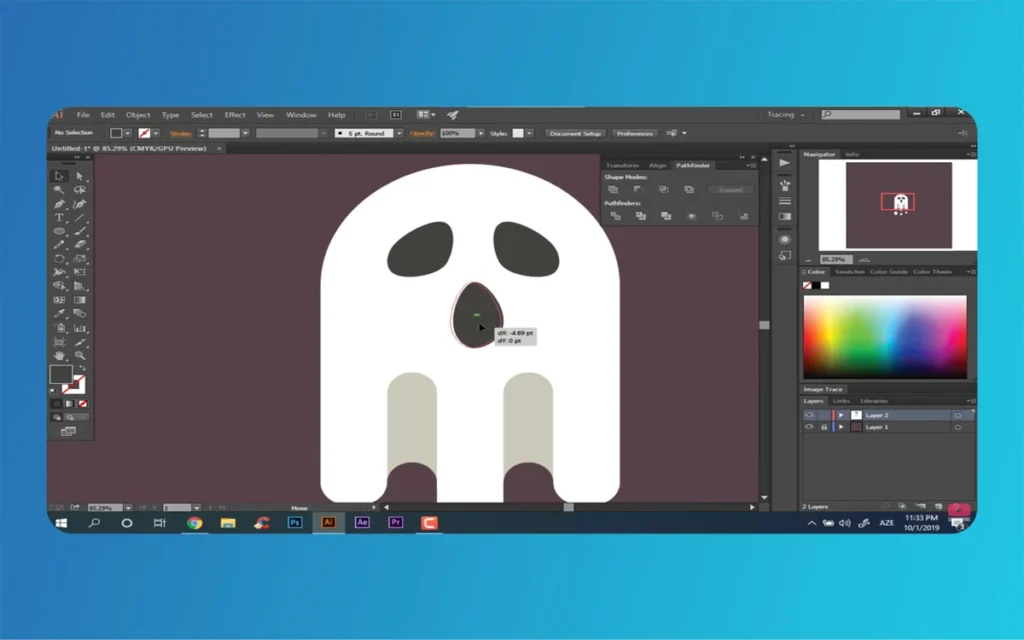
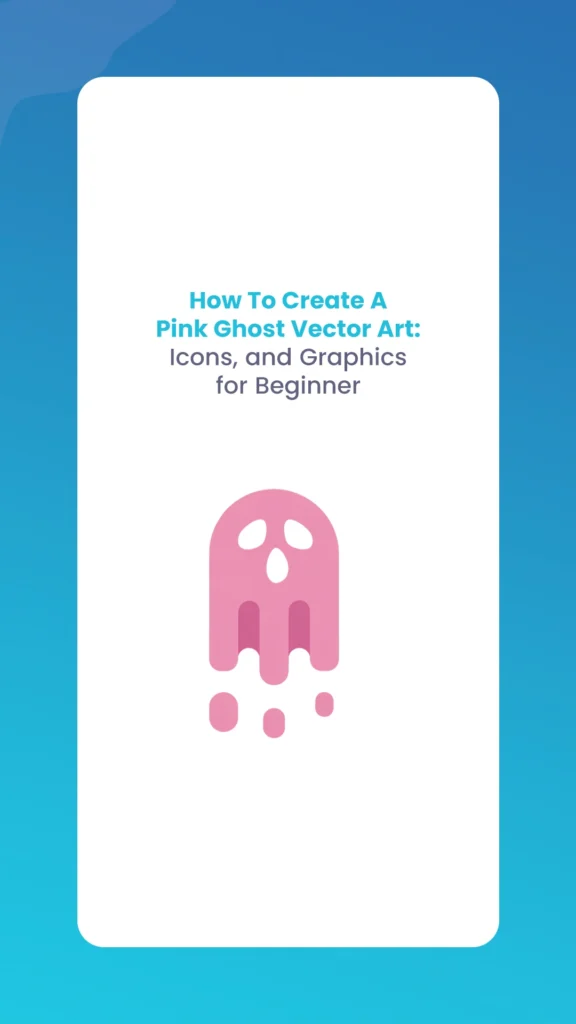
If you want to add a soft, trendy vibe to your portfolio, create a whimsical Pink Ghost for branding, sticker sets, or NFT art. This guide shows you every step, from sketching the base shape to exporting finished icons. You don’t need advanced skills or expensive tools; free apps like Inkscape or popular ones like Adobe Illustrator are all you need. Flex your creativity and make scalable, editable vector ghosts for any project, whether it’s rigging in Blender or logo design at The Morphic Studio.
We’ll start by creating simple shapes, then add gradients and effects to craft a charming Pink Ghost perfect for icons, graphics, or even animated loops in Unity. No prior experience? No problem. Grab your tablet or mouse, follow each step, and let’s haunt the canvas with pastel perfection.
Pink Ghost
Essential Tools for Vector Ghost-Making
Start with the right toolkit to keep things beginner-friendly and scalable. Vectors shine because they stay crisp at any size, ideal for web icons, prints, or high-res NFTs.
Inkscape (Free Forever): Open-source powerhouse for Windows, macOS, or Linux. Download from inkscape.org. It mirrors Illustrator’s features with Path Union, gradients, and clones for efficiency.
Adobe Illustrator: If you’re in the Creative Suite (Photoshop, Illustrator workflow), use it for advanced brushes and mesh tools. New to it? The free trial gets you started.
Extras: A drawing tablet (Wacom Intuos for precision) or mouse, color picker (like Coolors.co for pink palettes), and SVG export for web/NFT use.
Both apps handle bezier paths, boolean operations, and non-destructive edits. Pro tip: Enable grid snapping (View > Snap to Grid) for perfect rangement, crucial for icon sets.
Tool
Basic Features for Ghosts
Cost
Best For
Inkscape
Path Union, Gradient Mesh, Freehand Draw
Free
Budget creators, cross-platform
Adobe Illustrator
Art Brushes, Clipping Masks, Gaussian Blur
Subscription ($20+/mo)
Pro workflows, animation exports
Affinity Designer (Alternative)
Vector Persona, Pixel Preview
One-time ($70)
Mac users avoiding subs
Figma (Browser)
Auto-layout for icons, Collaboration
Free tier
Team branding projects
This table compares options based on ghost-specific needs. Inkscape wins for beginners, zero barrier to entry.
Pink Ghost
Building the Core Ghost Body: Shapes Meet Curves
The ghost’s body is your canvas: a plump, wavy form that’s equal parts cute and ethereal. We’ll craft it from primitives, then sculpt for organic flow.
Step 1: Sketch the Head and Torso Base
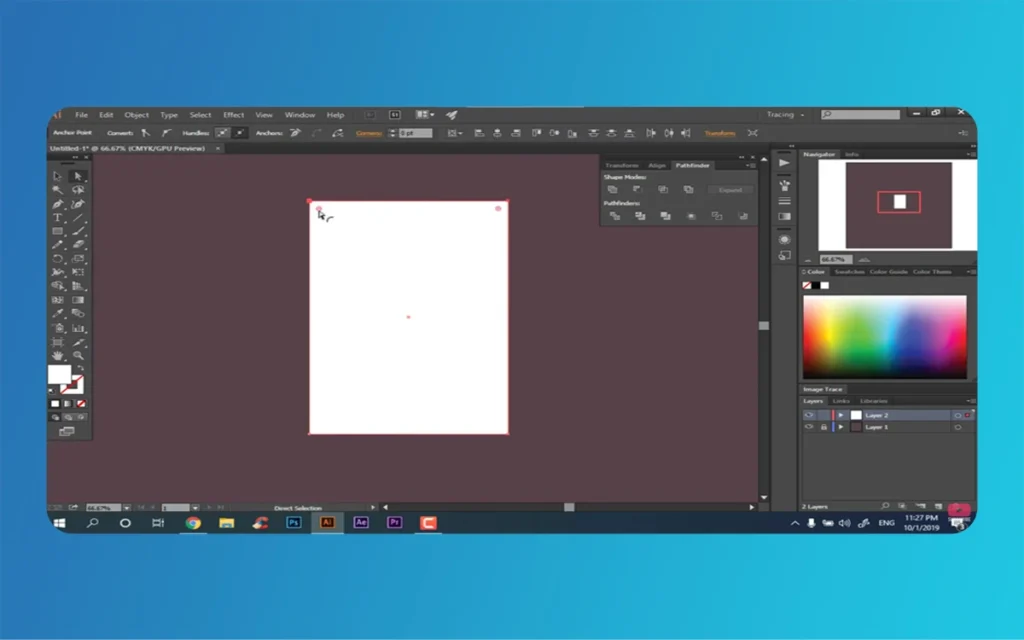
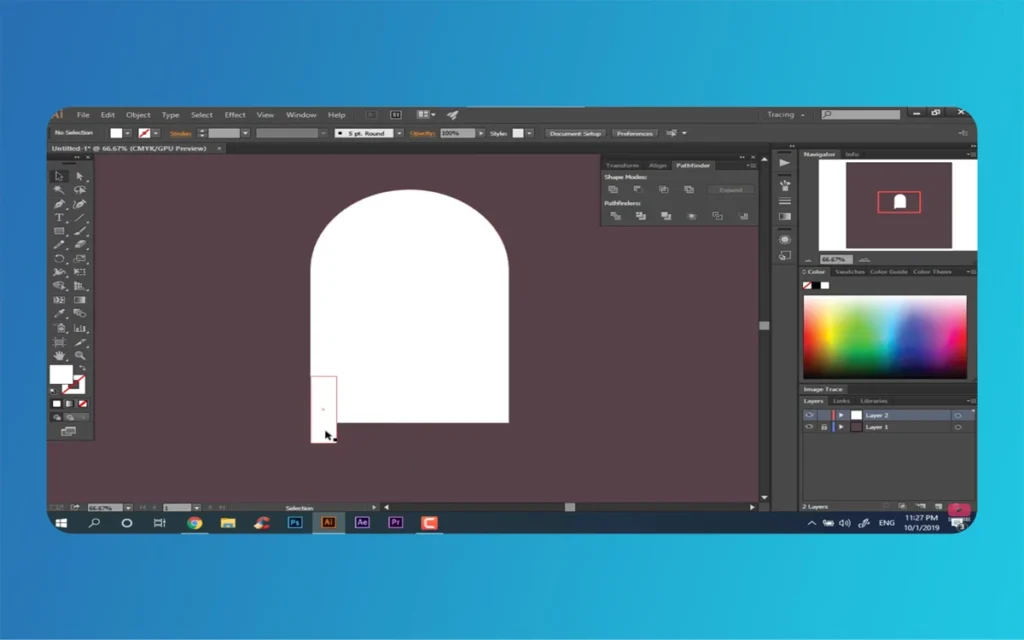
Fire up Inkscape or Illustrator. Select the Ellipse Tool (L basic) and drag a tall oval for the head-body combo, say, 200x300px. Hold Shift for perfect circles if you want a chubby vibe.
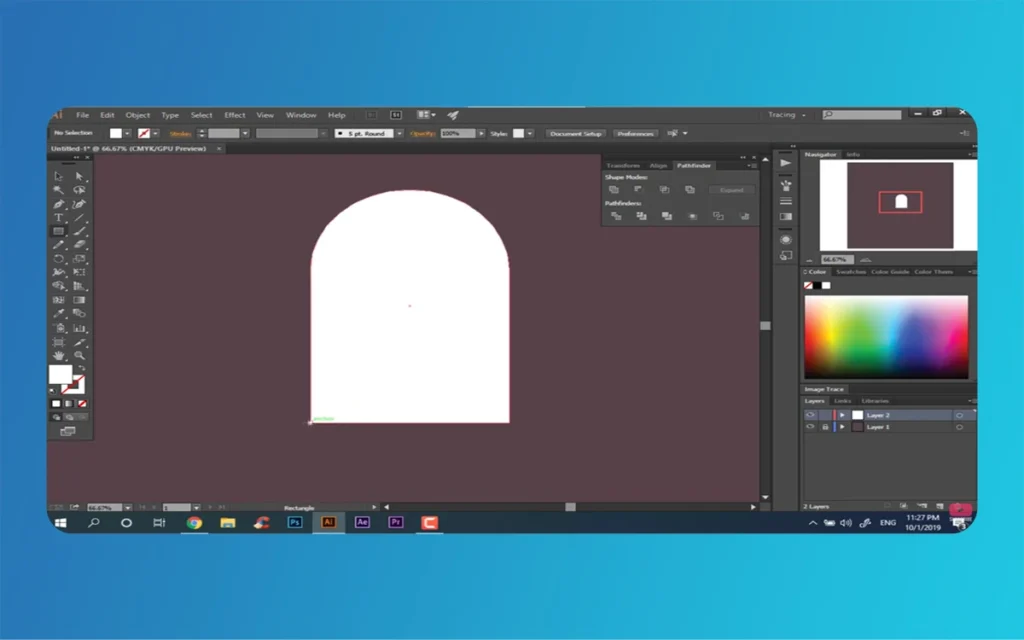
Switch to the Rectangle Tool (M) for a softer rectangle alternative. Draw wide and squat, then round corners: Select the shape, grab the Direct Selection Tool (A), and drag corner handles outward. Aim for a pill-like silhouette, friendly, not frightening.
Pink Ghost
Step 2: Craft the Wavy Bottom Edge
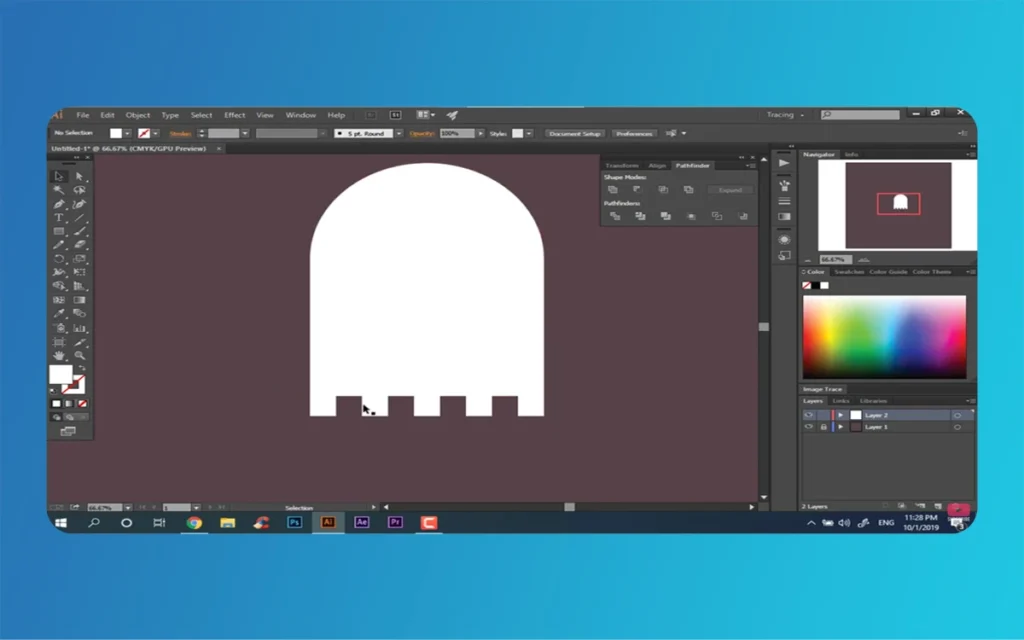
Ghosts aren’t stiff; they undulate. Draw a straight horizontal line with the Pen Tool (P). Apply a Zigzag effect: In Illustrator, Effect > Distort & Transform > Zig Zag (Size 10px, Ridges 5). Inkscape? Use Extensions > Generate from Path > Pattern Along Path with a wavy clone.
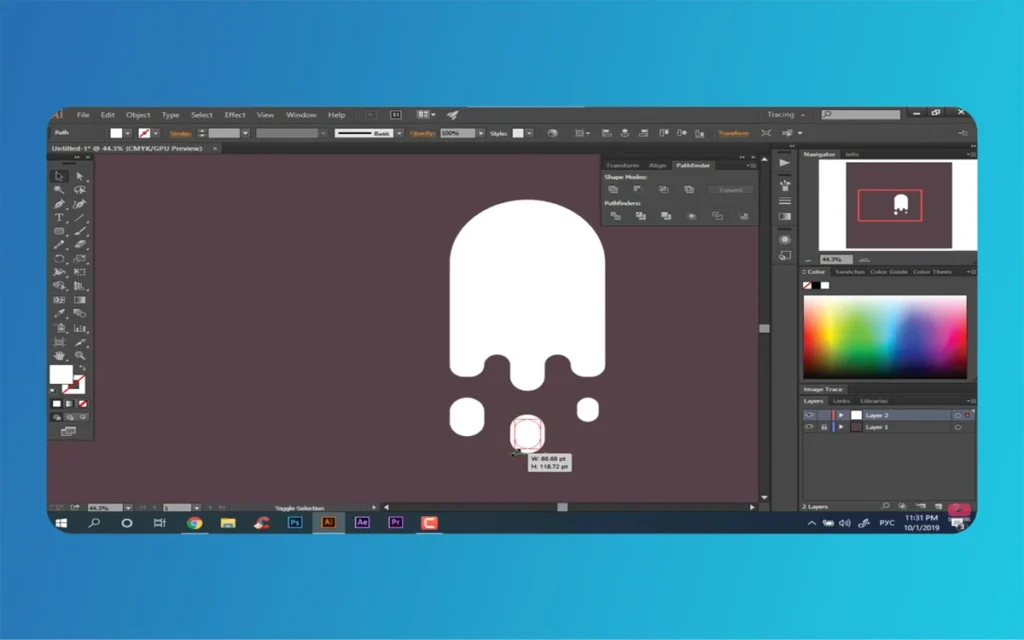
Flip it vertically (Object > Transform > Reflect > Vertical), position at the base, and convert to a path (Object > Path > Object to Path). Add anchor points (Path > Add Nodes) every 20px, then smooth with the Node Tool, drag handles for gentle waves. This creates a buoyant, floating tail.
Pink Ghost
Step 3: Merge into One Perfect Shape
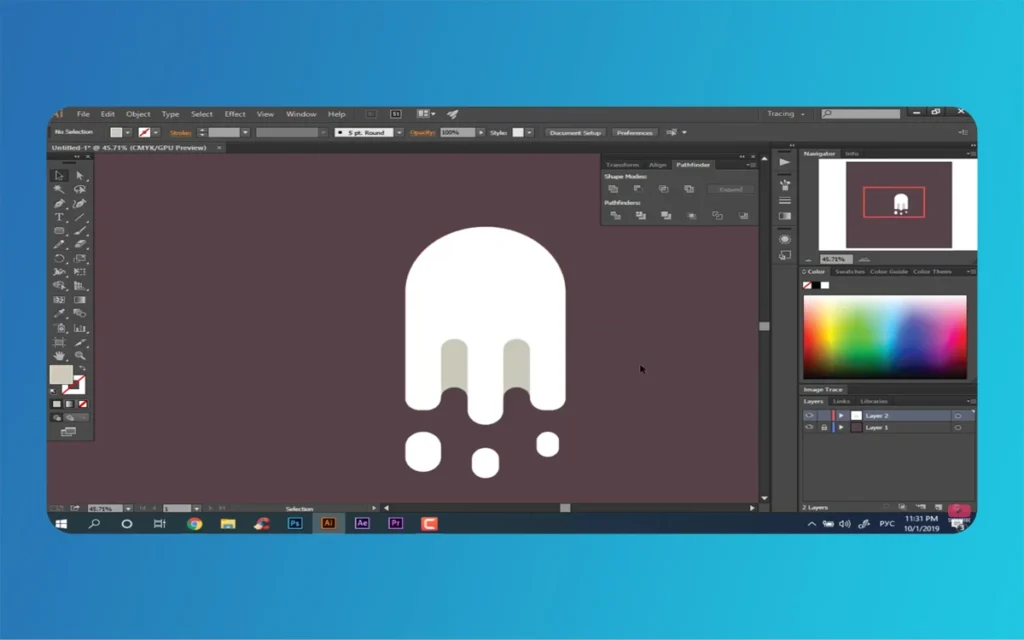
Select both the body and wavy base. Pathfinder > Unite (Illustrator) or Path > Union (Inkscape). Boom, one editable compound path. Tweak nodes for asymmetry; ghosts aren’t symmetric cookies.
Quick Example: Think of it like molding clay. The ellipse is your lump, the zigzag your squishy bottom, unite them, and you’ve got a proto-ghost ready for color.
Infusing Life with Pink Gradients and Shadows
Pink screams “kawaii”, soft, approachable, and Instagram-ready. Skip flat fills; gradients add dimension without complexity.
Layering a Radial Glow
Select your ghost shape. Apply a Radial Gradient: Light bubblegum pink (#FFB6C1) at the center, fading to hot pink (#FF69B4) outward. Angle it 45 degrees for a floating light source.
In Inkscape: Fill & Stroke panel > Gradient > Radial. Illustrator: Gradient Tool (G), drag from core to edge. Opacity 100% on top, 70% on edges for ethereal fade.
Pink Ghost
Adding Depth with Shadows and Folds
Duplicate the shape (Ctrl+C, Ctrl+F). Tint the copy purplish-pink (#C71585), set blend mode to Multiply (Transparency panel). Squish it slightly narrower, position on one side, and blur (Filter > Blur > Gaussian, 3-5px). This mimics soft lighting, perfect for 3D illusion in 2D.
For folds: Draw thin, curved paths across the belly with Pen Tool. Fill darker pink (#DB7093), blur lightly (2px), and set to Overlay. Group ’em (Ctrl+G).
Advanced Twist: Gradient Mesh for Pros
Select folds > Object > Create Gradient Mesh (4×4 grid). Color interior nodes progressively darker, top light (#FFE4E1), bottom deep (#FF1493). Tug points for realistic draping. This shines in NFTs, where close-ups demand detail.
Your ghost now pops with volume, like a character from a fan-made visual novel.
Pink Ghost
Crafting Expressive Faces and Whimsical Details
A blank ghost is boring; eyes, mouth, and blush bring personality. Keep scales small, eyes 20% of head height.
Eyes: Sparkle with Overlaps
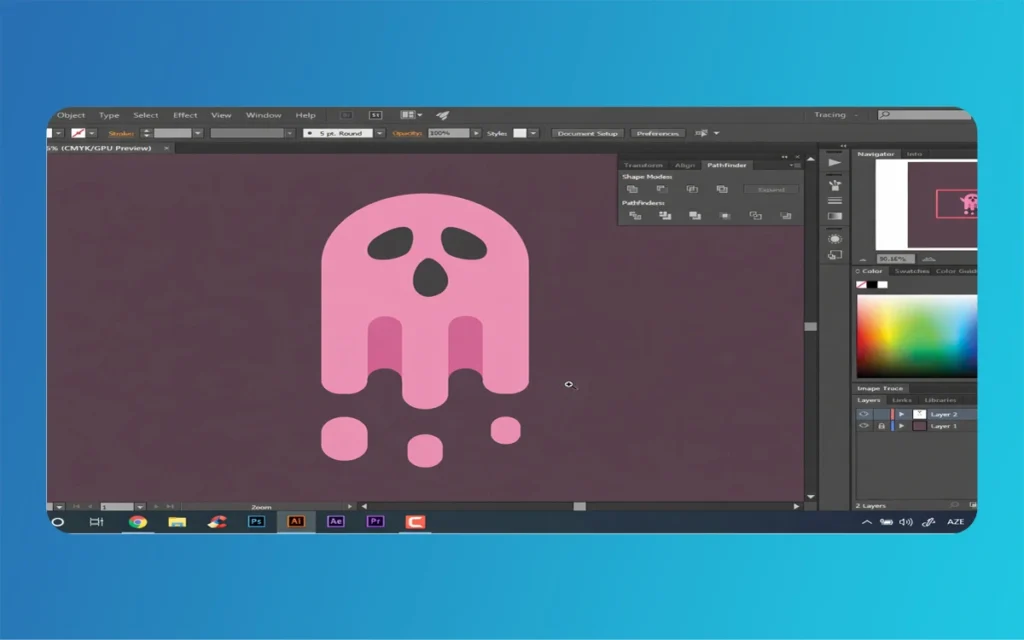
Draw two ellipses: Outer dark gray (#333333, 30x40px), inner white shine (10x15px, offset top-left). Pathfinder > Minus Front for pupils. Duplicate, Reflect Vertical (Transform > Reflect), nudge into place. Add tiny white says for “alive” gleam.
Mouth and Blush: Curves That Smile
Pen Tool for a simple C-shaped smile, fill rosy red-pink (#FF1493), stroke none. For blush: Two ellipses (#FFC0CB), opacity 60%, Gaussian Blur 4px, position on cheeks.
NFT/Branding Twist: Add metadata layers, ghost with your Morphic Studio logo as a hat. Mint on OpenSea via SVG.
Troubleshooting: Jagged edges? Zoom to 200% and refine nodes. Colors off? Calibrate monitor (DisplayCAL free tool).
Speed Hacks: Save as symbols/templates. Basic board shortcuts: P (Pen), A (Anchor), G (Gradient).
For gamers/creators: These vectors benchmark great in Unity UI, pink ghosts as HUD elements or loading screens.
Pink Ghost
Finally
You’ve just built a Pink Ghost masterpiece, cute, customizable, and ready for your creative empire. This asset is suitable not only for Halloween graphics but also as NFT collectibles, brand mascots for The Morphic Studio, social media stickers, website icons, or 3D elements for animation imports. The process, from Inkscape sketches to Illustrator icons, demystifies vectors, empowering you to create assets for a variety of purposes. Your ghost fleet scales with your ambitions, fitting seamlessly into many digital projects.
Experiment: Tweak to lime green for St. Patrick’s, or animate in After Effects for VFX reels. The vector world’s your playground: export, share, and watch it haunt the internet in a positive way. Ready to create? Dive in, and tag your results!
Augmented Reality News: 7 Exclusive Breakthroughs for an Incredible Year | The Morphic Studio
Navigating the Latest Augmented Reality News Environment Welcome to another exciting deep dive into the statistical universe brought to you by The Morphic Studio. If you have been keeping up with tech headlines lately, you already know that statistical overlays and spatial computing are changing how we interact with our physical surroundings. The year 2026 […]
September 1, 2026
VR Horror Games: 13 Incredible Titles for a Brutal Scare – The Morphic Studio
Welcome to the ultimate guide for anyone looking to test their nerves inside a headset. When you strap a display to your face, flat screen rules no longer apply. VR Horror Games You are no longer watching a character run from danger on a distant monitor, because you are right there in the middle of […]
August 31, 2026
Meta Quest 4 Release Date: The Master Guide to 2026’s Most Incredible VR | The Morphic Studio
Virtual reality has traveled a long road over the last few years. We have moved from bulky, tethered headsets that needed expensive gaming computers to sleek, standalone machines that fit right inside a small travel backpack. If you follow immersive technology here at The Morphic Studio, you already know that Meta has been leading the […]