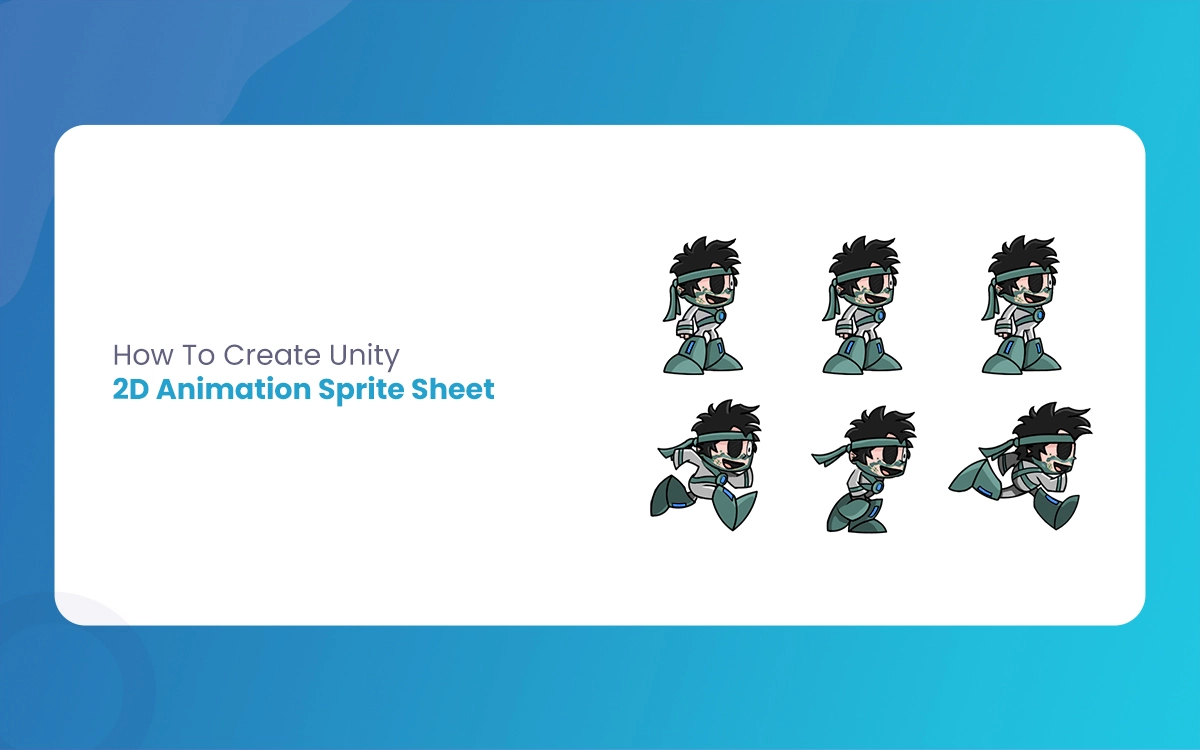
Game developers and indie creators consistently seek efficient ways to bring their 2D game characters and environments to life. Unity’s sprite sheet animation system offers a powerful, streamlined approach to creating energetic visual experiences. The Morphic Studio shares the entire process of crafting a compelling Unity 2D Animation Sprite Sheet, from initial sprite creation to final implementation in your Unity project.
Follow Sprite Sheets: The Basics
Before diving into the technical steps, let’s take a look at what a sprite sheet is and why it’s crucial for 2D game development. A sprite sheet is a single image containing multiple individual sprites arranged in a grid-like format. By consolidating multiple animation frames into one file, developers can optimize performance, reduce memory usage, and simplify animation workflows.
Preparing Your Sprite Sheet: Step-by-Step Process
1. Designing Sprite Frames
The foundation of any great sprite sheet lies in Careful sprite design. Follow these basic considerations:
Use professional graphics software like Adobe Photoshop, GIMP, or Aseprite
Maintain consistent sprite dimensions (e.g., 32×32 or 64×64 pixels)
Ensure transparent backgrounds for pixel-perfect animations
Create smooth transition frames for natural movement
2. Sprite Sheet Composition
When arranging sprites in your sheet, consider these organizational strategies:
Grid-based layout for uniform sprite sizes
Consistent spacing between sprites
Sequential frame ordering
Clear visual progression of animation states
Importing and Configuring Sprite Sheets in Unity
Sprite Import Settings
Setting
Suggested Configuration
Purpose
Texture Type
Sprite
Enables sprite-specific processing
Sprite Mode
Multiple
Allows multiple sprites per texture
Pixels Per Unit
32-64
Matches your sprite’s pixel density
Filter Mode
Point
Preserves pixel art attractive
Compression
None
Maintains image quality
Detailed Import Steps
Negotiate to Unity’s Assets menu
Select “Import New Asset”
Choose your prepared sprite sheet file
Open the Sprite Editor
Use the slice tool to divide sprites systematically
Creating Animations from Sprite Sheets
Animation Workflow
Unity simplifies the animation process through its integrated tools:
Drag individual sprites into the Scene view
Automatic animation clip generation
Perfect Animator Controller creation
Flexible animation speed and loop settings
Advanced Animation Techniques
Utilize multiple animation states (idle, walk, jump)
Implement animation blending
Create complex character movements through strategic sprite frame design
Performance Optimization Tips
Keep sprite sheet sizes manageable
Use power-of-two dimensions (128×128, 256×256)
Minimize unnecessary sprite frames
Compress textures appropriately
Implement texture atlasing for complex projects
Unity 2D Animation Sprite Sheet By The Morphic Studio
Mastering Unity 2D Animation Sprite Sheet empowers developers to create visually stunning, performant game experiences. By following the technical hints and best practices, you can transform static images into energetic, engaging character movements.
Think of, great animations are a blend of technical precision and creative expression. Experiment, iterate, and most importantly, have fun bringing your game world to life!
Augmented Reality News: 7 Exclusive Breakthroughs for an Incredible Year | The Morphic Studio
Navigating the Latest Augmented Reality News Environment Welcome to another exciting deep dive into the statistical universe brought to you by The Morphic Studio. If you have been keeping up with tech headlines lately, you already know that statistical overlays and spatial computing are changing how we interact with our physical surroundings. The year 2026 […]
September 1, 2026
VR Horror Games: 13 Incredible Titles for a Brutal Scare – The Morphic Studio
Welcome to the ultimate guide for anyone looking to test their nerves inside a headset. When you strap a display to your face, flat screen rules no longer apply. VR Horror Games You are no longer watching a character run from danger on a distant monitor, because you are right there in the middle of […]
August 31, 2026
Meta Quest 4 Release Date: The Master Guide to 2026’s Most Incredible VR | The Morphic Studio
Virtual reality has traveled a long road over the last few years. We have moved from bulky, tethered headsets that needed expensive gaming computers to sleek, standalone machines that fit right inside a small travel backpack. If you follow immersive technology here at The Morphic Studio, you already know that Meta has been leading the […]